Adding & editing hosts
The SSH editor lets you choose where a new host lives:
- Muxus app data only keeps a self-contained SSH profile in the local database and
does not change
~/.ssh/config. - OpenSSH config writes a standard
Hostblock that also works withssh,scpandrsyncoutside Muxus.
New hosts start in OpenSSH config. To start them in Muxus app data instead, change Settings → Behavior → Save new SSH hosts in.
Presentation attributes such as folder, colour, highlighting, logging policy and the login sequence always live in the Muxus database.
Open the editor with + at the top of the sidebar, from a host's Edit host menu entry, or by pressing Enter on a search that matched nothing.
What a save rewrites
This applies only to hosts stored in OpenSSH config. Saving rewrites only that block.
Comments, ordering, Match blocks and every other
host in the file are left untouched. The write is atomic, and the previous contents are
kept next to it as <file>.muxus.bak.
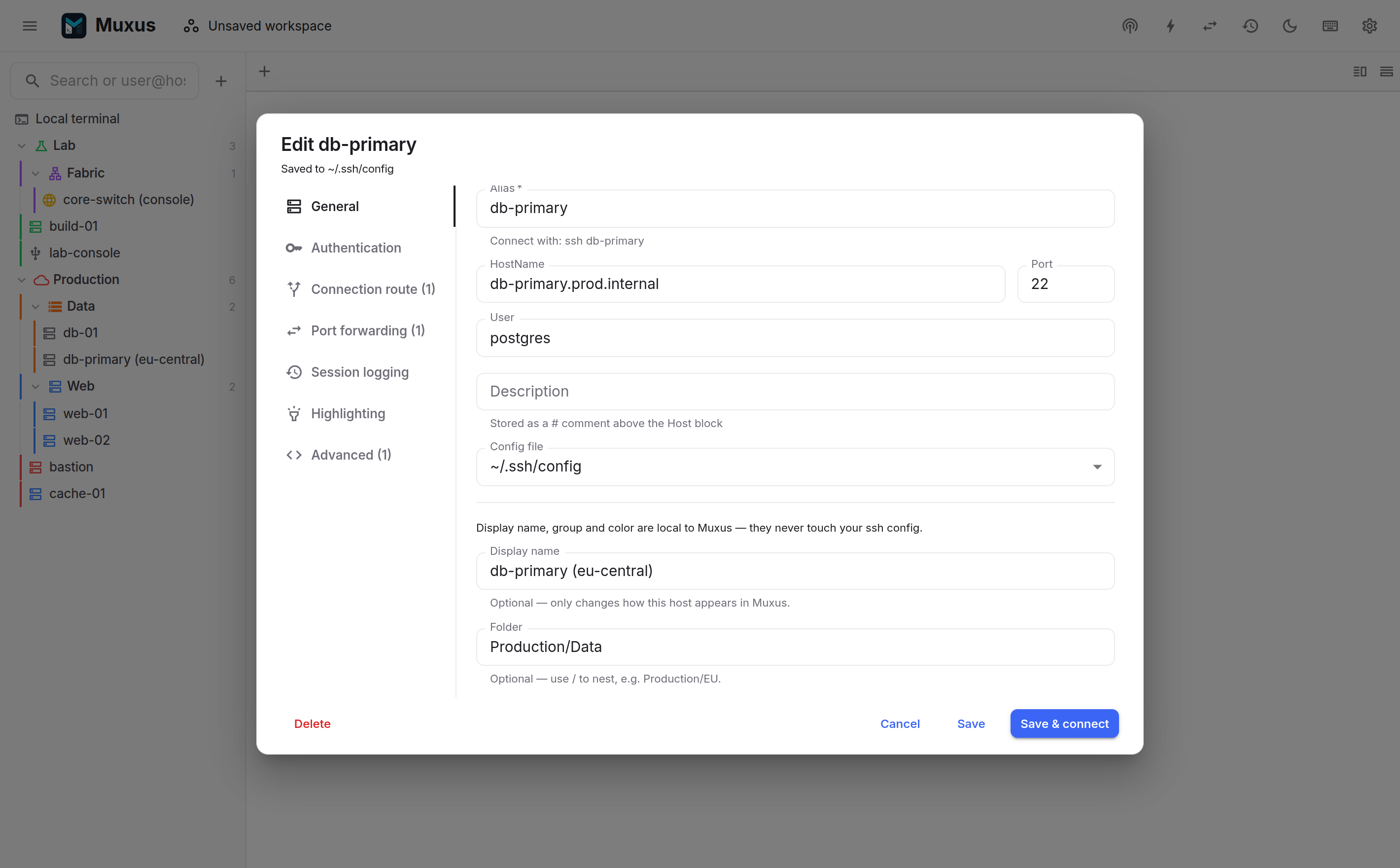
General
| Field | Writes |
|---|---|
| Save host in | Selects Muxus app data or an OpenSSH configuration file for a new SSH host. |
| Alias | The Host line. Several aliases separated by spaces are accepted; the first one names the session. |
| HostName | HostName. Empty means the alias is used as the hostname, as in OpenSSH. |
| Port | Port, omitted when it is 22. |
| User | User, omitted to use the local username. |
| Description | A # comment above the block, shown in the sidebar's hover card. |
| Config file | Which file the block lands in: the main config, an existing Included file, or a new group file that Muxus creates and includes. |
| Display name, folder, colour | Muxus's own database, not the configuration file. |
Authentication
Three modes, matching OpenSSH behaviour:
- Agent & default keys uses the OpenSSH order: agent first, then
~/.ssh/id_*. Writes nothing, since this is the default. - Specific key file writes
IdentityFileandIdentitiesOnly yes, so login uses only the selected files and never waits on the agent. A host that already hasIdentityFilewithoutIdentitiesOnly yeskeeps its own setting when you save other changes; adding or removing a key or certificate writesIdentitiesOnly yes. The picker lists the keys found in~/.sshwith their type and comment, badges the ones loaded in the agent, and marks the ones that are passphrase-protected. - Password / interactive writes
PubkeyAuthentication no, so public keys are skipped and a prompt is issued on connect.
User certificates can be added separately as CertificateFile, for CA-signed keys.
Connection route
The route determines how the connection is dialled.
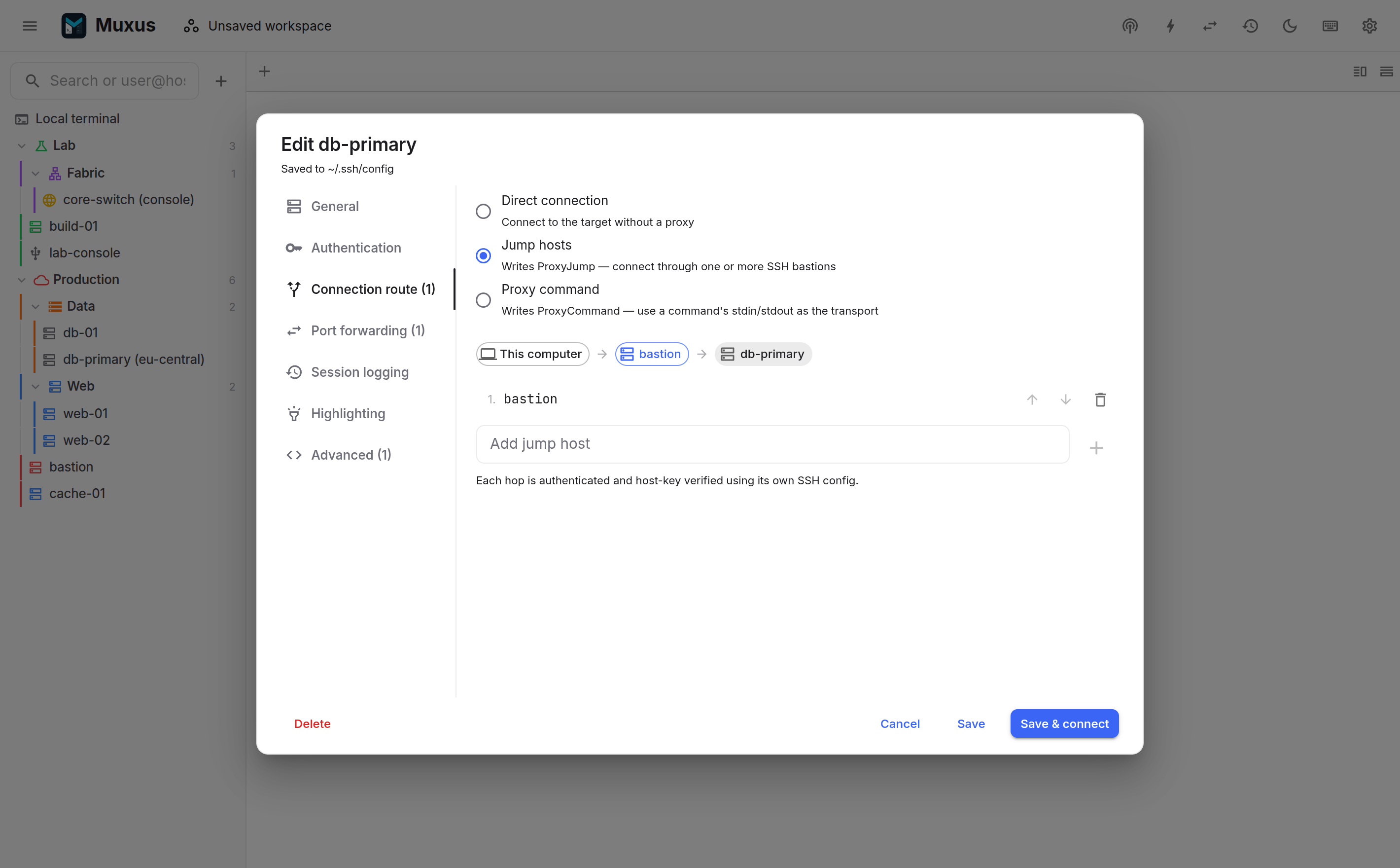
- Direct writes nothing.
- Jump hosts writes the chain, in order, as
ProxyJump a,b,c. Each hop is either an alias from the configuration or a bareuser@host:port. Muxus dials the hops in sequence and rejects a chain that loops back on itself. - ProxyCommand takes a command that provides the transport on stdin/stdout, such as
cloudflared access ssh --hostname %h. The%h,%pand%rtokens are expanded at dial time.
More on how connections are made
Port forwarding
The Forwarding section holds the host's X11 forwarding choice and its port
forwards. Forwards declared here are written into the block as LocalForward,
RemoteForward or DynamicForward, and start with every session to this host.
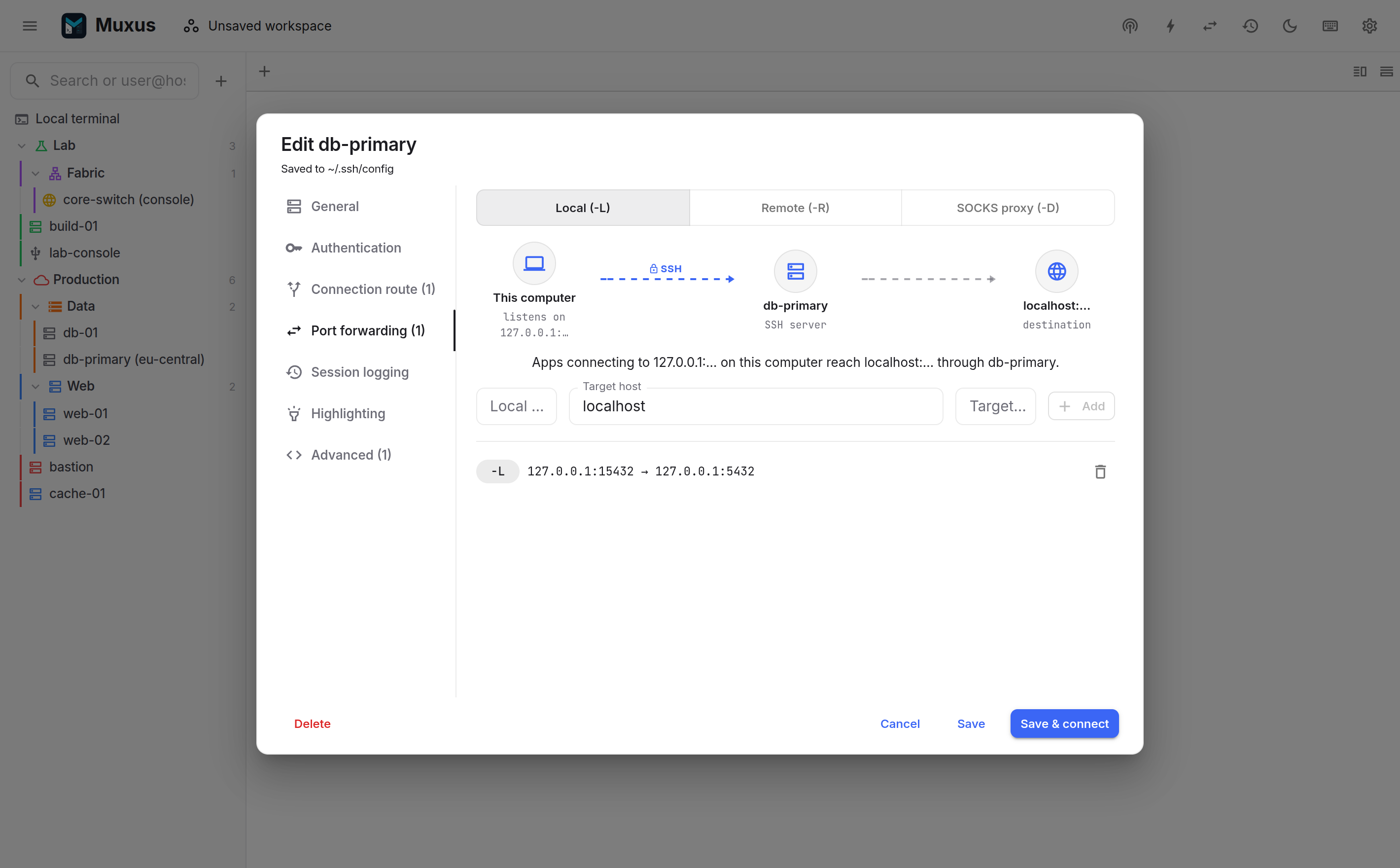
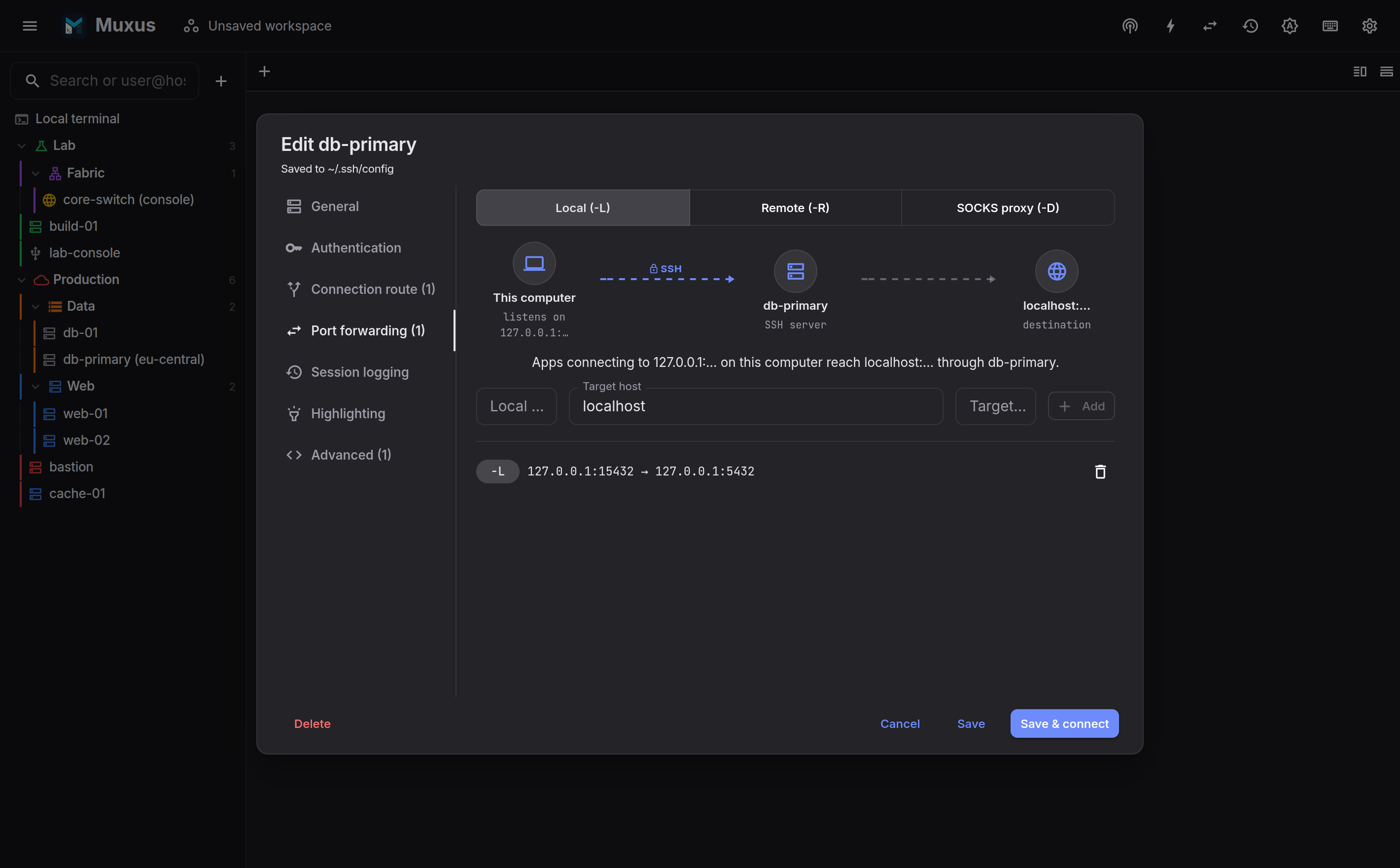
To start a forward on demand instead, without opening a terminal, save it as a tunnel.
Login sequence
Many devices need a few interactive steps before a session is usable: pressing RETURN on a
banner, enable and a second password, terminal length 0, or picking a port from a console
server's menu. A login sequence types them for you. It runs once each time the session
connects, and again after every reconnect, for SSH, Telnet and serial hosts alike. The
Login sequence section of the SSH, Telnet and serial editors holds it.
| Step | What it does |
|---|---|
| Wait for | Waits until the text appears in the output. With .* turned on, the text is a JavaScript regular expression. The sequence stops when nothing matches before the timeout, 10 seconds unless changed. |
| Send text | Types the text, then presses Enter unless the ⏎ toggle is off. Empty text with Enter only presses Enter. |
| Send secret | Types a named secret from the encrypted password vault, then presses Enter unless the ⏎ toggle is off. The sequence keeps only which secret it types, never the value. |
Both send steps press Enter as the host's Enter key sends it, a carriage return unless the host says otherwise.
The arrows on each row reorder the steps. Matching ignores colours and other escape sequences, treats every line ending as one newline, and finds text that arrives in several pieces. A wait only looks at output after the previous match, so two waits for the same prompt wait for it twice. Regular expressions are checked when the host is saved, and they run against the newest 8,192 characters of output; a pattern that takes too long stops the sequence instead of slowing Muxus down.
The list at the top decides where the host's sequence comes from:
- Use the folder's login sequence, the default, runs the sequence of the nearest folder that sets one. The section lists those steps and names the folder.
- No login sequence switches an inherited sequence off for this host.
- Run these steps gives the host its own sequence.
While a sequence runs, the tab shows a login icon and the terminal a progress line with
Cancel. The tab's menu and the Cancel login sequence command stop it too. When a step
times out, the terminal names it, for example
[login sequence stopped: Step 2 timed out after 10 s waiting for “Password:”], and the
session stays open for you to carry on by hand.
A secret is typed by the backend straight into the connection. It never reaches the window, session history or log files; only what the remote side echoes back is recorded, and a password prompt echoes nothing. Send text steps count as typed input, so they are recorded when the host's logging captures keystrokes. When the vault asks for its master password before each use, the sequence asks when it reaches a secret step, and Stop login sequence ends it there.
A host with a startup command (RemoteCommand) runs the sequence against that command's
output. When a session reconnects into tmux or screen, the reattach waits until the
sequence has finished.
Session logging & highlighting
Two per-host overrides of the global settings:
- Session logging inherits the global policy, or forces retention on or off for this host, including whether keystrokes are recorded and whether every session writes a log file.
- Highlighting assigns a reusable profile, such as the built-in Nokia SR OS or SR Linux profile, and adds keyword or regex rules for this host's terminals, either in addition to or instead of the global rules.
Advanced
Muxus does not request SFTP unless its initial probe identifies a supported Unix shell. If a console server disconnects when it sees even that probe, Muxus reconnects once in plain-console mode and remembers the compatibility choice until the app restarts. No manual setting is required for the session to connect.
For known-sensitive SSH console servers and network appliances, Enable console compatibility
mode skips the initial probe as well, and stops sending SendEnv/SetEnv values that these
devices have no environment for. This persistent override avoids the first reconnect entirely.
Terminal allocation follows the host's TTY setting either way: Muxus asks for a terminal and
continues without one when the device rejects pty-req. The file-browser controls are unavailable
for plain-console sessions.
For an otherwise normal SSH server that only lacks SFTP or cannot use Muxus shell integration, Disable SFTP and shell integration only keeps environment requests and normal terminal allocation intact. This remains separate from console compatibility so existing disabled-SFTP hosts keep their previous session behavior.
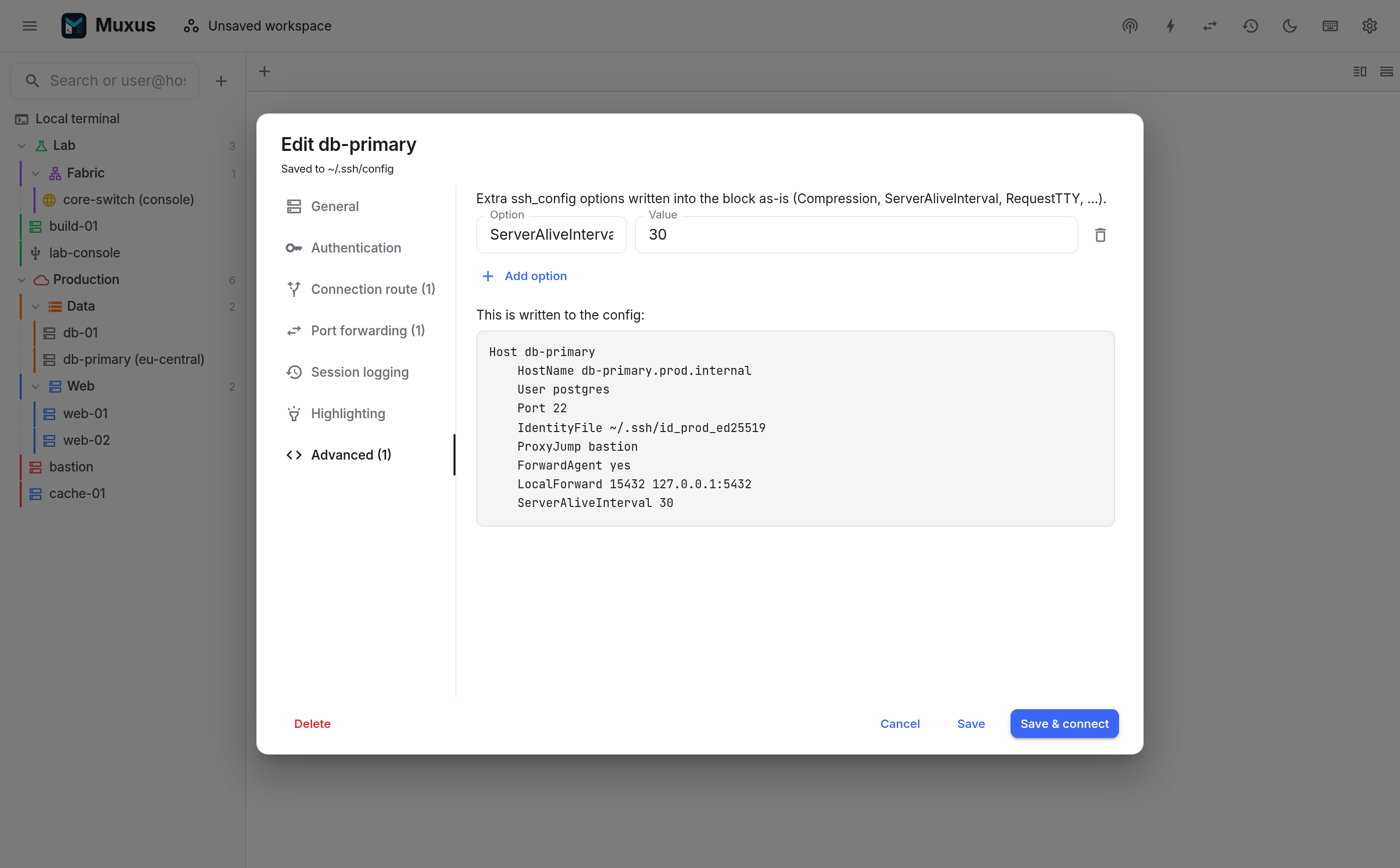
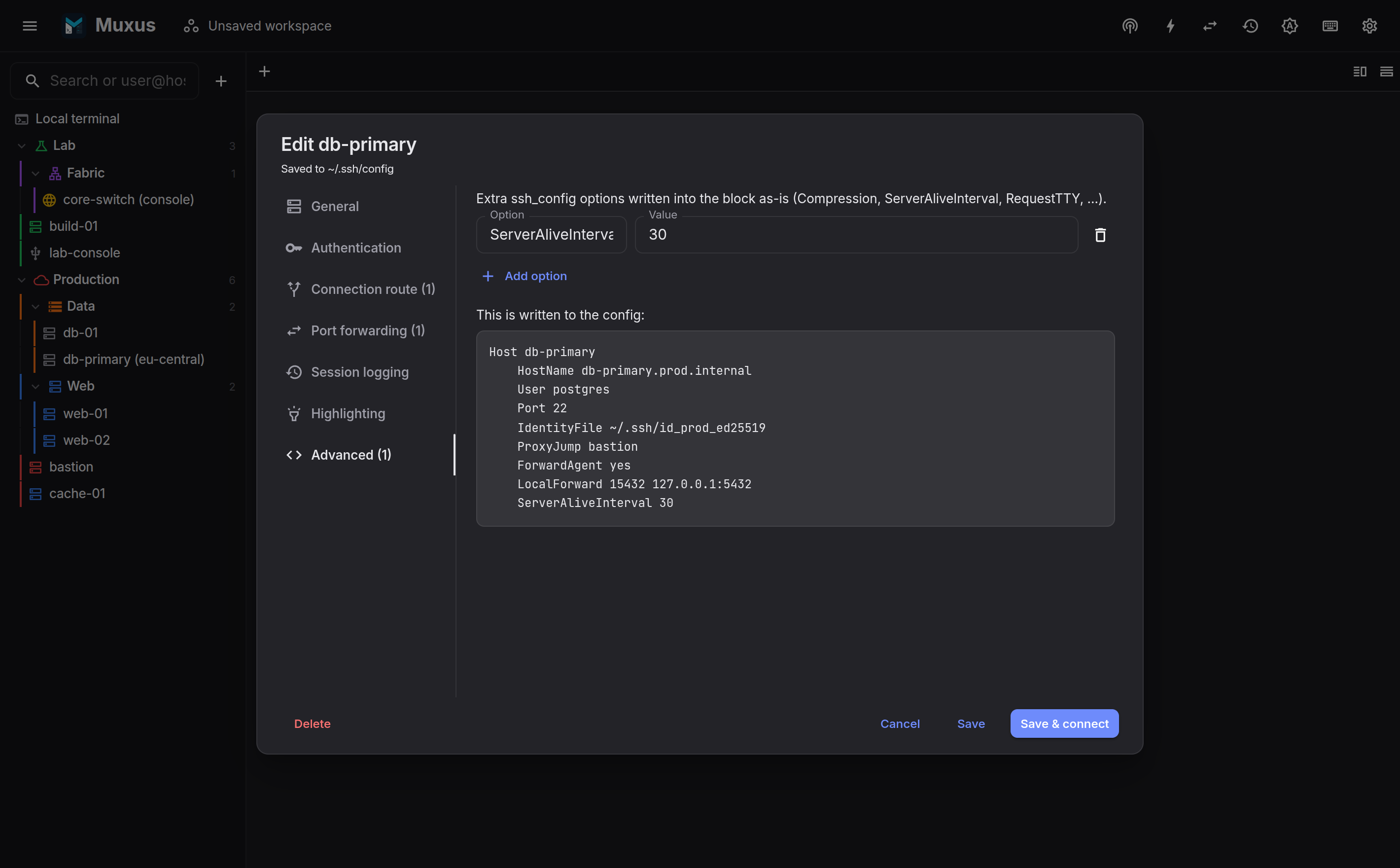
Any other keyword OpenSSH understands is entered here as free-form option/value pairs. The panel shows the exact block that will be written.
Saving
The footer offers Save and Save & connect. The second persists the selected storage type and opens a session immediately.
Duplicating a host keeps its storage type. Deleting an OpenSSH host removes only its block; deleting a Muxus-only host removes only its database profile.