
Home
What it is
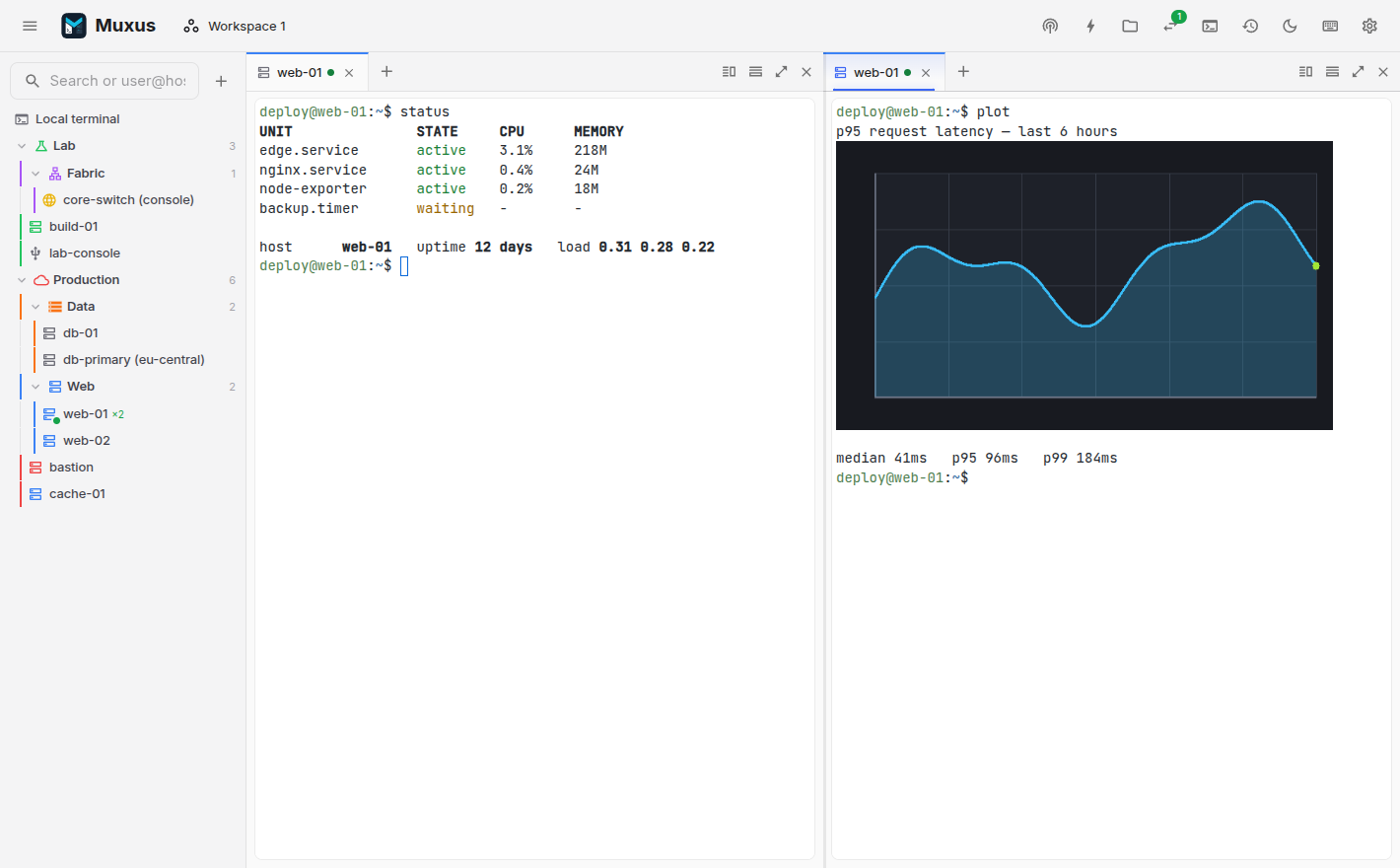
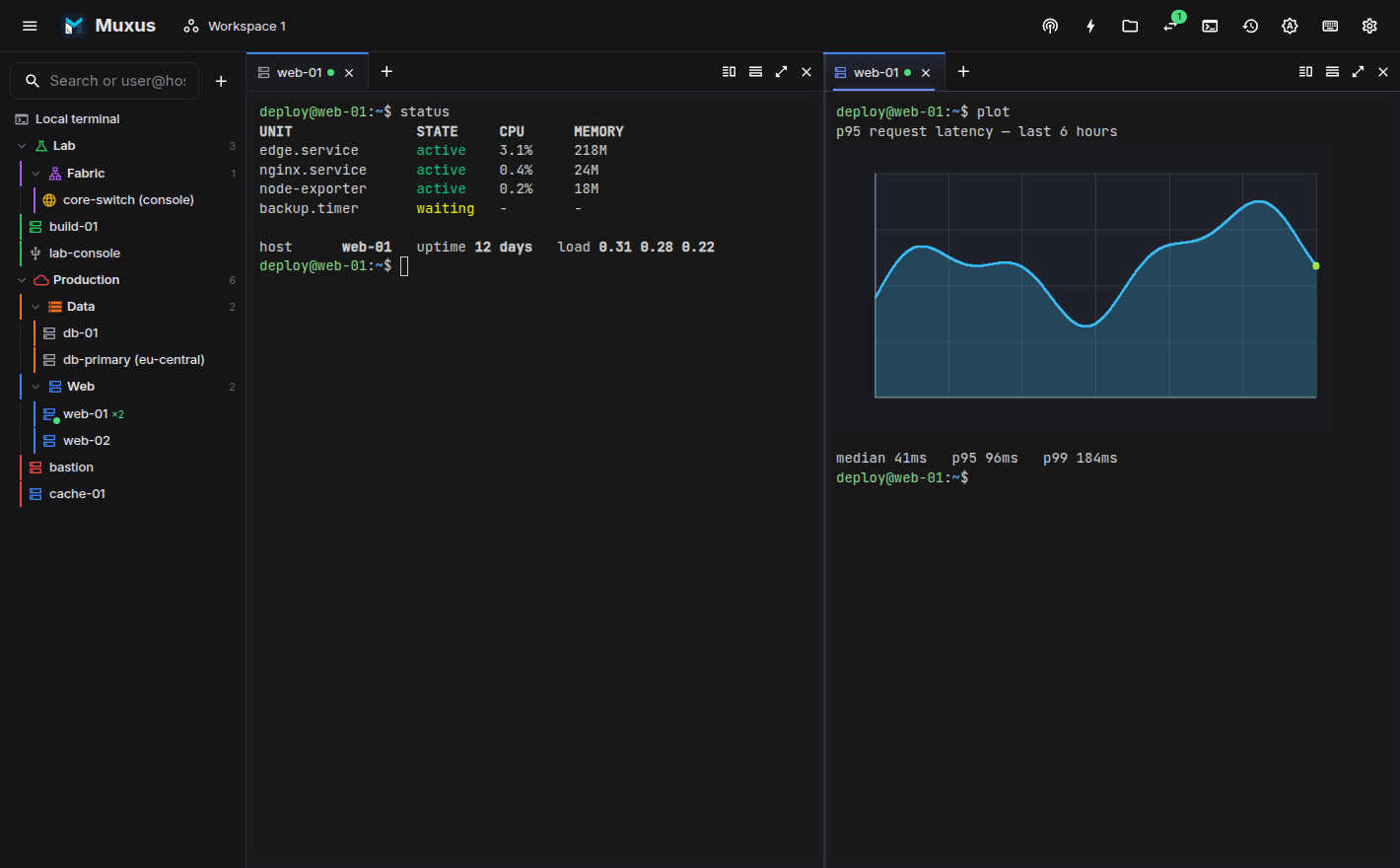
A desktop terminal client built around the session rather than the shell. Open a host to get a terminal, then split it, drag a tab into the pane beside it, open the file browser, edit a remote file in Monaco and start a tunnel. They all use the same connection, without a second login. Save the arrangement as a workspace and reopen it tomorrow.
The terminal supports kitty graphics, so kitten icat, yazi previews and matplotlib render
inline over SSH. It also supports the kitty keyboard protocol, includes Nerd Font coverage
and comes with fifteen colour schemes.
Muxus reads every host from ~/.ssh/config, while also letting you keep selected SSH hosts
in its local database without changing OpenSSH. Folders, colours, workspaces and history
use the same local database.
-
OpenSSH or Muxus-only
Every
Hostblock appears in the sidebar, including files pulled in withInclude. New and imported SSH hosts can instead stay entirely in Muxus app data. -
Inline terminal images
The kitty graphics protocol renders
kitten icat, yazi previews, matplotlib and timg inline, over SSH. Sixel and iTerm2 images work too. -
Split panes
Ctrl+Shift+Left / Ctrl+Shift+Right splits toward that side and reuses the connection. Alt+Left moves focus. Nothing is taken from the shell.
-
Jump hosts and proxy commands
Nested
ProxyJumpchains dialled hop by hop,ProxyCommandtransports, and the same agent → certificate → key → keyboard-interactive → password ordersshuses. -
SFTP and remote editing
An SFTP browser per SSH tab on the same transport, and Monaco editing of remote files with real language services. No second login.
-
RDP and VNC
Remote desktops open as tabs beside your terminals, with NLA, certificate pinning, clipboard sharing and SSH gateways. Nothing extra to install.
-
NETCONF and gNMI
Browse a device's live data, stream telemetry with rates, and review every change as a diff before it is sent or committed. Ping, files and reboots over gNOI; authorization, certificates and SSH keys over gNSI, with safe rotation. Beside the device's CLI.
-
Persistent tunnels
Saved
-L,-Rand-Dforwards start with one click, without a terminal. Closing a tab never tears down a running tunnel. -
Saved workspaces
Save a whole layout of local shells, SSH, Telnet, serial and remote desktop sessions in resizable panes with tabs. Reopen it, reconnect it, or set it as your startup workspace.
-
Quick launcher
Ctrl+K searches saved hosts, open tabs, editor files, workspaces, commands, tunnels and retained session history, and acts on the result.
Get started
-
Install Muxus
Desktop installers for Windows, macOS and Linux, or run it from source.
-
Quickstart
From a fresh install to a split-pane session on your own host in five minutes.
Made by
Muxus is built by me (FloSch), in the open and in my spare time. It is free and stays free. If it saves you time, a coffee keeps the releases coming. More about me.