Remote desktop (RDP & VNC)
RDP and VNC hosts sit in the same host list as SSH, Telnet and serial hosts, with the same folders, colours, search and workspaces. A remote desktop opens as a tab: it can share a split with terminals, move between panes and windows, and reconnect with the rest of a workspace.
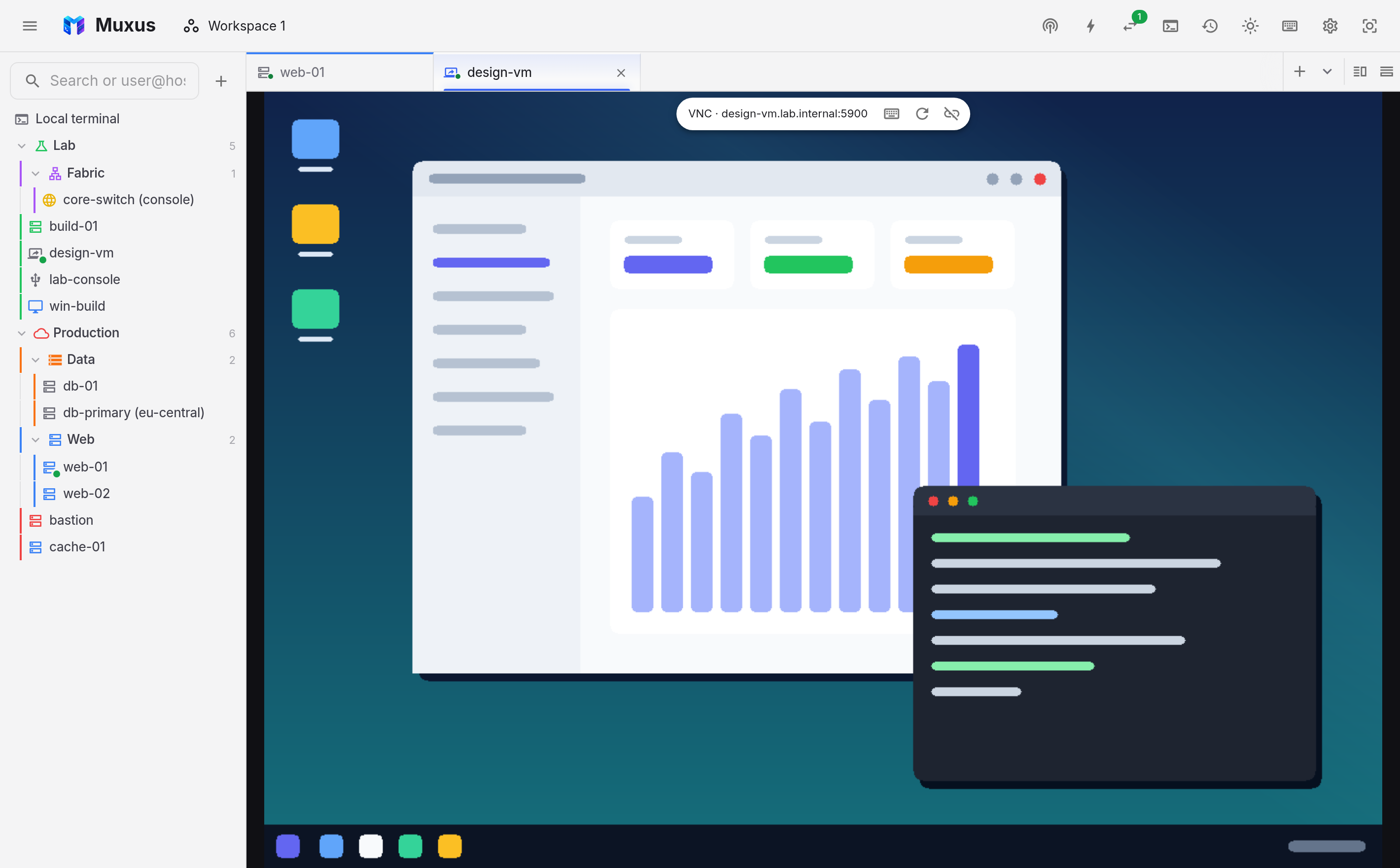
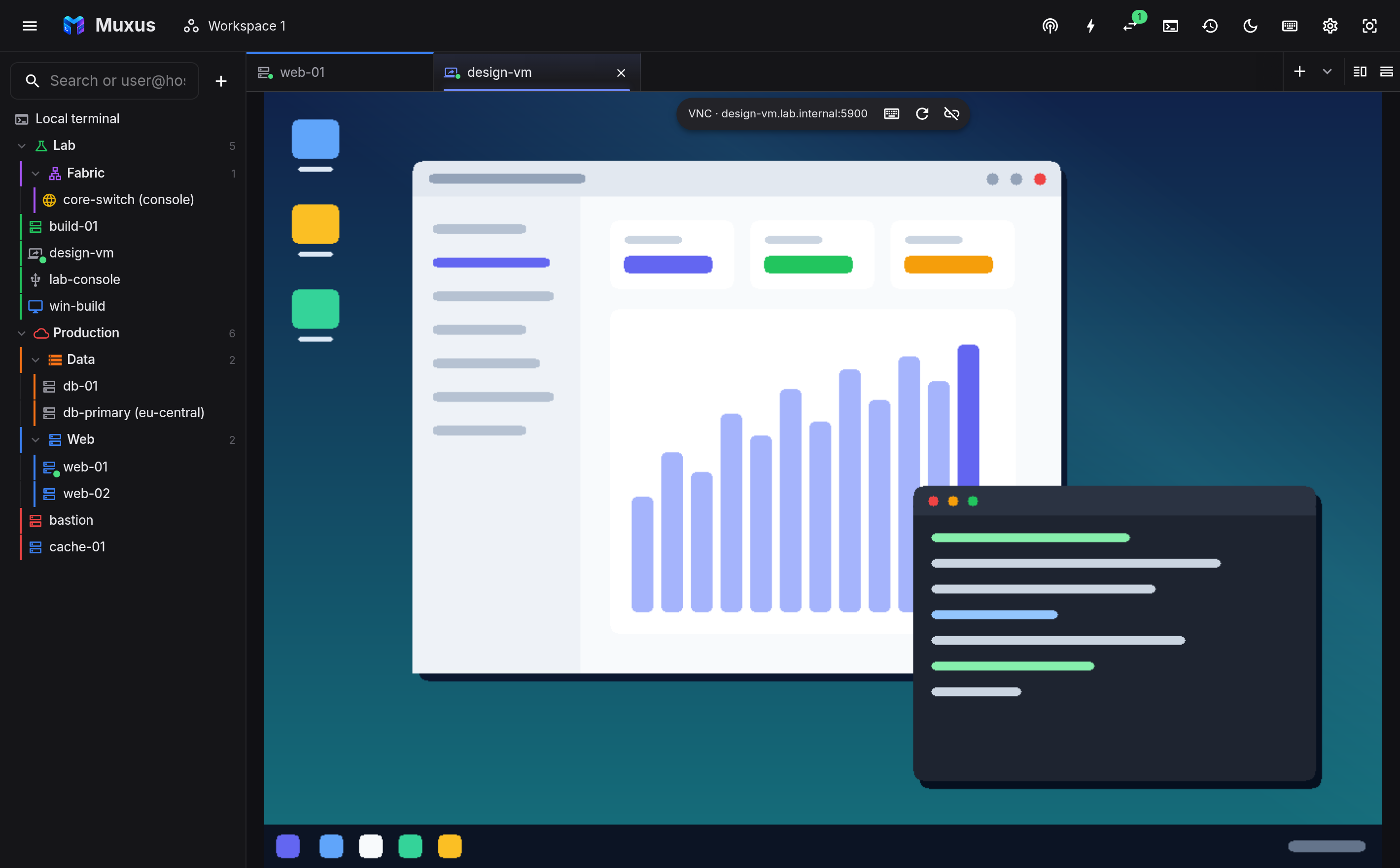
Nothing needs to be installed: the RDP client (IronRDP) and the VNC client (noVNC) are built into Muxus.
Adding a host
Add host offers RDP and VNC next to SSH, Telnet and serial. Like Telnet and serial
hosts, they are stored as Muxus's own saved hosts, not in ssh_config.
| Section | Setting |
|---|---|
| General | Name, host, port (3389 for RDP, 5900 for VNC when left empty), folder and colour |
| Logon | User name, and a domain for RDP. DOMAIN\user and user@domain also work as typed |
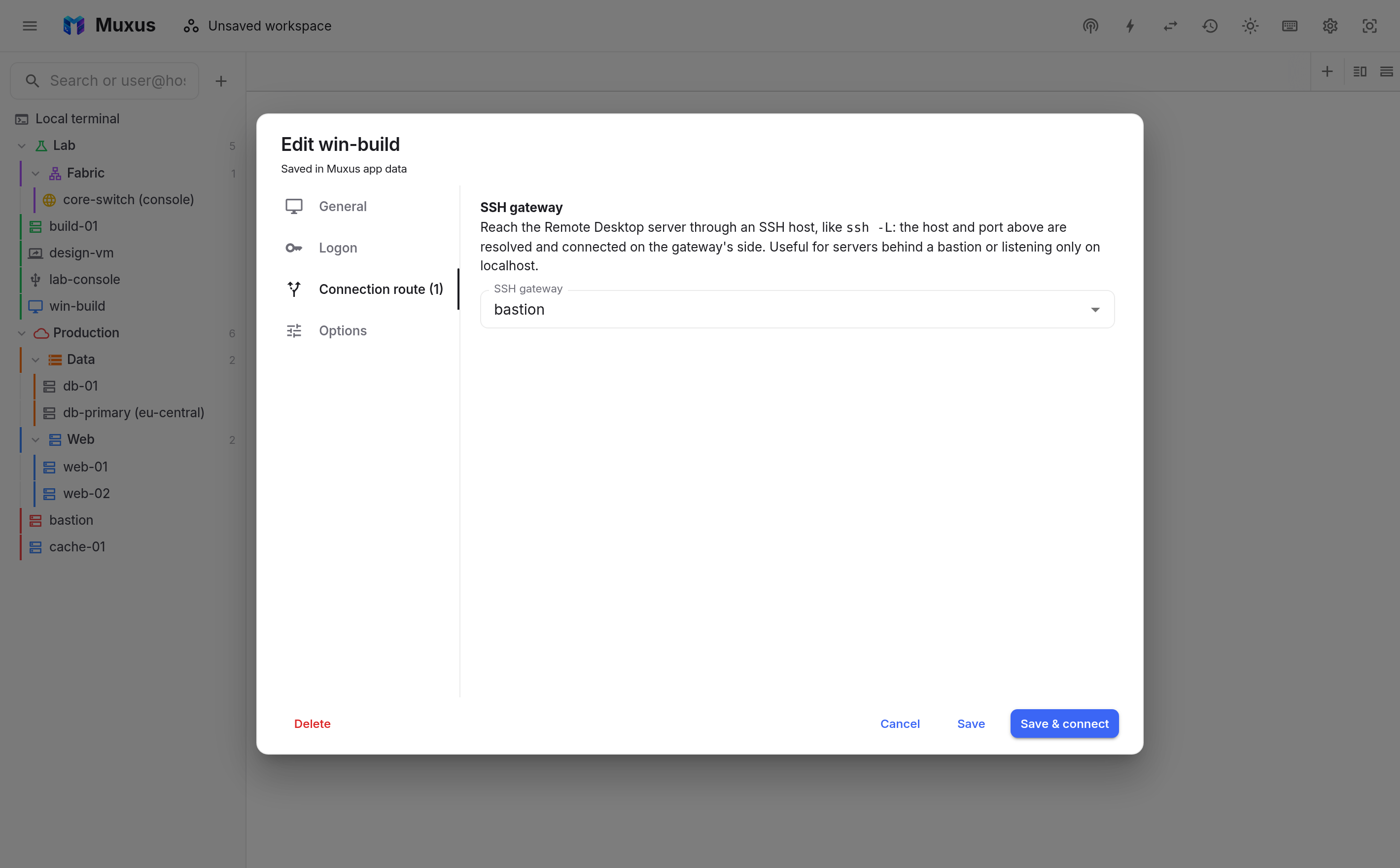
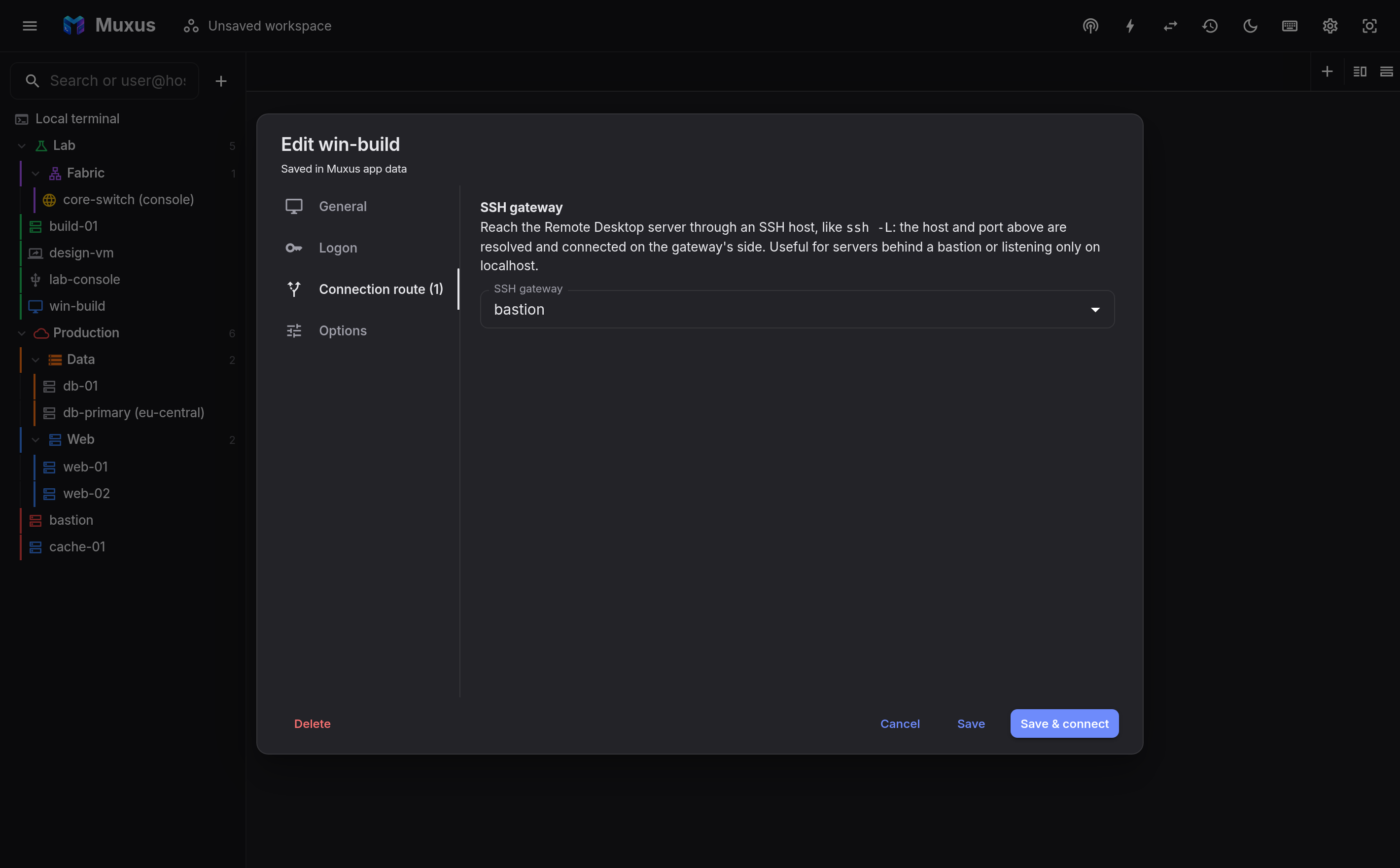
| Connection route | An optional SSH gateway |
| Options | Clipboard sharing; for VNC also remote resizing and view-only mode |
Logging on
Muxus asks for the password before it connects (and for the user name, when the host does not store one), the way the Windows client does. Both kinds of server security work:
- Network Level Authentication (NLA, CredSSP), which Windows requires by default;
- TLS, used by xrdp and older Windows setups. Muxus logs on with the credentials you entered, so the server's own logon screen is skipped.
A rejected password is asked for again. The legacy RDP security layer without TLS is not supported.
Muxus asks only when the server wants credentials. Supported sign-in methods:
| Method | Typical servers |
|---|---|
| None | x11vnc, QEMU/libvirt consoles on a trusted network |
| VNC password | TigerVNC, TightVNC, x11vnc, RealVNC |
| VeNCrypt Plain (user name and password) | TigerVNC, wayvnc |
| Apple Remote Desktop | macOS Screen Sharing |
| MS-Logon II | UltraVNC |
| RSA-AES | RealVNC, TigerVNC |
VeNCrypt variants that wrap the session in TLS (X509*, TLS*) are not supported. Allow
VncAuth on the server, or connect through an SSH gateway.
Tick Remember this password to keep the password in the encrypted password vault; it is saved only once the login succeeds. When a saved password stops working, Muxus asks again and offers to replace it. If you typed the user name in the same prompt, it is added to the host so the saved password is found next time.
Certificates and server keys
RDP servers usually present a self-signed certificate, so Muxus treats it like an SSH host key. The first connection shows the certificate with its SHA-256 fingerprint; trusting it pins that certificate for the host, port and route. A later connection with a different certificate gets a warning, because that can also mean the connection is being intercepted. A certificate issued by an authority your system trusts, and naming the host you connect to, is accepted without asking.
To compare fingerprints on a Windows server:
Get-ChildItem Cert:\LocalMachine\"Remote Desktop" |
  ForEach-Object { [BitConverter]::ToString([Security.Cryptography.SHA256]::Create().ComputeHash($_.RawData)) -replace '-',':' }
VNC servers that sign in with RSA-AES identify themselves with an RSA key instead. Muxus shows a new key with its signature, the short form TigerVNC's viewer shows as the fingerprint, and pins it the same way; no password is sent until the key is trusted.
Through an SSH gateway
Connection route → SSH gateway reaches the desktop through any SSH host in the list,
like ssh -L. The host and port you entered are resolved and connected on the gateway's
side, so they can be names or addresses only the gateway can reach, including
localhost for a VNC server that listens only on the loopback interface.
The gateway connects the way an SSH tab would: its jump chain, keys, host-key checks and password prompts all apply, and a connection that is already open is reused. VNC traffic, which most servers leave unencrypted, then crosses the network inside SSH.
In the tab
- Size. An RDP desktop is resized to fit its pane when the server supports it (Windows 8.1 / Server 2012 R2 and later, xrdp). Otherwise the picture is scaled. VNC scales by default; Resize the remote desktop to fit asks the server to change its resolution instead.
- Keyboard. Keys go to the remote computer as physical key positions, so the remote keyboard layout decides which character a key types. Set it to match your keyboard. Muxus shortcuts keep working; keys Muxus does not use reach the desktop.
- Toolbar. Move the pointer to the top edge of the desktop for Ctrl+Alt+Del, the Windows key (RDP), Reconnect and Disconnect.
- Clipboard. Text copied on one side can be pasted on the other. Muxus offers your clipboard to the server when the desktop gets focus. VNC servers without the extended clipboard (x11vnc, for example) only carry Latin-1 characters.
- Reconnecting. A dropped session redials like a terminal does when Automatically reconnect remote sessions is on. Workspaces reopen desktop tabs, and moving a tab to another window reconnects it there; Windows resumes the same logon session.
Not supported yet
Audio, drive and printer redirection, file transfer, multiple monitors, RemoteApp, Remote Desktop Gateway and smart-card logon are not available yet. NLA uses NTLM, so domains that have disabled NTLM cannot log on.