User guide
Each page covers one part of Muxus, with screenshots and the reasoning behind its behaviour. The pages are independent and can be read in any order.
Connect, arrange, keep
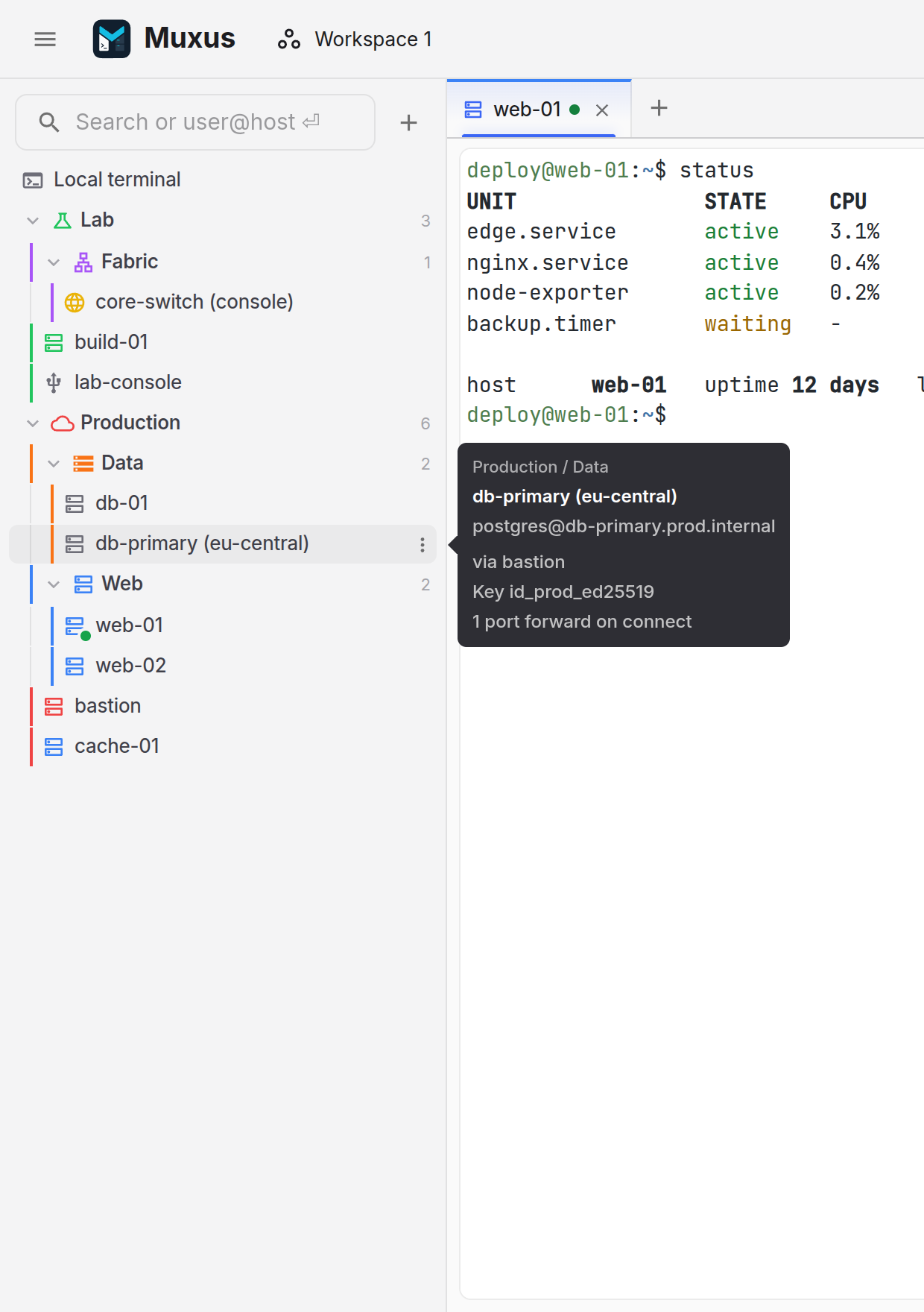
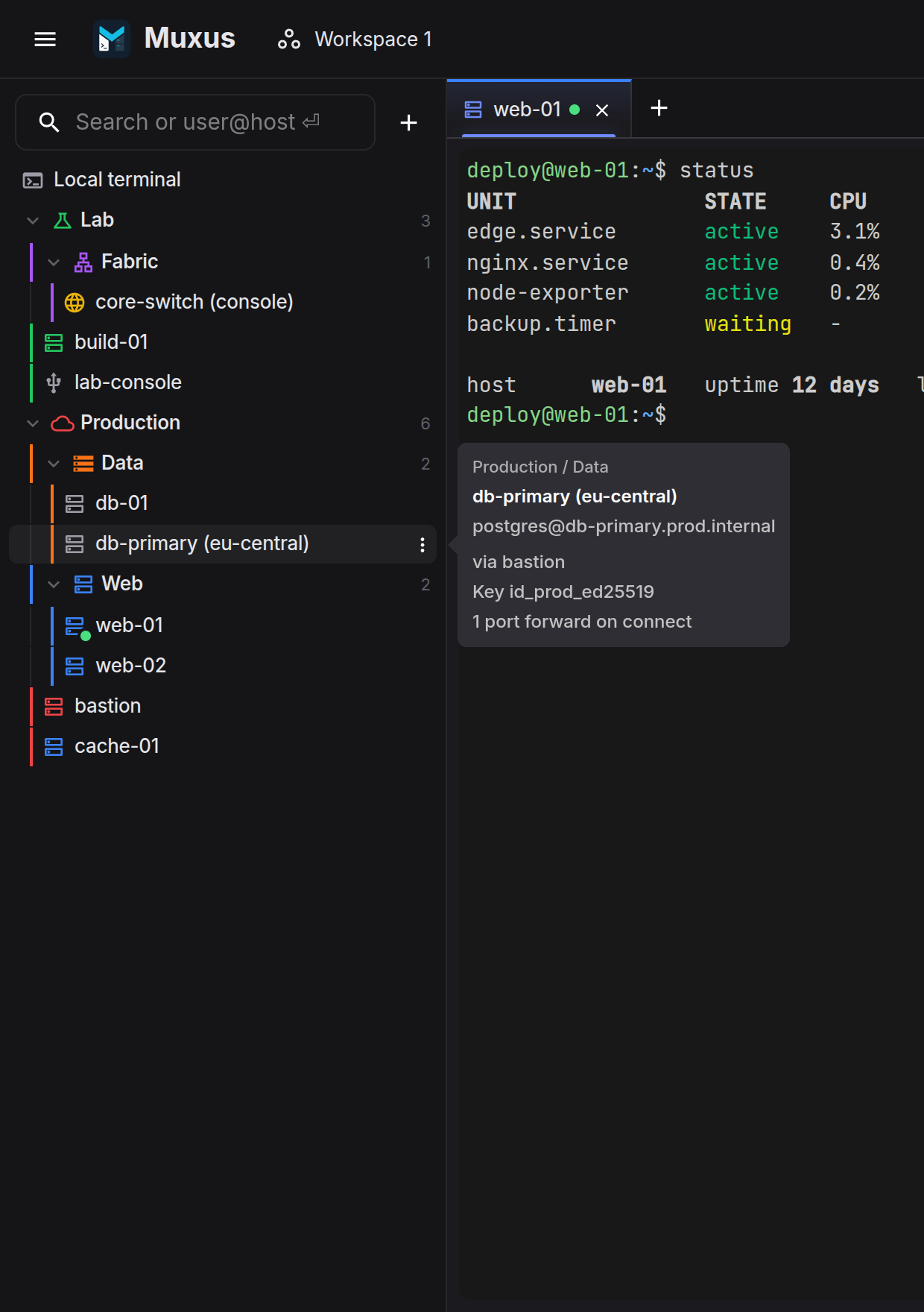
~/.ssh/config is the host list. Click a host, type user@host in the search box, or
press Ctrl+K and search every category at once.
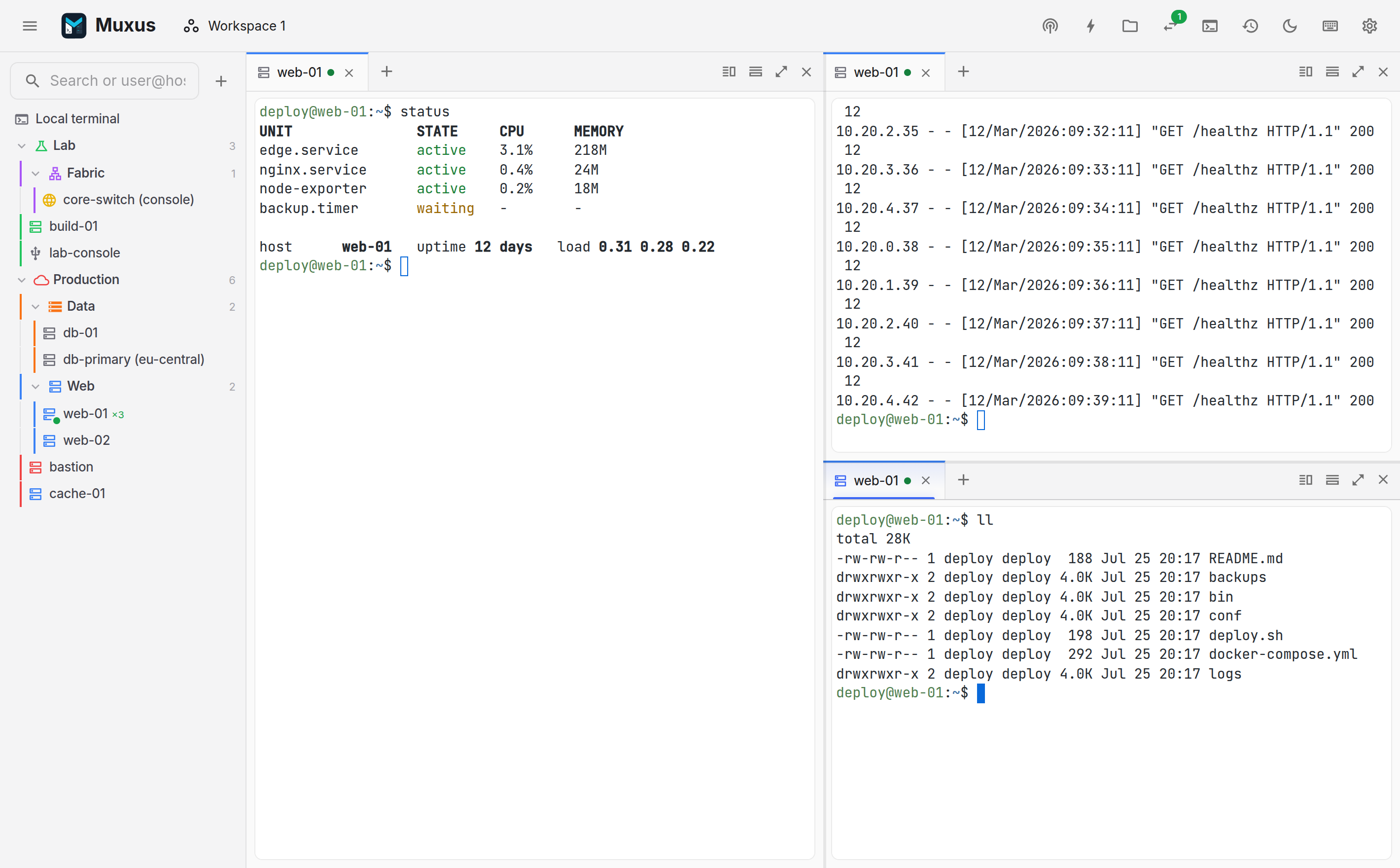
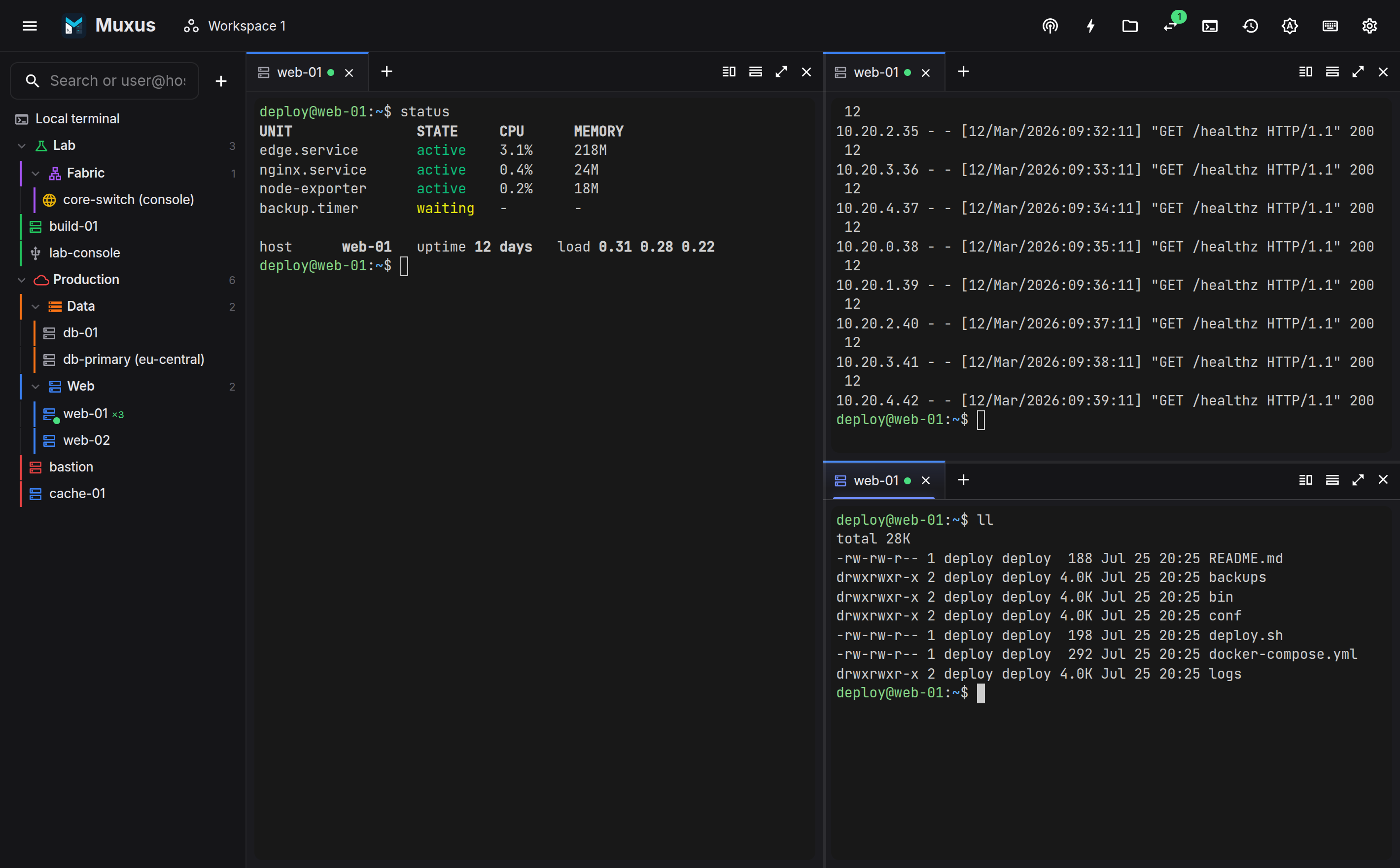
Split panes in any direction, move tabs between them, and zoom one pane to the whole window. Layout changes do not disturb a running session.
Save the layout as a workspace, save recurring tunnels, and enable session history to retain output beyond the scrollback.
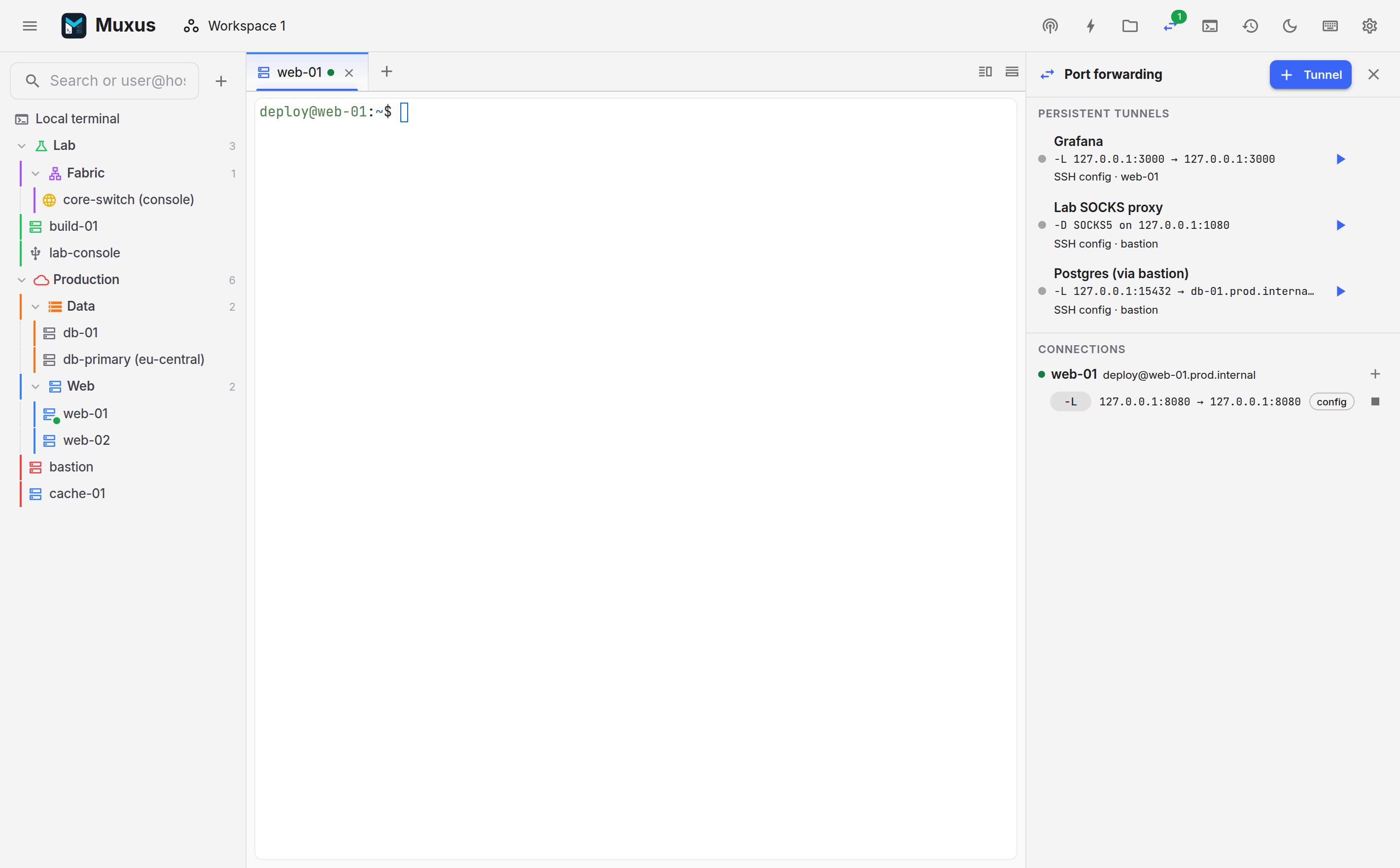
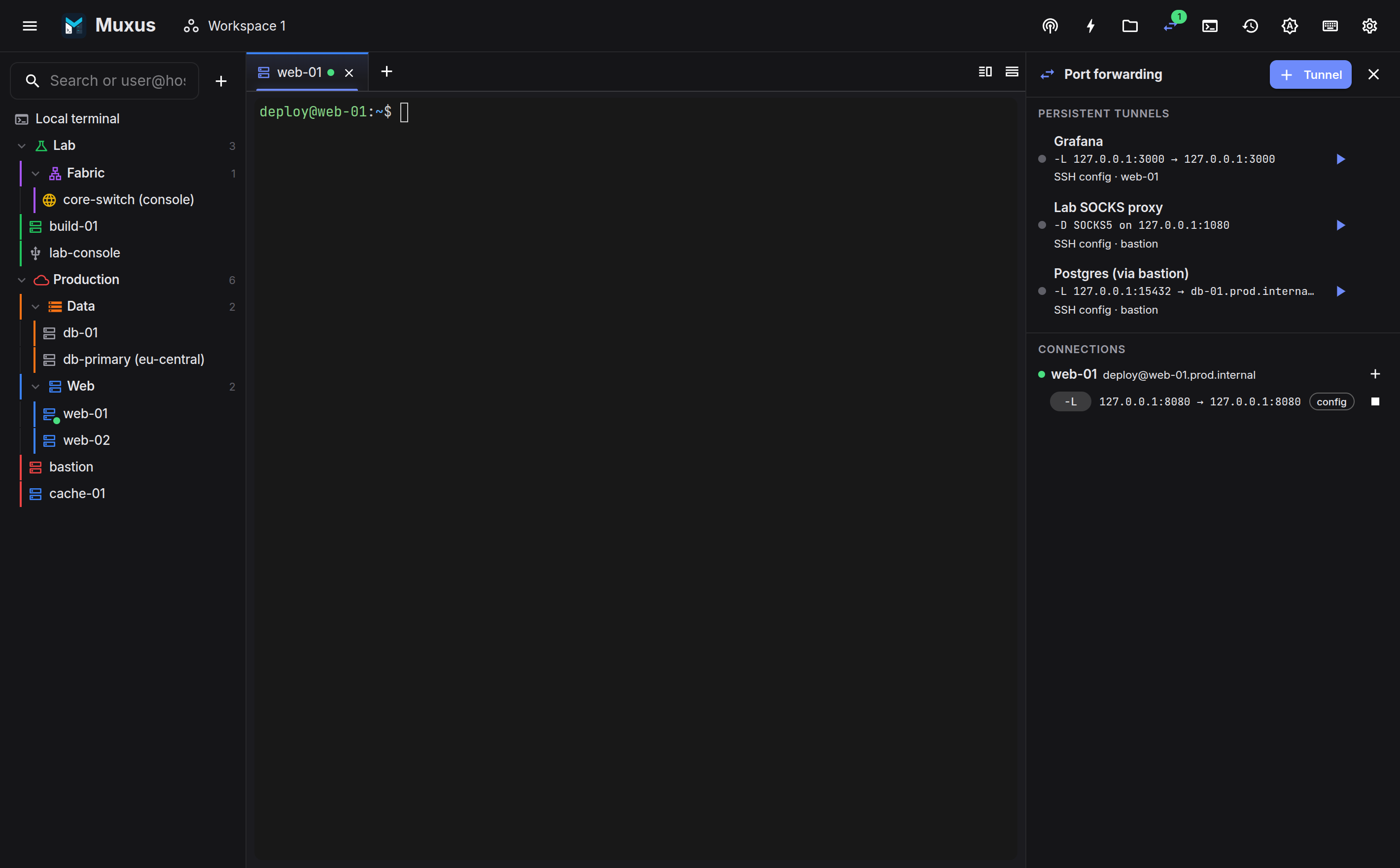
Start here
-
The Muxus window
Top bar, sidebar, pane canvas, tab strips and side panels.
-
Your hosts
The sidebar: OpenSSH blocks, folders, colours, live dots, search and quick connect.
Hosts & connections
- Adding & editing hosts: the session editor that writes real
Hostblocks - Telnet & serial: non-SSH consoles in the same list
- Remote desktop: RDP and VNC sessions as tabs, directly or through SSH
- NETCONF & gNMI: browse, change and stream device data, with review and commit; gNOI operations and gNSI security
- Connecting: auth order, host keys, jump chains, recovery
Working in the terminal
- Tabs & panes: splitting, moving tabs, chord selection
- The terminal: colours, search, export, zoom, paste safety, highlighting
- Images in the terminal: kitty graphics, sixel, iTerm2
- Command buttons & multi-exec: saved commands and mirrored input
Files, tunnels, memory
- File browser (SFTP): upload, download, rename, delete
- Remote editor: Monaco over the live SSH transport
- Tunnels & port forwarding: saved
-L,-R,-Dwithout a terminal - Workspaces: save, reopen, reconnect a whole layout
- Session history: opt-in retention, search, replay
- Quick launcher: Ctrl+K for every category
- Settings: appearance, terminal, logging, highlighting, behaviour, keyboard