File editor
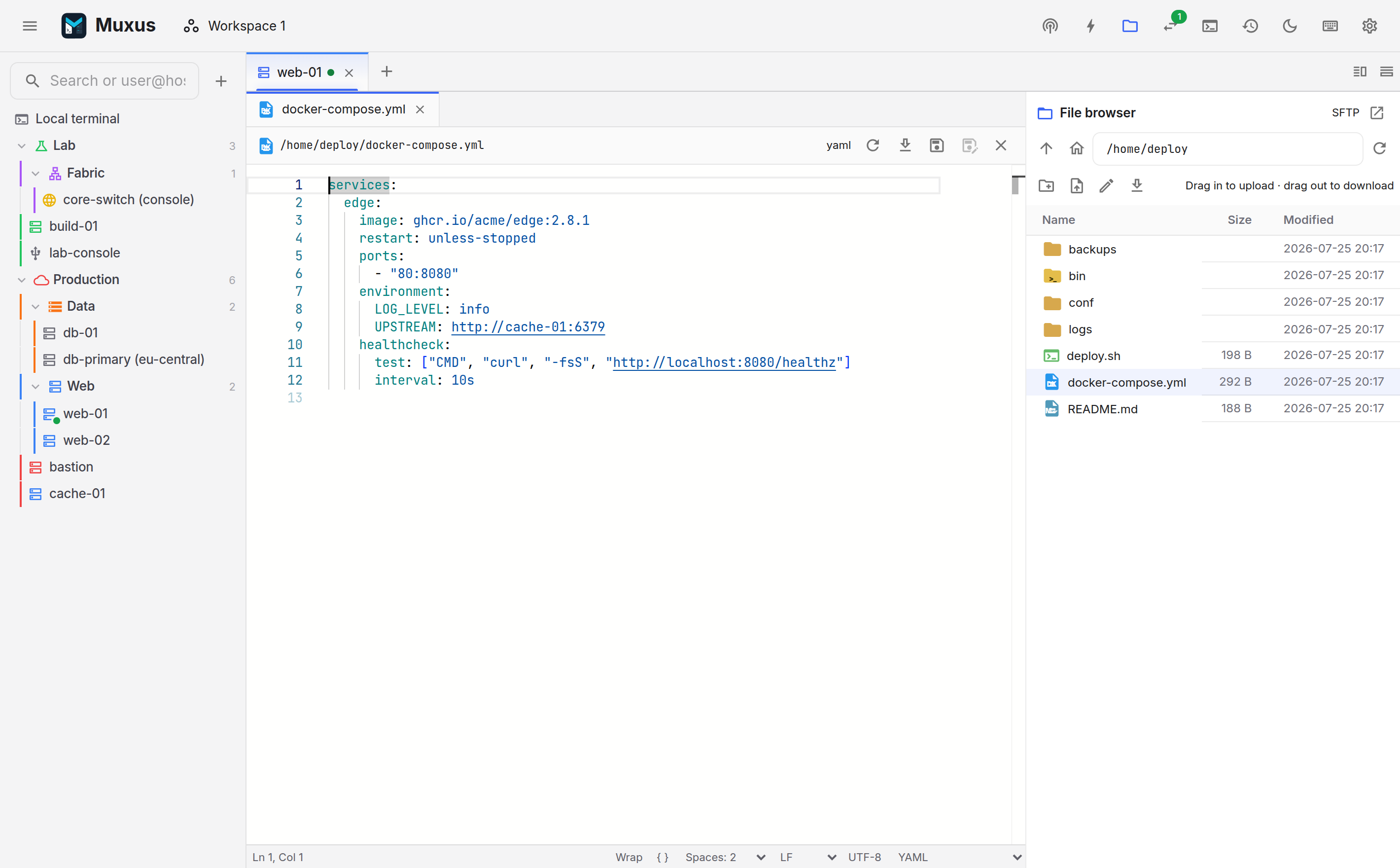
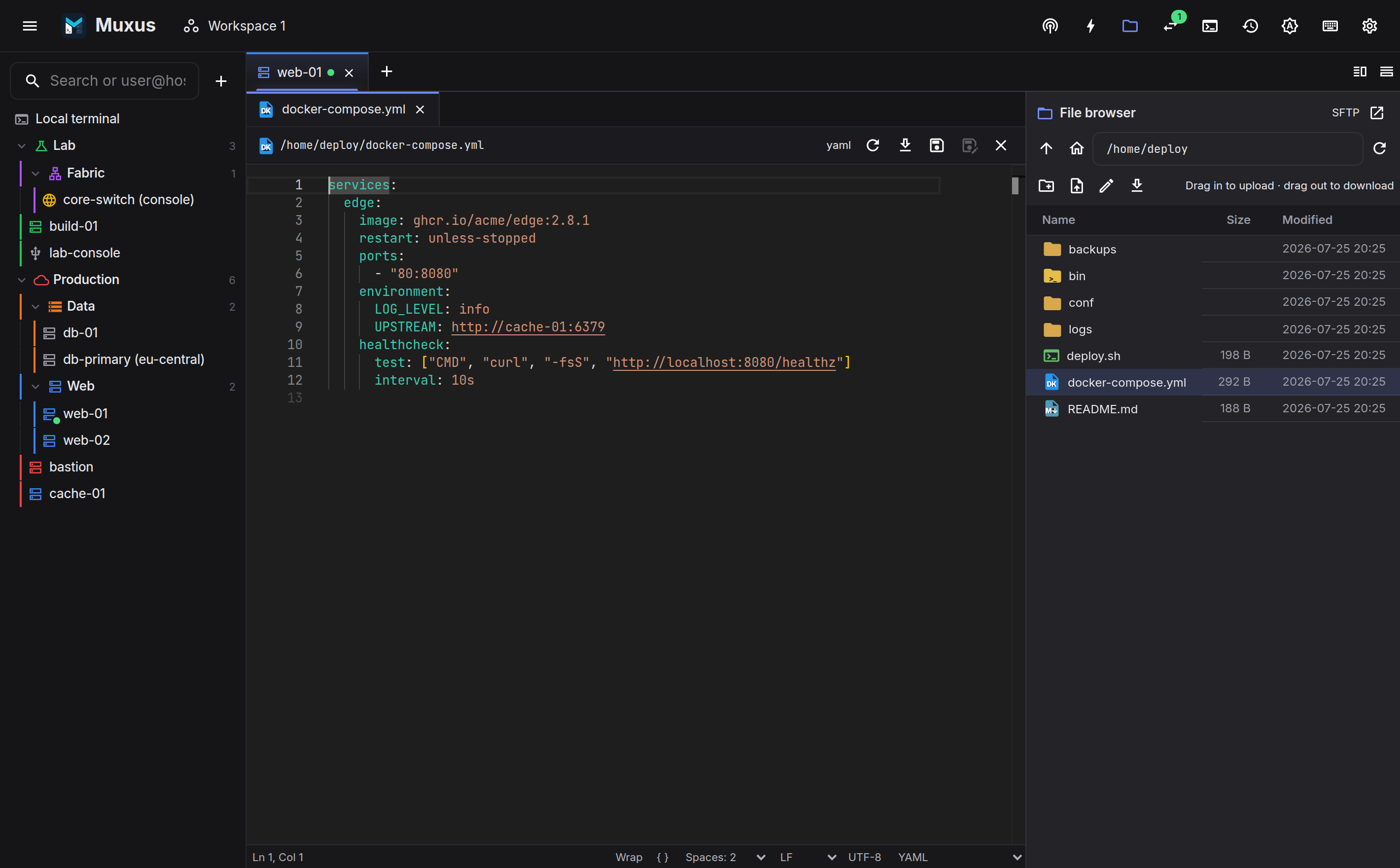
Alt + left-click an underlined file path in a local or SSH terminal to open it in Monaco, the editor used by VS Code. Files in SSH sessions use that session's live SFTP transport; files in local terminals are read and saved directly on the machine running Muxus. The modifier can be changed to Ctrl on Linux and Windows, Cmd on macOS, or a direct click in Settings → Terminal → Open terminal file links. Double-clicking a file in the file browser opens the same editor.
Features
- Monaco's complete built-in syntax catalog, plus full language services for JavaScript/TypeScript, JSON, HTML and CSS: diagnostics, completion, hover and formatting.
- Folding, the minimap, sticky scroll, multi-cursor editing, find & replace, and Monaco's command palette (F1).
- Per-file undo history and view state, so switching between open files restores the previous position.
- Language mode, indentation and end-of-line sequence are switchable from the status bar.
- Save (Ctrl+S) and Save all. Unsaved files are marked in the file list.
Several files stay open at once inside the tab, alongside the terminal. The Terminal entry at the start of the file strip brings the session back to the front, and the strip stays above it so any file is one click away. Ctrl+` switches between the terminal and the last file from either side. Open files keep their unsaved changes, undo history and scroll position while the terminal is in front.
Conflict protection
Saving carries the modification time the file had when it was read. If it changes on disk or on the remote host in the meantime, the save is refused and the editor offers to reload the newer version.
Scope
The editor targets single-file edits: a config change, a compose file, a systemd unit. For project-level work requiring a language server, a test runner or git history, use an editor's own project support. Muxus provides a file editor, not a full IDE.