Session history
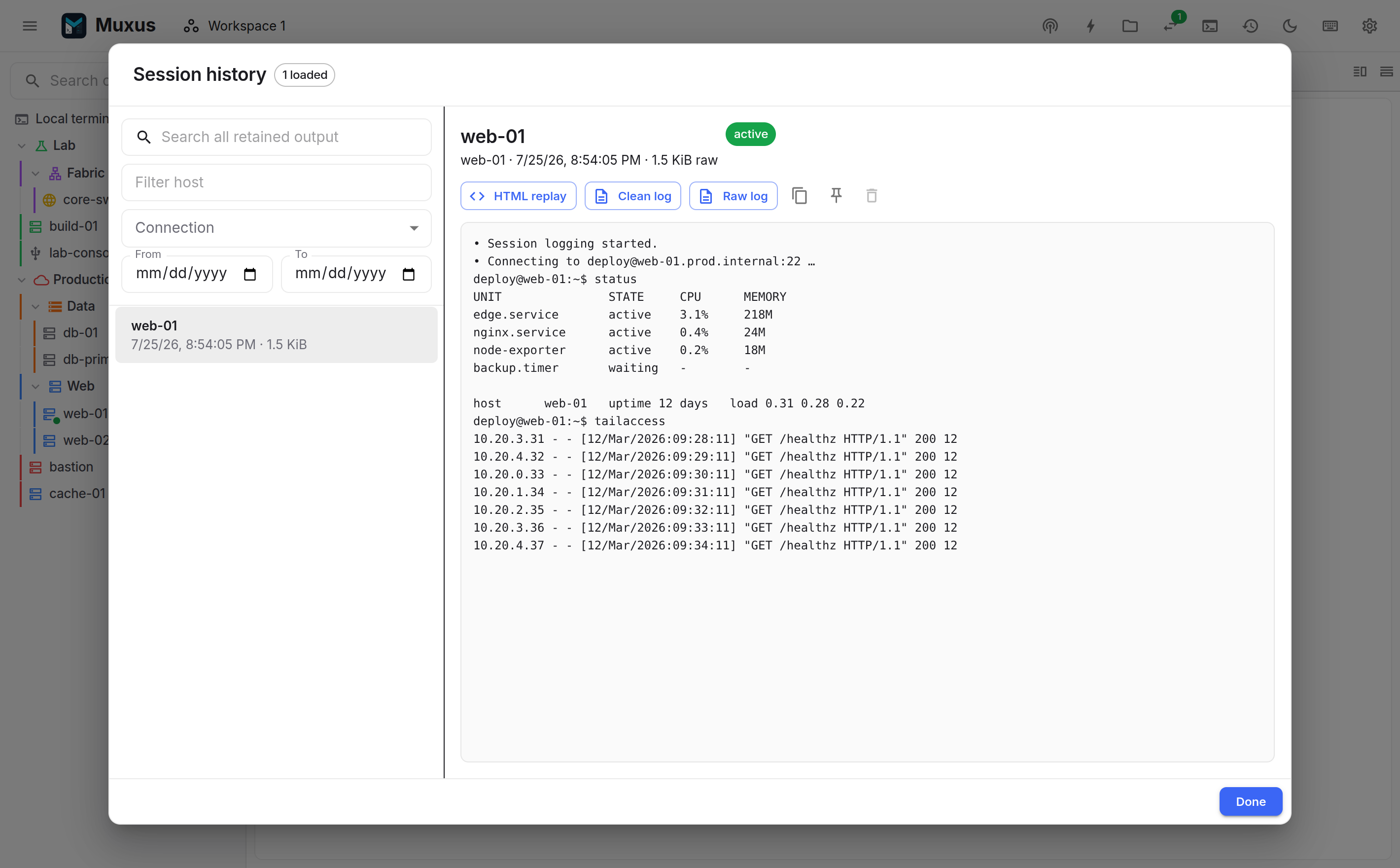
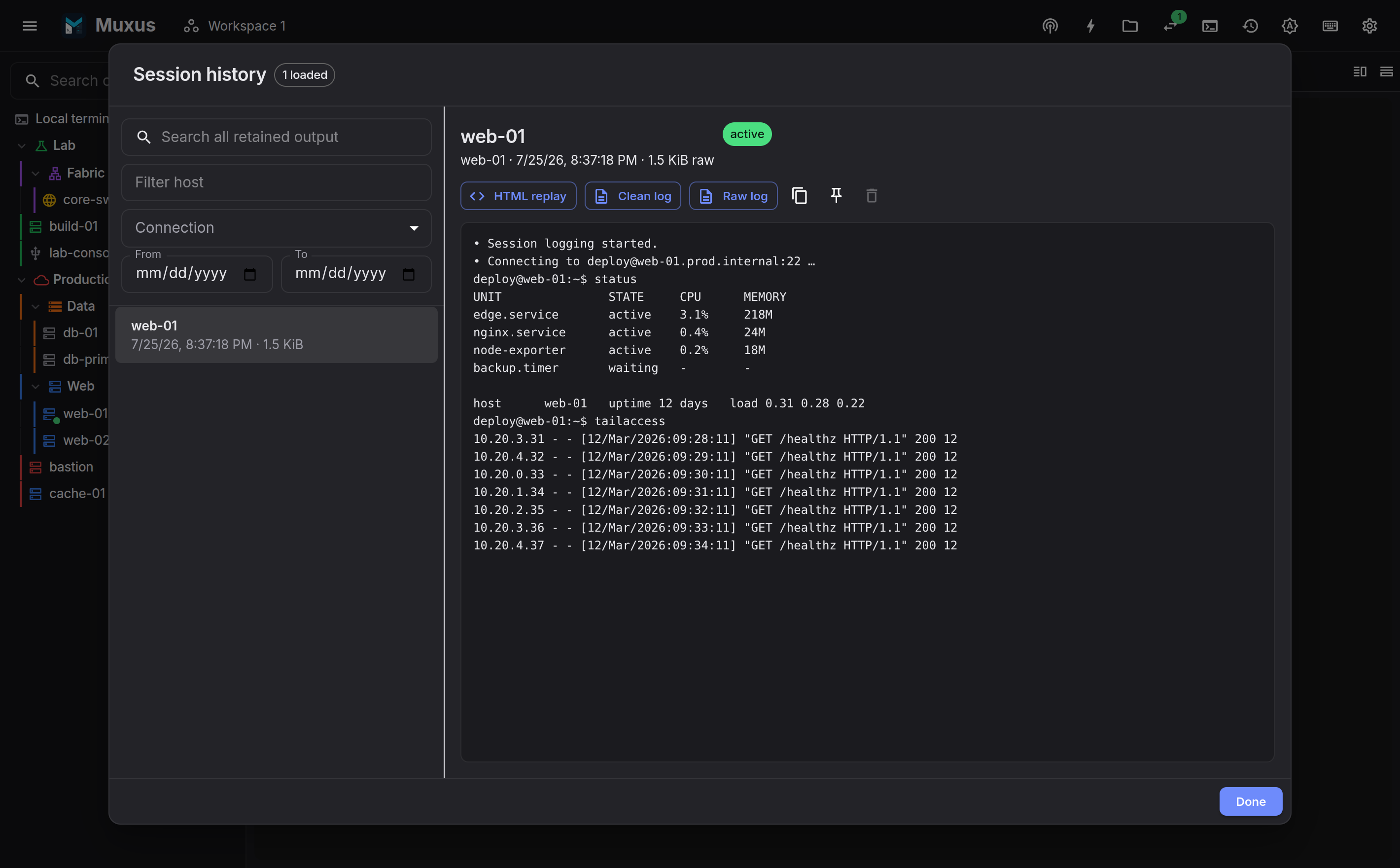
Session history is an opt-in record of terminal output that outlives the session, remains searchable, and can be replayed as it was displayed. For a plain-text file written while the session runs, see log files.
Disabled by default
A fresh install records nothing. Enable it globally in Settings → Session logging, or per host in the host editor.
What is recorded
Remote output is recorded byte for byte, including escape sequences, which is what makes exact replay possible.
Input is not recorded unless input capture is enabled for that session. The terminal-actions menu can start, pause and stop logging mid-session and toggle input capture. Text a host's anti-idle types counts as input.
Echoed commands are still output
Typed text returns from the remote as output, so a command containing a token is recorded even with input capture off. Pause logging before displaying secrets. A vault secret sent from a command button, Send secret… or a host's login sequence is never recorded as input, even with input capture on. A login sequence that stops or is cancelled leaves a status line saying so.
Searching and reading
The history dialog searches the normalized transcript, which is the text with escape sequences removed, using debounced cursor-paged queries. Filters are host, connection type (SSH, local, serial, Telnet) and date range.
Opening a session displays its transcript, and allows copying the complete clean log, renaming the session, pinning the session so it is never evicted, or deleting it.
A session is recorded under the title of its tab. Renaming the tab while the session is recording renames the session too; sessions that already ended keep their title.
Rename gives a session a name of your own, such as pre-change config, which the
history list, the quick launcher and exported filenames use instead of the recorded title.
Both the name and the recorded title are searchable. Clear the name to show the recorded
title again.
Enable Show timestamps (UTC) to prefix each line with an ISO 8601 timestamp, including milliseconds. The toggle also applies to Clean log downloads and copying the complete clean log. It starts off when opening the dialog.
For new recordings, each timestamp is when Muxus received the last change to that line, including command echoes and terminal redraws. It is not the remote shell's exact command execution time. Older recordings fall back to approximate event times; the dialog indicates when this applies. Raw logs and HTML replay keep their existing formats.
Comparing
Compare with…, the arrows button beside the copy button, opens the selected session in the compare dialog. Compare with… in the dialog picks the other side:
- an open terminal's output, or its selection when it has one;
- a recent session history record, newest first;
- a Local file…, or a File on a connected session, by path, over SFTP.
To check a router before and after a change, with history enabled for it:
- Before the change, connect, run
show running-configand close the tab. After the change, do the same in a new tab. - In the history dialog, select the later session and click Compare with….
- In the compare dialog, click Compare with… and choose the earlier session.
Sessions are compared as their clean log, without timestamps. The first text is on the left; Swap sides exchanges them. Side by side and Inline switch the view.
| Option | Effect |
|---|---|
| Ignore whitespace | Lines that differ only in indentation, trailing spaces or the number of spaces between words are unchanged. Runs of spaces inside lines are shown as one |
| Ignore leading timestamps | Removes a time at the start of each line, such as [2026-10-14T09:15:00.123Z], 2026-10-14 09:15:00, *Oct 14 09:15:00.123: or 09:15:00 |
Export diff saves the comparison, with these options applied, as a unified diff
(.diff, the format of diff -u, three lines of context).
The same dialog opens from the terminal's context menu and the file browser. Files must be UTF-8 text of at most 8 MiB.
Exports
| Button | What you get |
|---|---|
| Raw log | <session>.muxlog, lossless base64 NDJSON, every frame as recorded |
| Clean log | <session>-clean.txt, the transcript with escape sequences stripped |
| HTML replay | <session>-replay.html, a self-contained, seekable page that replays the session in a browser |
The HTML replay requires only a browser.
Log files
A log file is a plain-text record of a session, written while it runs and kept apart from history. There is nothing to export afterwards: the file is complete when the session ends, and readable at any point before that.
Log session to file… in the terminal-actions menu or a tab's context menu asks where to write, offering a free name in the log folder; the desktop app shows the system save dialog. An existing file is added to, never replaced. Stop logging to file closes the file, as does the end of the session, and in the desktop app Show log file opens its folder.
To log every session, turn on Write log files in the default policy, the local terminal
policy or a host's logging settings. Each
session then gets a new file named from the log file settings. A name that is already taken
gets a number, such as router1_2026-10-04_09-15-00-1.log.
The file holds the same text as the Clean log export: output without escape sequences, connection messages, and a line whenever logging starts, pauses, resumes or stops. Pausing and input recording in the terminal-actions menu apply to the log file as well as to history.
The bottom rows arrive last
Shells redraw their prompt in place, so the last few rows on screen are written once more output pushes them up, or when logging stops. Everything above them is in the file within a fraction of a second.
The log file settings are in Settings → Session logging:
| Setting | Default |
|---|---|
| Log folder | Documents/Muxus/Logs in your home folder |
| File name | {host}_{date}_{time}.log |
| Show timestamps (UTC) | Off; when on, each line starts with the time it last changed |
The file name fills in {host}, {title} (the tab title), {kind} (ssh, local, serial
or telnet), {date} and {time}, both in local time. A / starts a subfolder, so
{host}/{date}_{time}.log keeps one folder per host. Characters that file names cannot hold
are replaced with _.
Log files are ordinary files: history retention and quotas never remove them. On macOS and Linux, new log files are readable only by you.
Storage, quotas and eviction
History is stored outside the application database. A dedicated worker writes framed raw events into rotated zstd-compressed segments, and batches normalized transcript chunks into a separate FTS5 database.
| Limit | Default |
|---|---|
| Total history size | 5 GiB |
| Free-space reserve | 2 GiB or 5% of the disk, whichever is larger |
| Per session | 10 parts of 5 MiB |
| Age retention | Off (configurable) |
When the quota is reached, the oldest unpinned completed sessions are evicted down to an 85% low-water mark. Active sessions are never evicted. If storage is exhausted, logging suspends itself and the terminal continues to operate. Usage, quota, retention and the storage location are shown and adjustable in Settings → Session logging.