Tabs & panes
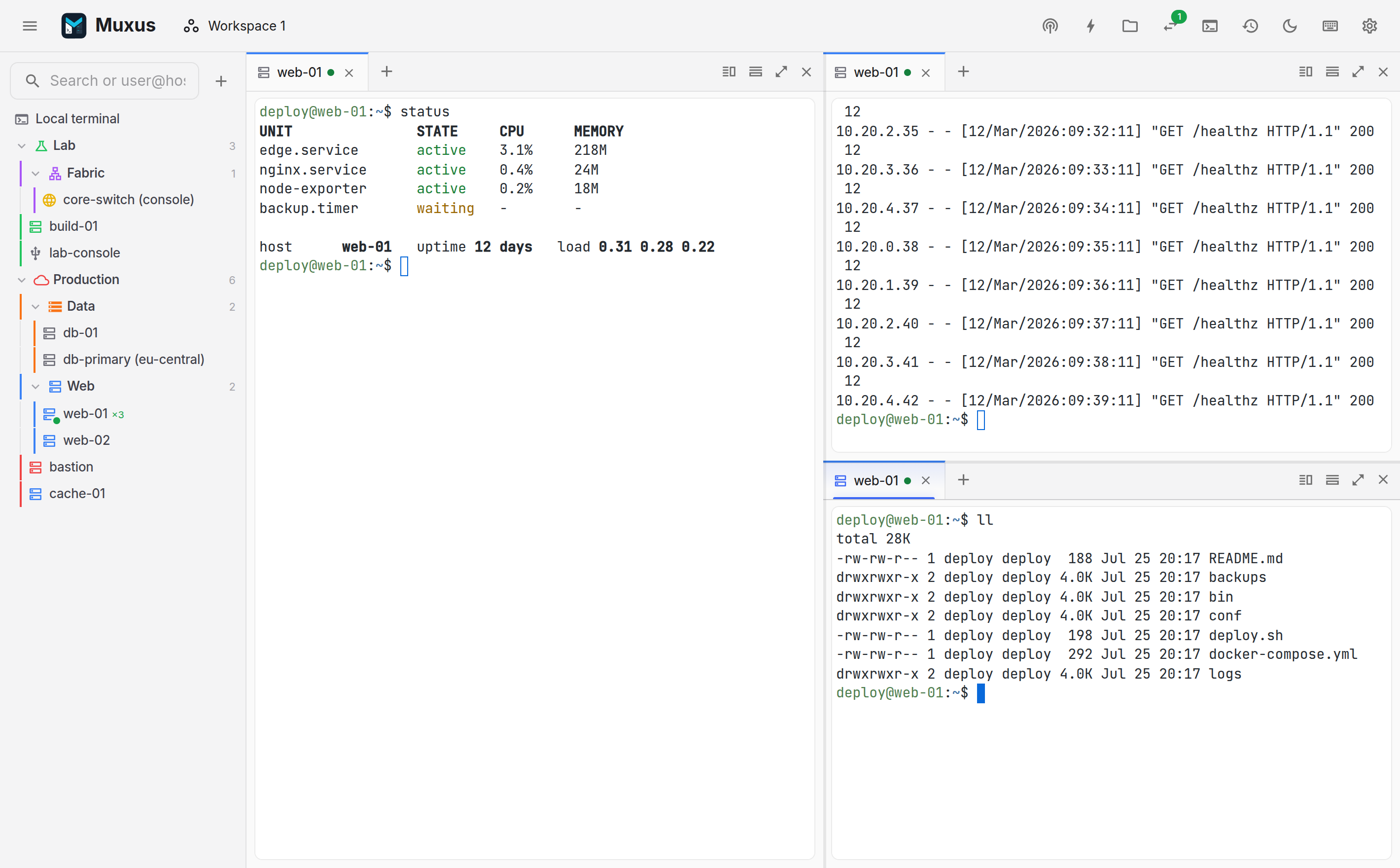
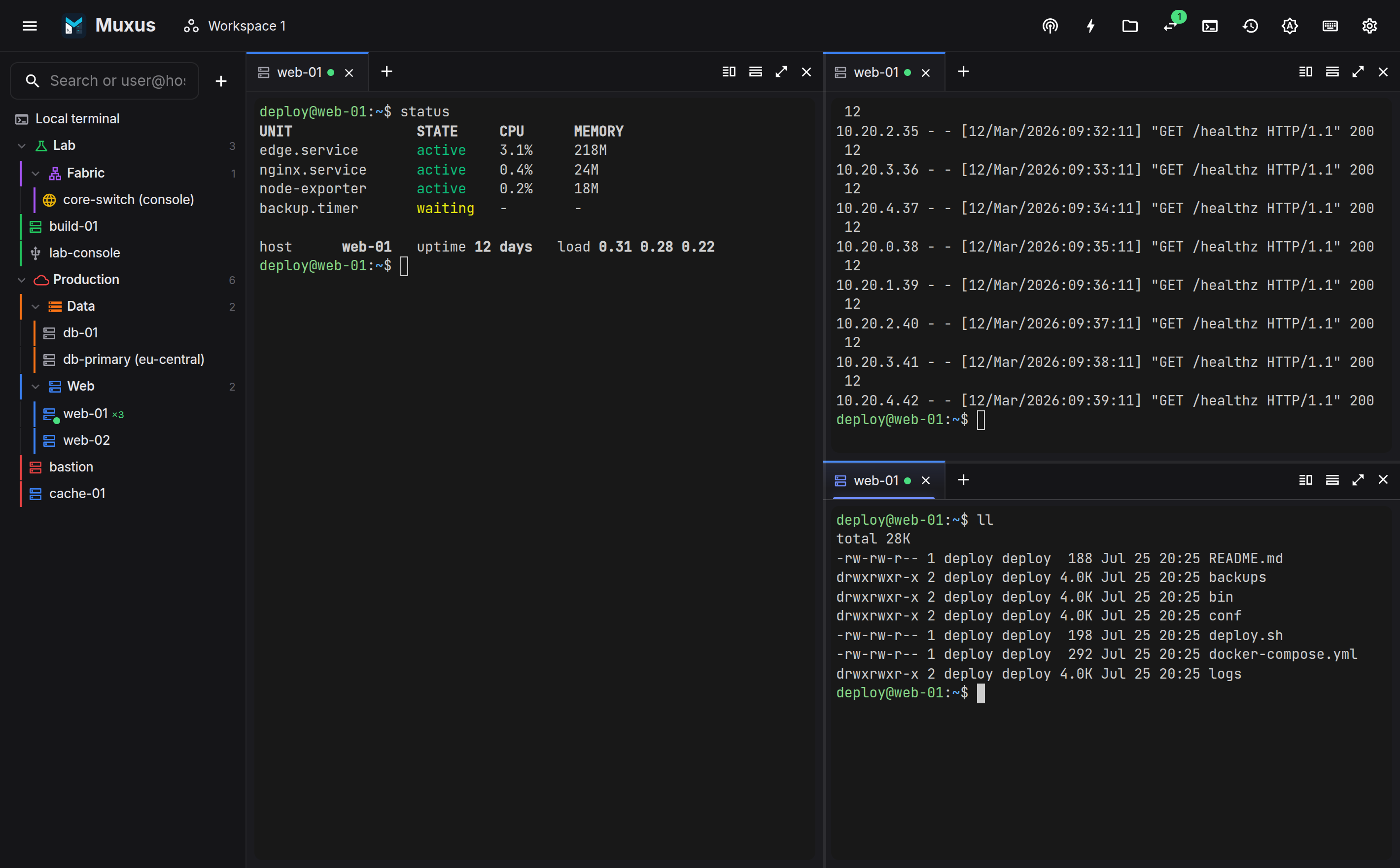
Panes split in any direction, tabs move between them, and layout changes do not disturb a running session.
Splitting
Ctrl+Shift+Left / Ctrl+Shift+Right / Ctrl+Shift+Up / Ctrl+Shift+Down splits the focused pane toward that side. The new pane continues the current session: the SSH connection is reused, so there is no second login and no second 2FA prompt. This is configurable in Settings → Keyboard; with it off, the new pane asks what to start. Serial consoles always ask, because a serial port supports one reader.
Alt+Shift+= and Alt+Shift+- are alternative chords for the two most common splits, and the tab strip has split buttons for the mouse.
Moving around
| Chord | What happens |
|---|---|
| Alt+Left / Alt+Right / Alt+Up / Alt+Down (Cmd+Option and an arrow on macOS) | Focus the pane in that direction, geometrically |
| Ctrl+Shift+O | Focus the next pane |
| Alt+Shift+Left … | Send the current tab to the neighbouring pane, splitting one off when there is none |
| Ctrl+Shift+Z | Zoom the focused pane to the whole canvas, and back |
| Ctrl+Shift+. / Ctrl+Shift+, | Grow / shrink the focused pane |
| Ctrl+Shift+X | Close the pane |
Focus keys fall through to the shell
Alt+Left moves focus only when a pane sits to the left. When there is none, the key is passed to the shell, so Alt+Left still moves a word in readline. On macOS, where Option+Left and Option+Right jump by word in every pane, focus moves with Cmd+Option+Left … instead.
Drag a divider to resize it, double-click it to even the split, or give it focus and use the arrows. Even out panes in the pane menu balances the whole layout.
Tabs
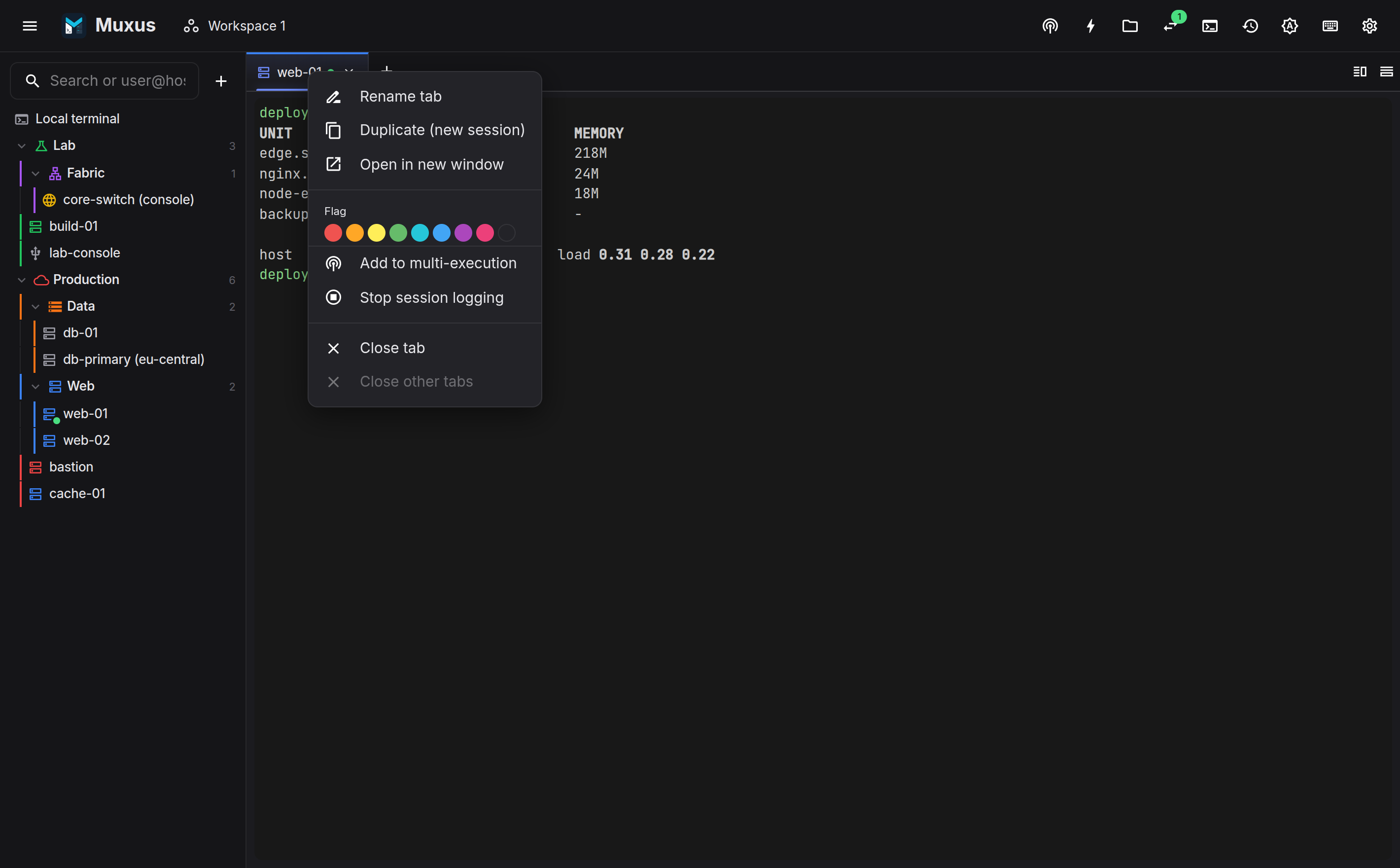
Each pane has a browser-style tab strip. A tab is one session: local shell, SSH, Telnet, serial, a remote desktop, or a remote editor.
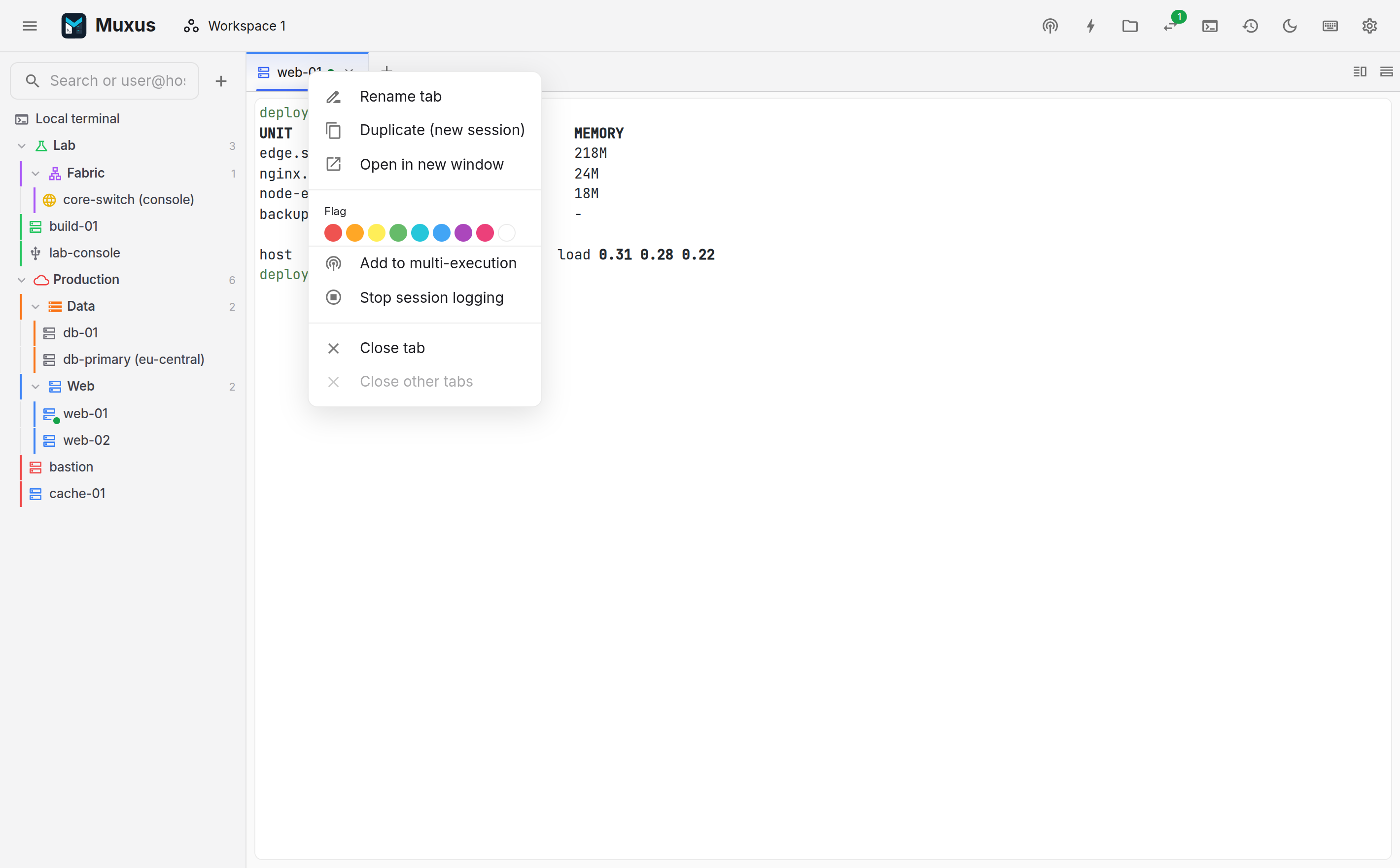
- New tab: Ctrl+Shift+T, or the + in the strip.
- Close: Ctrl+Shift+W (Cmd+W on macOS). Not Ctrl+W, which deletes a word in
the shell. With Close the tab when its shell exits under
Settings → Behavior,
exitor Ctrl+D closes the tab too. - Switch: hold Alt to reveal each tab's window-wide number, then use Alt+1 … Alt+9 to activate that exact tab wherever it lives. Settings → Keyboard can keep the numbers visible all the time. ++ctrl+pgup++ / ++ctrl+pgdn++ still cycle within the focused pane.
- Reorder or move: ++ctrl+shift+pgup++ / ++ctrl+shift+pgdn++ reorders in the current strip. Drag a tab to an exact position in this strip, another split, or another Muxus window. A cross-window drop hands off the live terminal and restores its scrollback.
- Pin: choose Pin tab from the right-click menu. Pinned tabs stay at the left of the strip, keep their own drag order, and are preserved by Close other tabs.
- Rename: double-click the title.
- Duplicate: Ctrl+Shift+D opens a second session on the same host.
- Colour flags: assigned from the right-click menu.
- Open in new window: opens the same profile as a fresh session in its own window.
Each tab shows a status dot: amber while connecting, green when connected, red when the transport is gone.
Tab numbers follow depth-first split-tree order: at every split the left or top branch comes before the right or bottom branch, then tabs are numbered left-to-right inside each strip. Splitting, moving, reordering or closing tabs and panes recalculates the sequence immediately. Every tab displays its sequential number; the first nine have default single-digit shortcuts.
Interaction between panes and tabs
- Closing the last tab of a split pane closes the pane.
- Moving a tab toward a direction where no pane exists splits one off.
- Layout changes never remount a terminal, so the shell, scrollback and SSH channel survive every split, close and move.
- Dragging a connected tab between Muxus windows transfers ownership of its running backend session; it does not start a second login.
- Keystrokes typed into a pane that is still connecting are delivered once it is ready.
Default chord selection
Muxus takes as few keys from the shell as possible:
- Ctrl+W deletes a word, and Ctrl+2 … Ctrl+8 send their control characters. Closing is therefore Ctrl+Shift+W, and window-wide tab selection uses Alt+1 … Alt+9.
- Chords follow the character printed on the key cap, so Ctrl+Shift+Z is the key
labelled
Zon QWERTZ and AZERTY. Arrows and keys whose character a modifier mangles use their physical position. - Ctrl++ / Ctrl+- / Ctrl+0 zoom the terminal font only. The interface scale is a preference rather than a chord.
All commands share one keymap. Search it in the quick launcher, or review and rebind it in the keyboard sheet (Ctrl+Shift+/).