Skip to content

Keyboard shortcuts

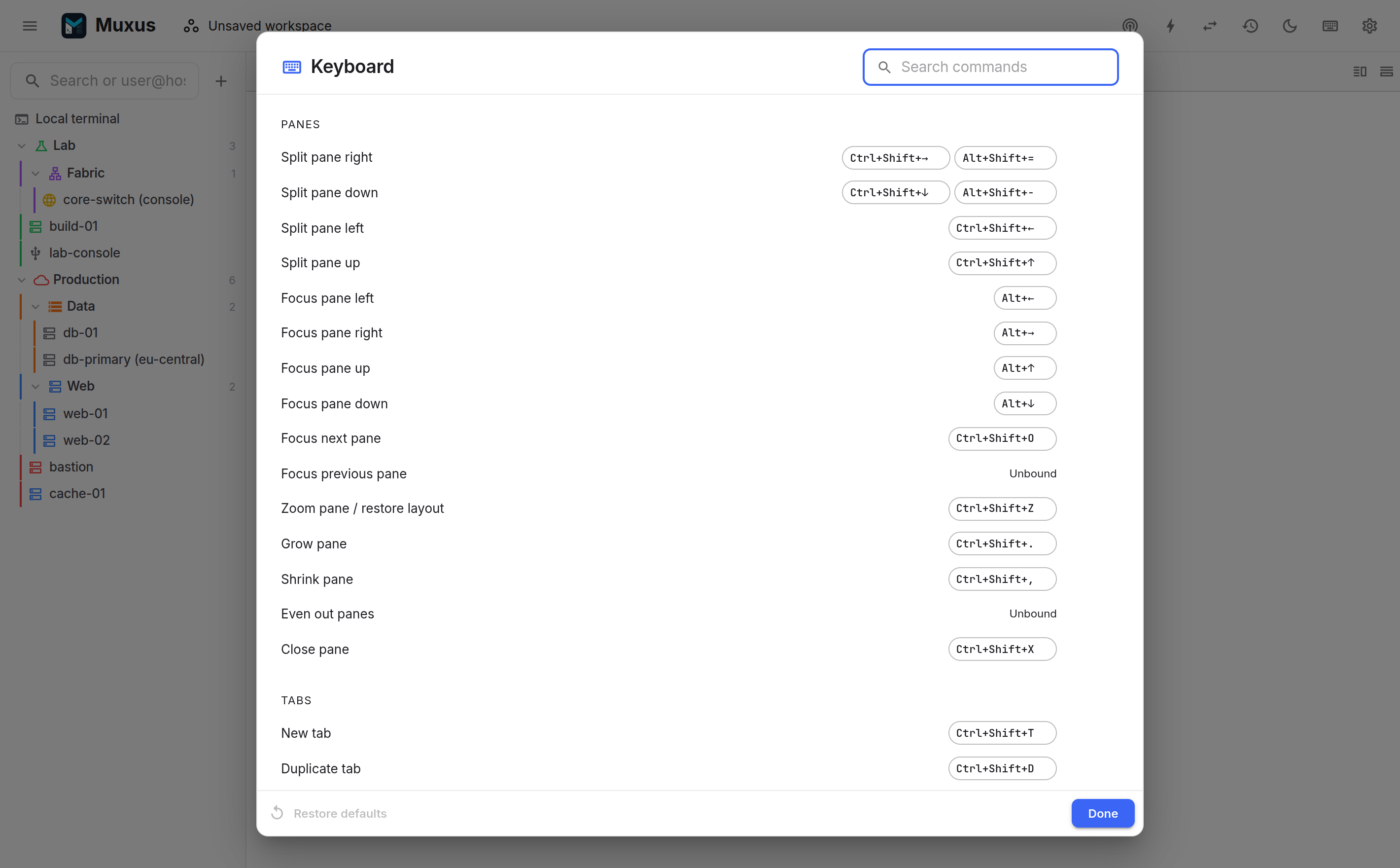
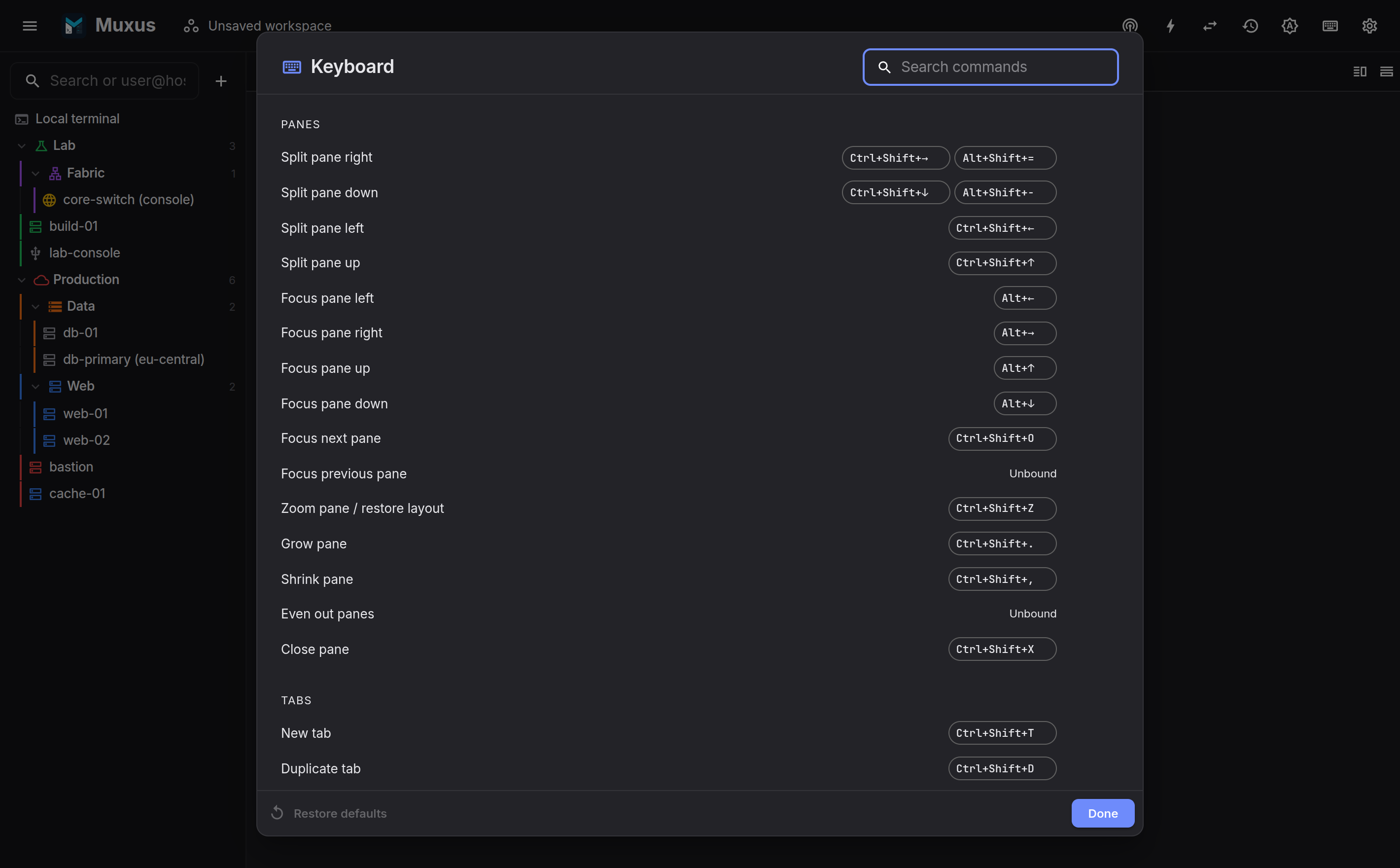
All commands share one keymap. This page lists the defaults. The in-app sheet (Ctrl+Shift+/, or Settings → Keyboard) supports searching, rebinding and resetting them.

The keyboard shortcut sheet The keyboard shortcut sheet
A chord is recorded by pressing it. Conflicts are flagged, and defaults are restored in one click.

Mod is Ctrl, or Command on macOS

One default table serves every platform. Chords marked Ctrl below are Cmd on macOS. A few extra Command-only chords exist on macOS where Ctrl belongs to the shell: Cmd+W closes a tab, and Cmd+1Cmd+9 select one.

Panes

Command Chord
Split pane right Ctrl+Shift+Right, Alt+Shift+=
Split pane down Ctrl+Shift+Down, Alt+Shift+-
Split pane left / up Ctrl+Shift+Left, Ctrl+Shift+Up
Focus pane left / right / up / down Alt+Left, Alt+Right, Alt+Up, Alt+Down
Focus next pane Ctrl+Shift+O
Zoom pane / restore layout Ctrl+Shift+Z
Grow / shrink pane Ctrl+Shift+., Ctrl+Shift+,
Even out panes (unbound by default)
Close pane Ctrl+Shift+X

Tabs

Command Chord
New tab Ctrl+Shift+T
Duplicate tab Ctrl+Shift+D
Close tab Ctrl+Shift+W
Next / previous tab ++ctrl+pgdn++, ++ctrl+pgup++ (also Ctrl+Shift+] / Ctrl+Shift+[)
Move tab left / right in the strip ++ctrl+shift+pgup++, ++ctrl+shift+pgdn++
Move tab to pane left / right / up / down Alt+Shift+Left, Alt+Shift+Right, Alt+Shift+Up, Alt+Shift+Down
Go to tab 1 … 8 Alt+1Alt+8
Go to last tab Alt+9

Terminal

Command Chord
Copy selection Ctrl+Shift+C
Paste Ctrl+Shift+V
Find in terminal Ctrl+Shift+F
Select all output Ctrl+Shift+A
Clear scrollback Ctrl+Shift+K
Increase / decrease font size Ctrl+Shift+=, Ctrl+Shift+- (also Ctrl+= / Ctrl+-)
Reset font size Ctrl+Shift+0, Ctrl+0

Application

Command Chord
Quick launcher Ctrl+K
Toggle hosts sidebar Ctrl+B
Settings Ctrl+,
Keyboard shortcuts Ctrl+Shift+/

Mouse and other gestures

Action Gesture
Zoom the terminal Ctrl + scroll wheel
Resize a split, reset it to half Drag the divider, double-click it
Pane actions (split, zoom, close) Right-click the tab strip
Rename a tab, close a tab Double-click it, middle-click it
Search next / previous match Enter, Shift+Enter

Remote editor

Monaco's own bindings apply inside the remote editor:

Action Chord
Save file, save all Ctrl+S, Ctrl+K then S
Find, replace Ctrl+F, Ctrl+H
Command palette F1, Ctrl+Shift+P
Go to line Ctrl+G
Format document Shift+Alt+F

Default binding rules

  • The shell keeps its keys. Ctrl+W deletes a word and Ctrl+2Ctrl+8 send their control characters, so Muxus uses Ctrl+Shift+W and the Alt number row.
  • Keys fall through when they do not apply. Alt+Left moves focus only when a pane is to the left; otherwise the shell receives it.
  • Chords follow the printed key cap. Ctrl+Shift+Z is the key labelled Z on QWERTZ and AZERTY. Arrows and keys whose character a modifier mangles use their physical position.
  • Rebinding is supported. A command can take a second chord, replace one, or be unbound. Conflicts are flagged during recording.