Connecting
Muxus dials the way ssh does. This page describes what happens between selecting a host
and reaching a prompt.
Resolution
Every connection starts by resolving the host through the OpenSSH configuration: a
sequential, first-obtained-wins lookup across every matching Host pattern, wildcards and
negations included, and every Included file, accumulating IdentityFile,
CertificateFile and the *Forward directives. Each hop resolves independently, so a
jump host uses its own key and its own user.
Match blocks are not applied. Their conditions depend on runtime state Muxus does not
reproduce, so the options inside them are skipped.
Host keys
Before authentication, the server's key is checked against ~/.ssh/known_hosts and the
read-only /etc/ssh/ssh_known_hosts, hashed entries included.
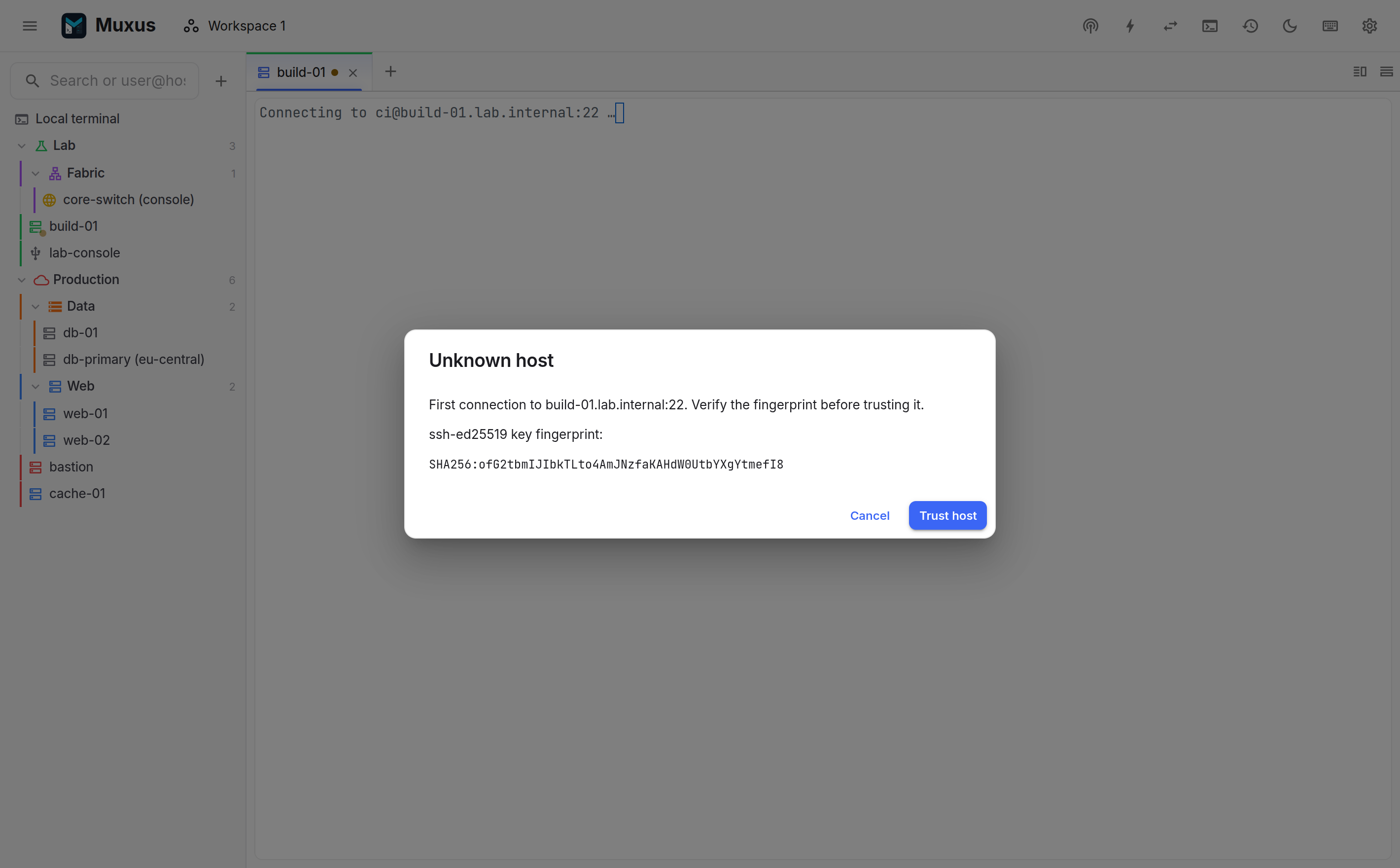
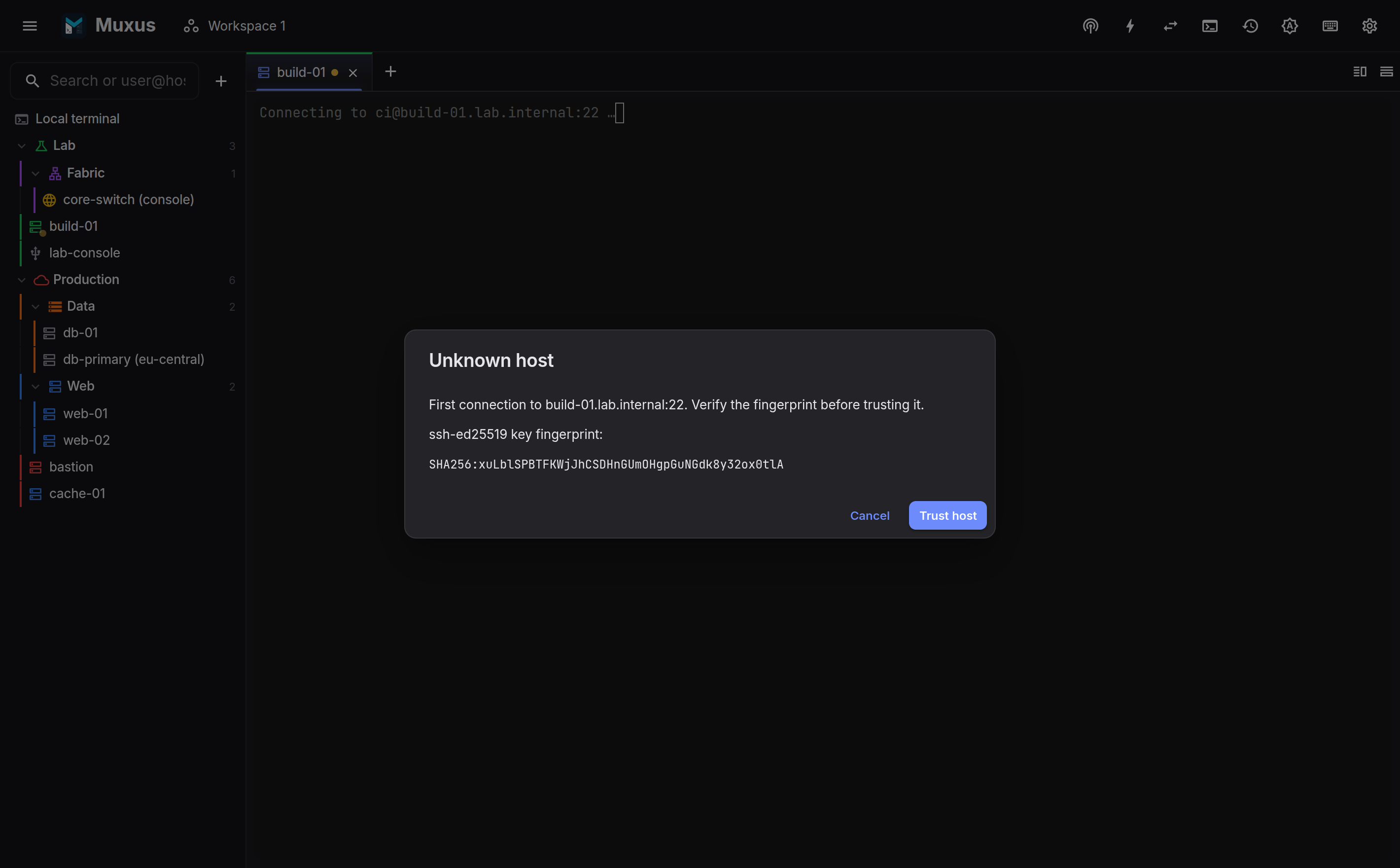
- Unknown host: the fingerprint is shown for confirmation. Accepting appends the key to
~/.ssh/known_hosts, sosshon the command line trusts it as well. - Changed key: a warning is shown. Accepting performs the
ssh-keygen -R-style replacement of the old entry.
A changed key is not routine
If the host was not just rebuilt, determine why the key changed before accepting.
Fingerprints in ssh:// links
An ssh:// link can name the host key it expects:
ssh://admin;fingerprint=SHA256:nThbg6kXUpJWGl7E1IGOCspRomTxdCARLviKw6E5SY8@10.0.0.1. The
value is what ssh-keygen -l prints. MD5 fingerprints (MD5:c1:b1:…) and the URI draft's
ssh-rsa-c1-b1-… form also work; the latter names a key type, and Muxus asks the server for
a key of that type.
The fingerprint only ever makes the check stricter:
- If the server's key does not match, the connection is refused before
known_hostsis consulted, even for a host already trusted there or set toStrictHostKeyChecking no. - If it matches,
known_hostsapplies as usual. A known key connects; for a new host the terminal notes that the key matches the link, and the trust prompt still appears, since a link can come from anywhere. A link never adds or replaces aknown_hostsentry by itself. - A tab opened from such a link never shares a connection whose key it has not checked.
Authentication order
Within one connection Muxus follows the OpenSSH order and stops at the first method that succeeds:
- Agent: every identity in the host's
IdentityAgent, falling back toSSH_AUTH_SOCKwhen no override is configured. - Certificates: a
CertificateFiletogether with its matchingIdentityFile. - Keys: the
IdentityFiles in the block, or the default~/.ssh/id_*set. Passphrase-protected keys issue a prompt.IdentitiesOnly yesis honoured. - Keyboard-interactive: 2FA codes, challenge/response.
- Password, with retries.
Agent approval time does not consume ConnectTimeout. If an agent accepts a request but
never answers, Muxus shows what it is waiting for and moves to the next authentication
method after a bounded wait. Choosing the host editor's Specific key file mode, or
changing its key files, writes IdentitiesOnly yes, which skips the login agent entirely.
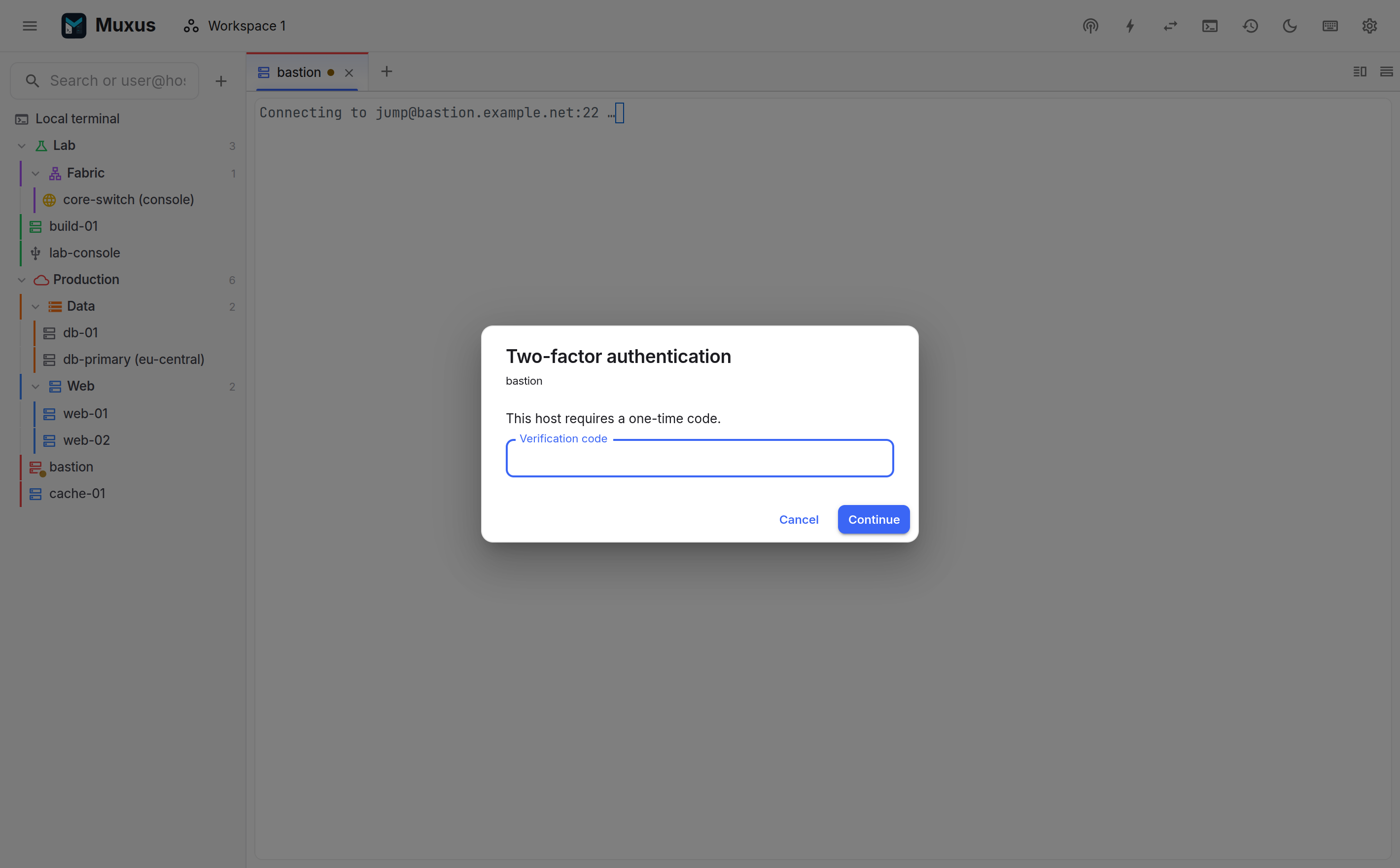
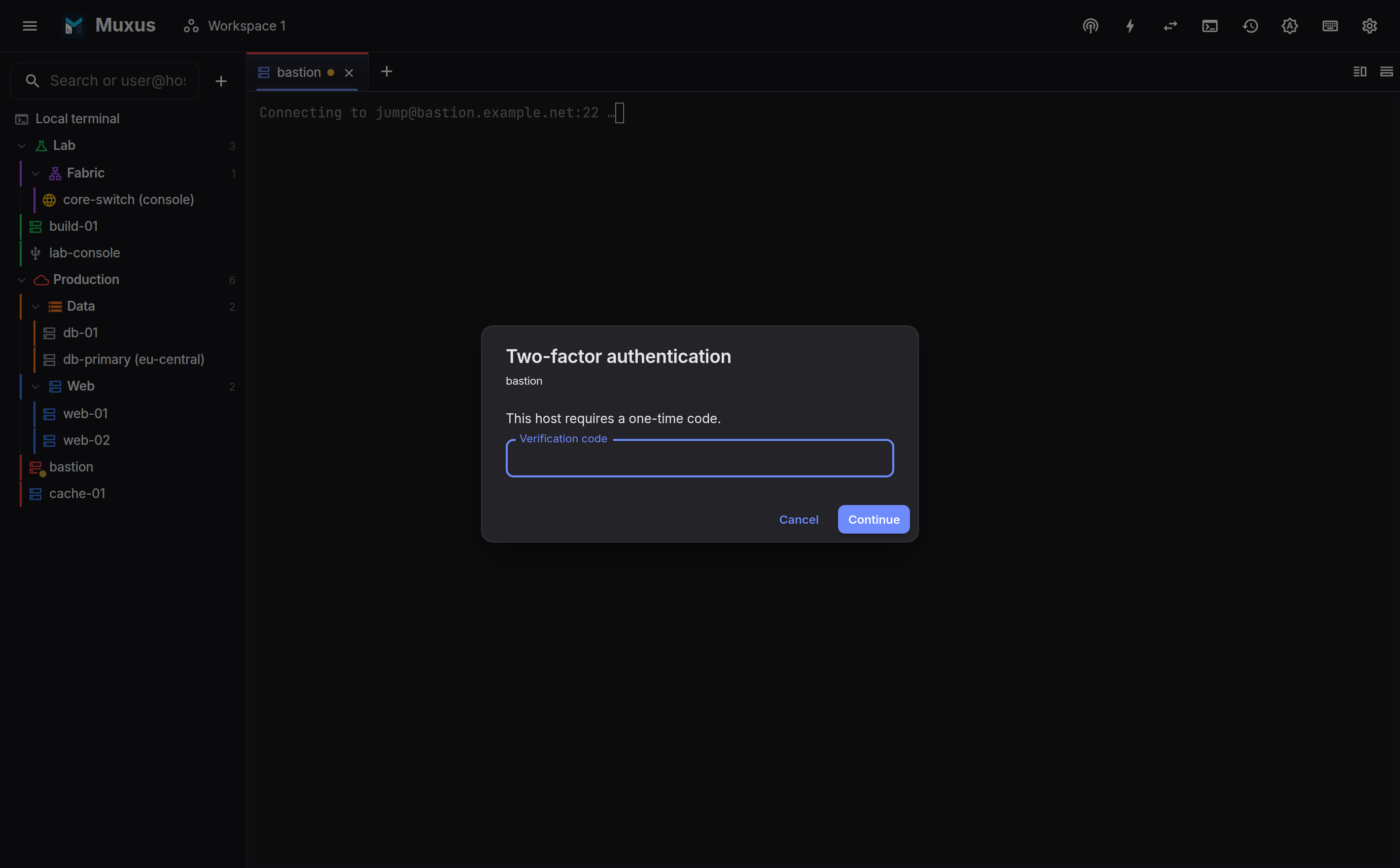
An SSH password prompt offers Remember this password. A single hidden keyboard-interactive field explicitly labelled as a password offers it too, for network devices that use keyboard-interactive for password login. To have the box selected on every prompt, turn on Remember passwords by default in Settings → Passwords. The password is saved only after authentication succeeds. The first save creates a vault and asks for a master password of at least eight characters. By default, the vault key is kept in the OS credential store, so routine SSH use does not prompt for the master password. In Settings → Passwords, the policy can instead ask once when Muxus starts or whenever a saved credential is needed. The master password is always required to view or edit saved values.
If a never-prompt vault is restored without its OS credential-store entry, the next saved password use asks for the master password and attempts to restore automatic access. The credential can still be used for that connection if the OS store remains unavailable; the prompt policy can also be changed or the vault reset. Private-key passphrases, 2FA codes and all other keyboard-interactive answers remain transient and are never remembered. See the security model.
Security keys
FIDO2 keys on a YubiKey, SoloKey or similar authenticator (ssh-keygen -t ed25519-sk or
-t ecdsa-sk) log in to the target and to every jump host:
- From the agent:
sk-ssh-ed25519@openssh.comandsk-ecdsa-sha2-nistp256@openssh.comidentities, and certificates for them, are offered like any other agent key. The agent talks to the authenticator, and for a key created with-O verify-requiredit asks for the PIN through its own askpass dialog. - As an
IdentityFile: once the server accepts the key, Muxus loads it into a privatessh-agentwithssh-add, signs through it, and stops it when the login is done. The key file's passphrase and, for-O verify-requiredkeys, the PIN are asked for in the usual prompt. This needs the OpenSSH client with FIDO support. Thesshthat ships with macOS has none built in: install OpenSSH from Homebrew, or setSecurityKeyProvider(or$SSH_SK_PROVIDER) to a FIDO middleware library, as forssh. Without it, and on Windows, the terminal explains how to load the key into the agent withssh-addinstead.
While a signature waits, the terminal shows Touch your security key to log in to
host with the key's fingerprint. As with agent approvals, the wait does not count
against ConnectTimeout. When the key is not touched in time, the PIN is wrong or the key
is not plugged in, the terminal names the key and the hop before trying the next
authentication method.
Jump chains and ProxyCommand
ProxyJump chains, including nested and comma-separated ones, are dialled hop by hop,
each with its own resolution, host-key check and authentication. Cycles are detected and
rejected.
ProxyCommand is supported as a transport. Muxus runs the command and speaks SSH over its
stdin/stdout, which supports tools such as cloudflared access ssh and corporate
ProxyCommand wrappers.
Forwards declared on the block (LocalForward, RemoteForward, DynamicForward) start
with the session, and ForwardAgent applies when an agent is present.
One connection per host
Connections are multiplexed, the way OpenSSH ControlMaster sharing works. When a session's
resolved dial plan matches a live connection, it opens a new channel instead of a new TCP
connection. The comparison covers every hop's user, host, port and agent-forwarding policy,
plus any expanded ProxyCommand. Splitting a pane, opening a second tab on the same host,
the file browser, the remote editor, tunnels and ad-hoc forwards all share one SSH
transport:
- no second login and no second 2FA prompt;
- servers that cap connections per user (
MaxStartups, firewall rules) see one connection, no matter how many panes are open; - sessions started together, such as a restored workspace, collapse into a single dial with a single authentication round-trip.
Sharing is safe by construction: a connection whose keepalives have gone quiet is not
reused, and if the server refuses another channel on a shared connection (MaxSessions,
Cisco IOS and other appliances), Muxus silently dials a dedicated connection for that pane
instead.
Jump hosts are shared the same way. A dedicated connection, and a connection to any other host behind the same jump host, is opened through the jump host's existing connection, so the jump host sees no second login. The jump host connection closes a few seconds after the last session through it.
Each consumer holds its own lease on the transport:
- closing one tab does not affect the others; the connection closes with its last consumer;
- a tunnel holds its own lease, so closing every terminal leaves it running.
Connection summary
With Show a summary when an SSH session connects turned on in Settings → Behavior, every new SSH session starts with what the connection ended up with:
➤ SSH session to admin@100.124.182.28
  • Route            : via bastion
  • Server           : OpenSSH_9.6p1
  • Authentication   : public key (SSH agent)
  • Encryption       : chacha20-poly1305@openssh.com  (curve25519-sha256)
  • Compression      : ✘  (disabled)
  • SFTP browser     : ✔
  • X11 forwarding   : ✘  (refused by the server)
  • Agent forwarding : ✔
The values are what was negotiated, not what was configured: Compression yes against a
server without compression reads not supported by the server, and a host that asks for X11
when the server refuses it reads refused by the server. A key login names the key's
signature algorithm, and a security key reads, for example,
security key (SSH agent) (sk-ssh-ed25519@openssh.com). A session that joins an open
connection says so on the Route line. Port forwards from the host's configuration that are
running on the connection are listed last.
Connection loss
Muxus sends an SSH keepalive after 30 idle seconds by default. Settings → Behavior changes
that fallback interval, while an explicit ServerAliveInterval in the matching OpenSSH
configuration takes precedence:
| Tab icon | Meaning |
|---|---|
| amber | Existing keepalives are unanswered |
| red | SSH declared the transport lost; the reason is printed in the terminal |
With Automatically reconnect remote sessions enabled, a dropped connection is retried a few times before waiting for a key press. You can also use Reconnect from the tab menu. SSH tabs additionally offer Reconnect + tmux and Reconnect + screen, which dial a fresh transport and then reattach the existing multiplexer session.
Force reconnect (new connection) in the tab menu replaces one tab's connection, even while the session is live. It never multiplexes onto an established transport or jump host connection, so it also recovers an ended SSH tab whose shared connection went dead while other tabs still hold it. Once the replacement is up, new sessions to that host use it instead of the old transport.
The workspace dialog reconnects selected ended sessions, all ended sessions, or force-reconnects every remote tab. Force reconnect ends live shells; use tmux or screen when remote programs must survive. Saved tunnels keep their existing connections: the replaced transport carries them until they stop, while new sessions and new tunnels use the replacement.
Diagnosing a failed connection
When an SSH or Telnet session fails or drops, press D in its terminal instead of reconnecting. Muxus checks the connection from this computer and prints the result below the failure:
| Check | What it tells you |
|---|---|
| DNS | Whether the host name resolves, and to which addresses |
| Ping | Whether the host answers ICMP echo. Many hosts and firewalls drop ping, so no reply is only a hint |
| TCP | Whether each address accepts a connection on the port, refuses it, or does not answer |
| SSH | Whether the port greets with an SSH identification, and which server software sent it |
| Agent, Key files | Whether the SSH agent answers and holds keys, and whether configured IdentityFiles exist |
The last line names the likely cause, read from the lowest check that failed. Only the
first host Muxus dials is in reach: behind a jump host the checks stop at the jump host,
and a host reached through ProxyCommand is not dialed directly at all. The checks use the
system ping and plain TCP connections, so they work the same on Windows, macOS and Linux
without extra tools or administrator rights. Any other key reconnects as before; pressing
D while an automatic reconnect is pending stops the countdown.