Images in the terminal
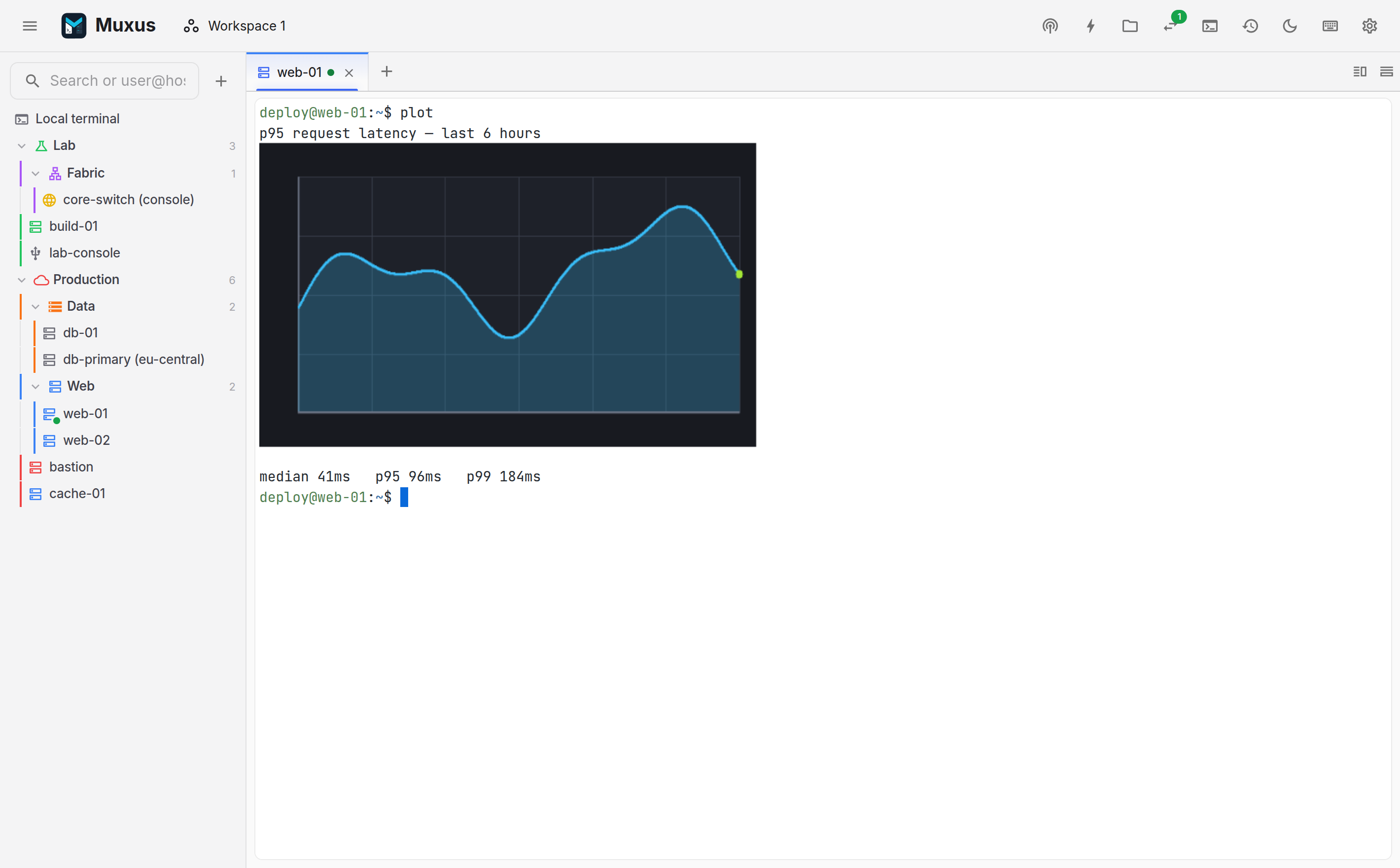
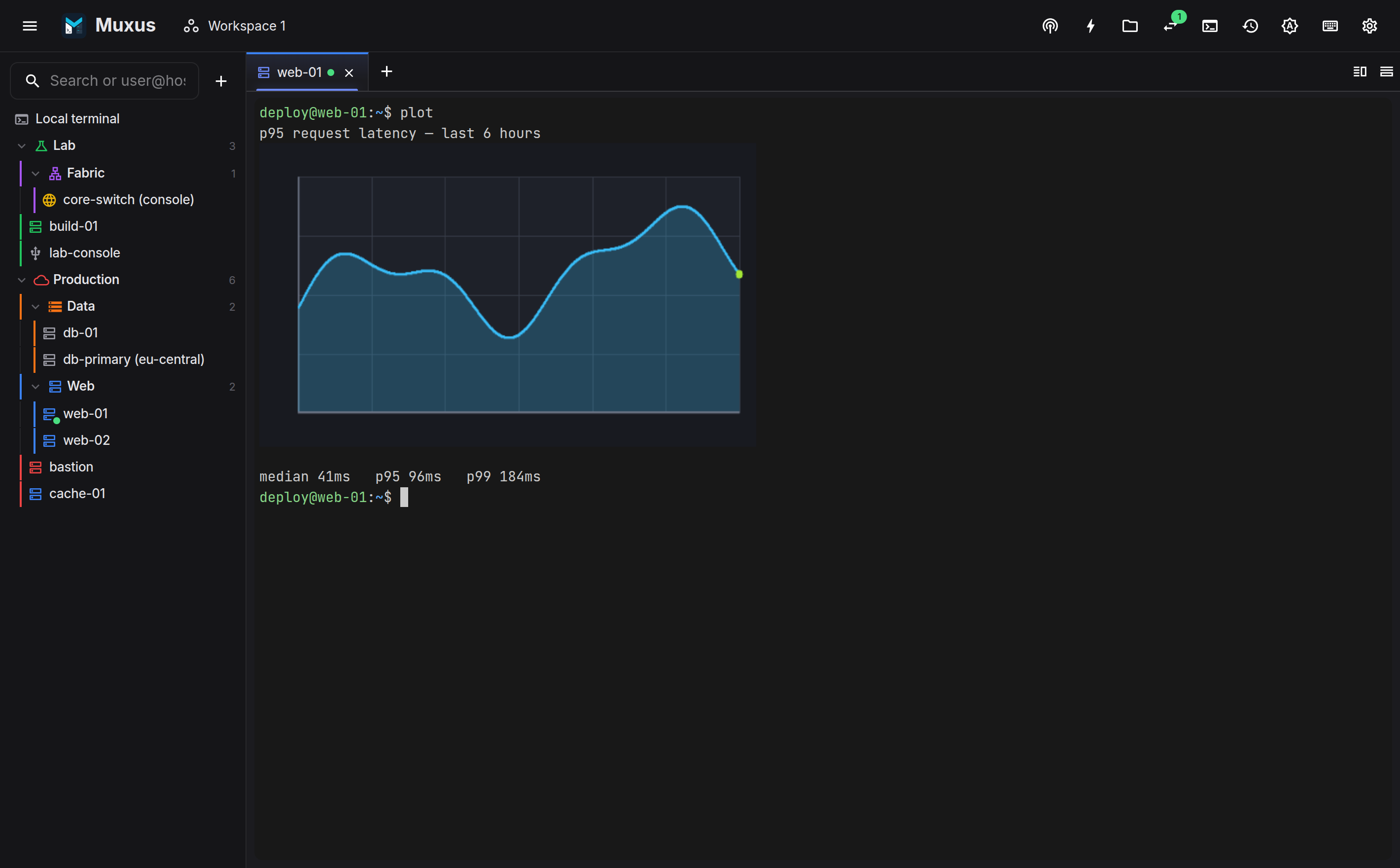
Muxus renders images inside the terminal, over SSH, using the protocols introduced by kitty
and WezTerm. kitten icat, yazi and ranger previews, matplotlib's terminal backends and
timg are all supported.
Supported protocols
Kitty graphics protocol. Direct transmission (a=T), chunked payloads, optionally
zlib-compressed, in PNG or raw RGB/RGBA. Placements support z-index, including negative
z drawn below the text layer, explicit cell sizing (c=/r=), and the delete commands
that let an application clean up after itself.
Sixel and iTerm2 inline images are handled by the same addon.
Cell metrics. Tools discover the pixel size of a cell through CSI 14 t / CSI 16 t
when the PTY reports no pixel size. icat uses this to determine how many columns an image
occupies.
Implementation
xterm.js 6.1 streams the APC payload into the Image Addon. Chunks are parsed incrementally, base64 decoding runs through WebAssembly, and the result is drawn as a terminal-buffer-aware canvas layer.
Images scroll with the buffer, survive resizes, and are dropped when their lines leave the scrollback.
Limits
A single kitty transmission is capped at 64 MiB. Each terminal keeps a bounded image store, larger for the visible tab than for background tabs. When the store fills, the oldest images are evicted. The text buffer is not affected.
Examples
On a host with kitty's icat kitten:
With Python and matplotlib, the kitty backend draws into the session:
python -c "import matplotlib; matplotlib.use('module://matplotlib-backend-kitty'); \
import matplotlib.pyplot as plt; plt.plot([1,4,9,16]); plt.show()"
Any tool that emits a kitty escape sequence works without additional software. The screenshot above is produced by a shell script writing one to stdout.
File managers
yazi and ranger detect the protocol automatically, so image previews in a remote file manager render inline instead of falling back to ASCII art.