Settings
Settings are opened with Ctrl+, or the gear control in the top bar. In the desktop app they open in a window of their own, centered over the window you opened them from and at the size you left it. You can keep it beside the main window or drag it onto another display while it is open. Opening settings again brings the window to the front. On Linux under Wayland the compositor decides where windows open. In a browser, settings open as a dialog over the page.
The sections are listed on the left. Each one is a list of settings with a short explanation on the left and the control on the right, grouped under small headings. In a narrow window the section list becomes a picker at the top. Close the settings window or dialog with Esc, or with its close button.
Search settings, above the section list, finds a setting by its name or by what it is
about: font, dark mode, keepalive, ctrl+d or osc52. Results list as you type, each
with its section and heading. Choose one with a click, or with the arrow keys and Enter,
to open its section, scrolled to the setting and outlined for a moment. Ctrl+F
(Cmd+F on macOS) moves to the search field from anywhere in Settings.
Most changes apply immediately to open terminals, in every Muxus window. SSH keepalive changes apply on the next connection; session logging saves explicitly because storage policy should not change under a running recorder.
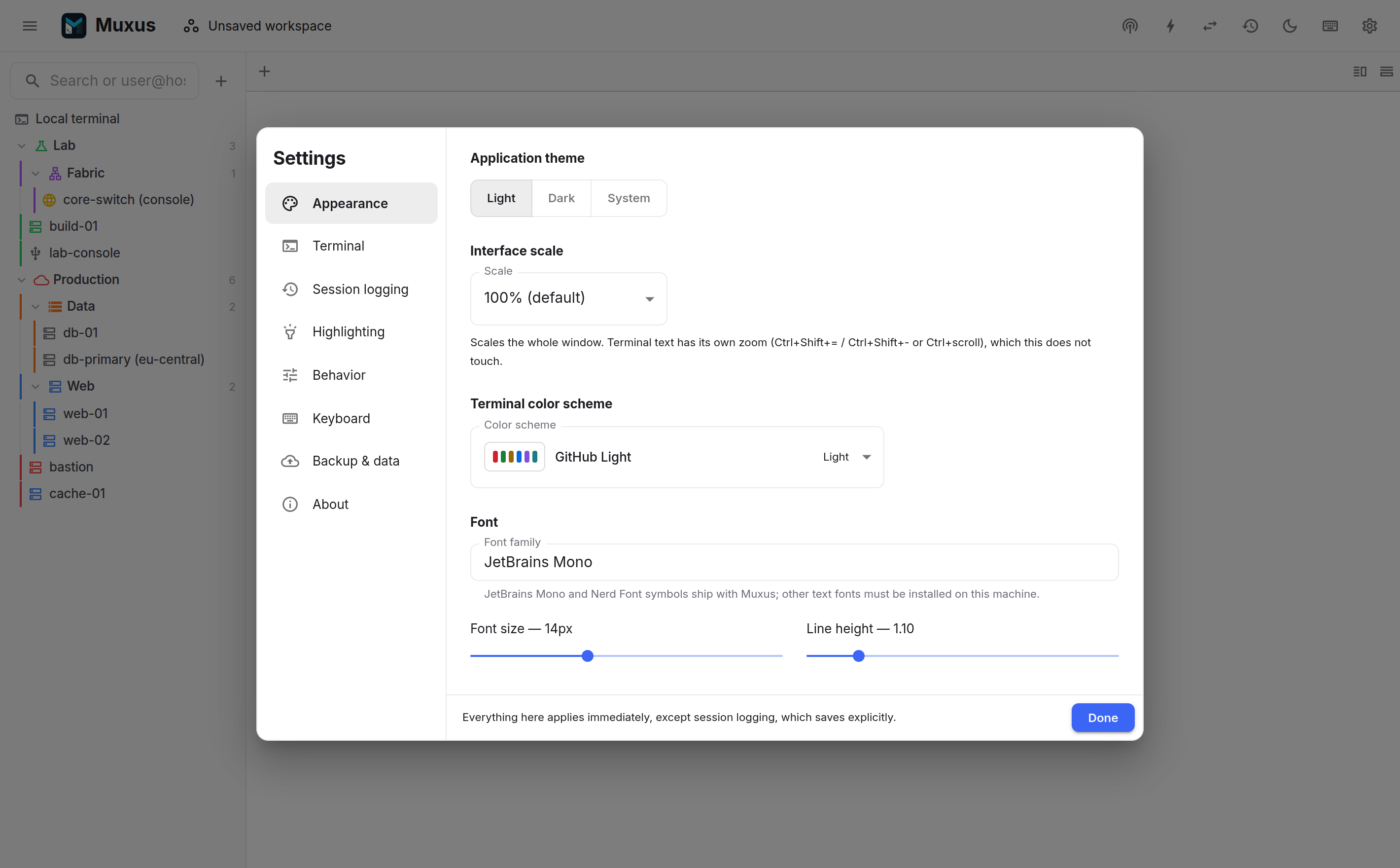
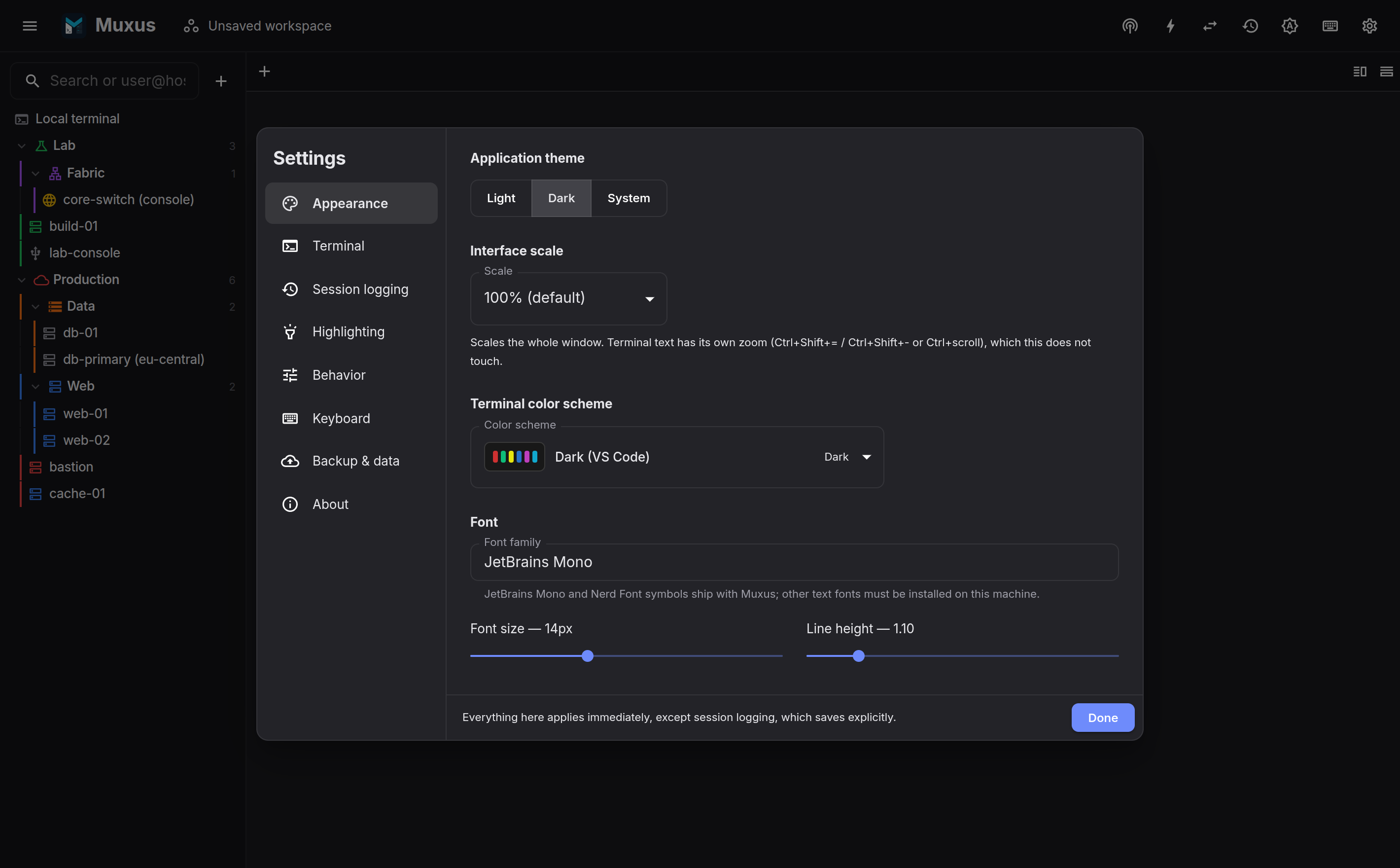
Appearance
- Application theme: light, dark, or follow the system.
- Interface scale: the size of the whole window. Terminal text has a separate zoom (Ctrl+Shift+= / Ctrl+Shift+- / ++ctrl+wheel++).
- Layout: dock the hosts sidebar on the left (default) or right, open the file browser beside the terminal (default) or in the sidebar, and place the command bar at the top (default) or bottom. A miniature of the window previews the arrangement.
- Status bar: Show status bar adds the status bar with the active session's host statistics along the bottom of the window. On by default. Items picks what it shows: host name, operating system, CPU, memory, disk, network traffic, uptime and logged-in users. All are on until you turn one off.
- Split panes: Dim inactive panes or Outline the focused pane with a thin theme-aware accent. Both are off by default; dimming starts at 15% and is adjustable. Multi-exec panes stay emphasized. These effects are presentation-only and do not alter terminal colours or output.
- Terminal colors: a Light terminal theme and a Dark terminal theme, separate colour schemes that follow the effective application appearance, including system appearance changes. Fifteen schemes are grouped into light and dark sets. Text color and Background color optionally replace the scheme's own for every terminal; Use scheme color goes back.
- Custom color schemes: your own terminal colour schemes, created from a copy of any scheme or imported from a Windows Terminal or iTerm2 file. See Custom colour schemes.
- Terminal font: family, size and line height. The desktop selector includes JetBrains Mono, which is bundled, plus the font families installed for the current operating-system user. Nerd Font symbols remain an automatic bundled fallback.
Terminal
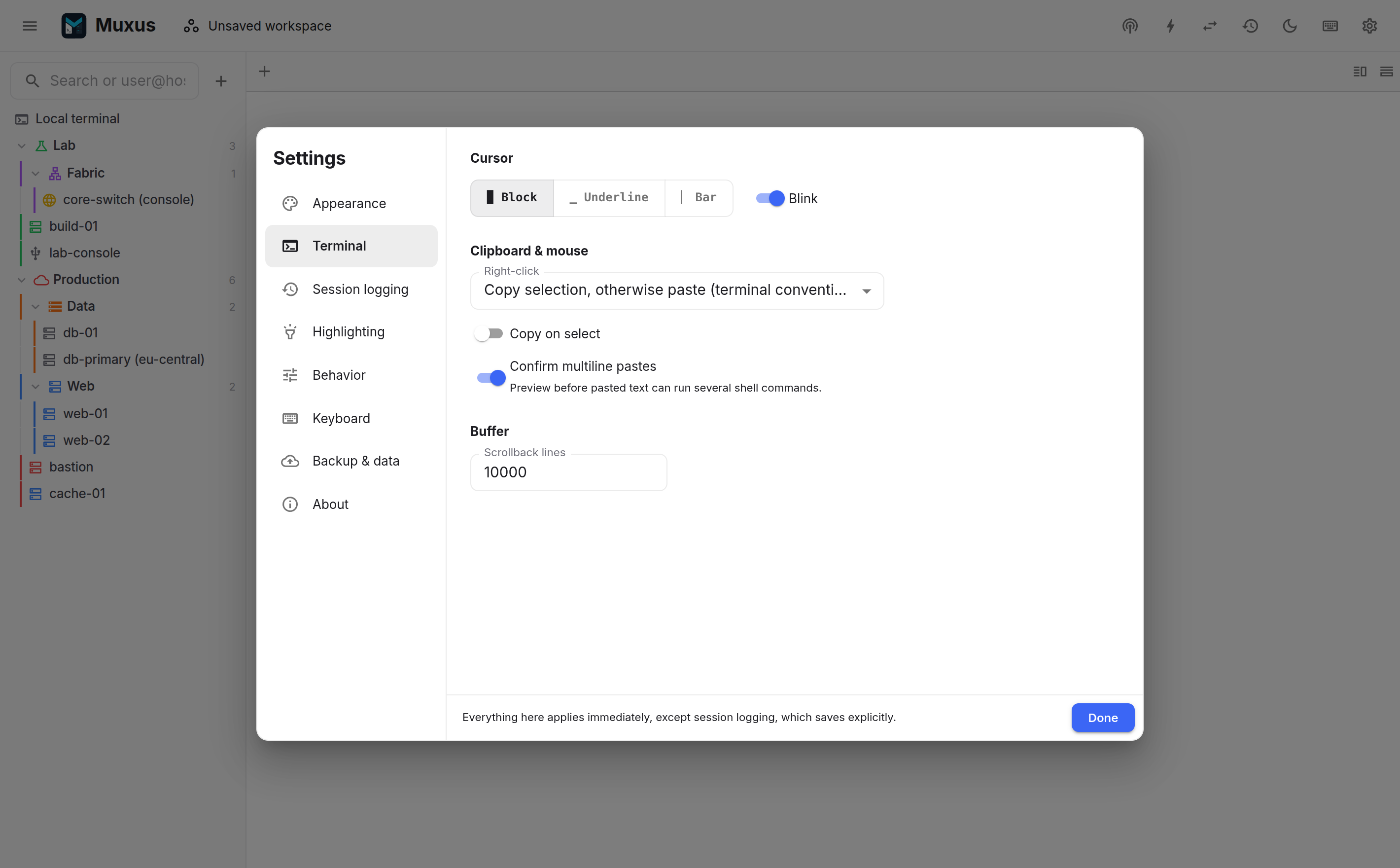
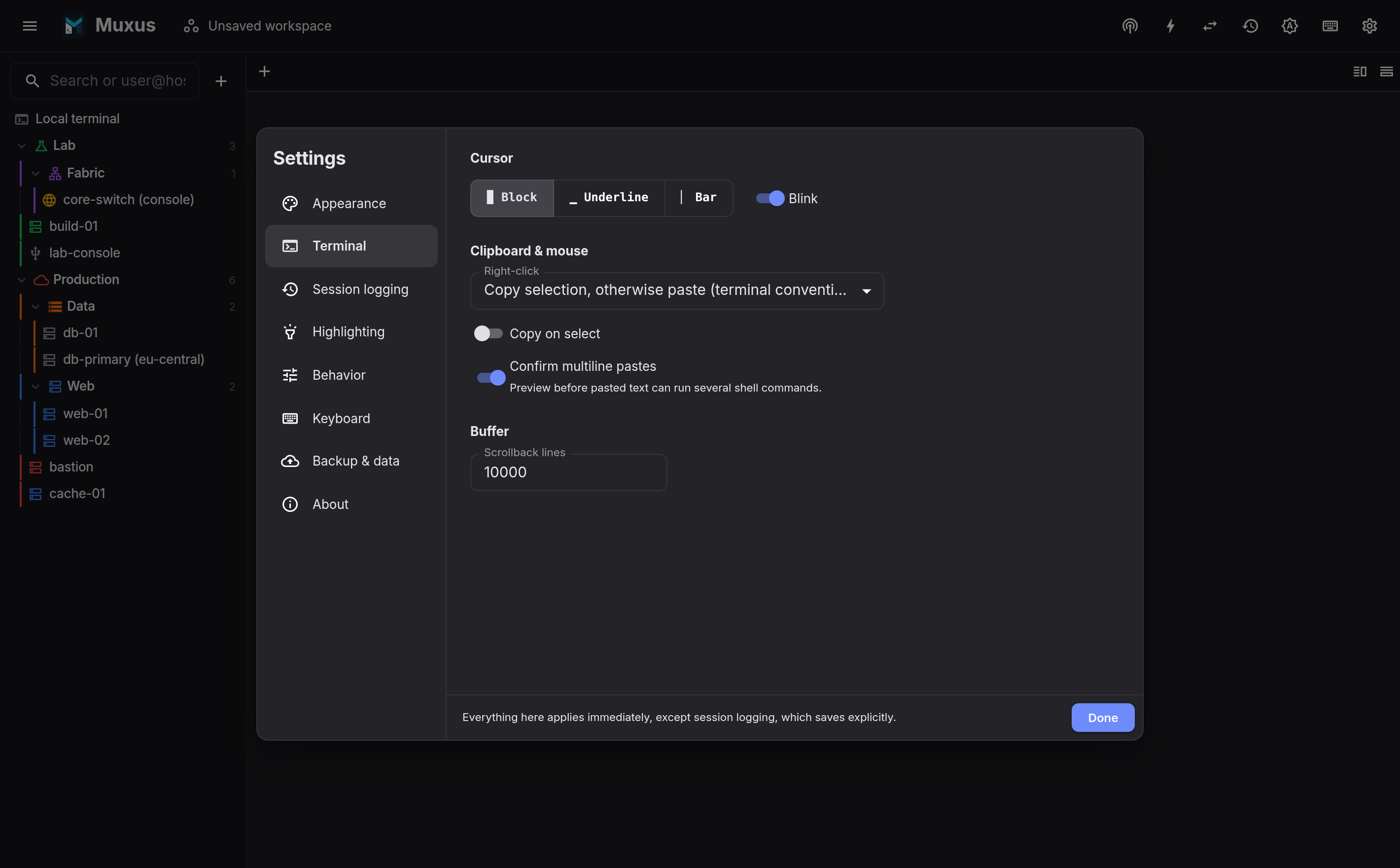
- Cursor: block, underline or bar, blinking or not.
- Right-click: copy-selection-otherwise-paste (the terminal convention), always paste, or a context menu.
- Open terminal links: choose Alt or direct left click on every platform, plus Ctrl on Linux and Windows or Cmd on macOS. The gesture applies to both file paths and web URLs. Alt + left click is the default so ordinary clicks and double-clicks remain available for terminal text selection.
- Copy on select, OSC 52 clipboard writes from terminal programs such as tmux and Zellij, and the multiline paste confirmation. OSC 52 reads remain blocked so a terminal program cannot retrieve the local clipboard.
- Confirm pastes with look-alike characters opens the paste preview for any paste, even a single line, that contains no-break spaces, zero-width characters, smart quotes, dashes or letters that look like Latin ones. See Invisible and look-alike characters.
- Paste pacing: a delay after each pasted line and, optionally, after each character, for consoles that drop input sent all at once. Hosts can set their own. See Pasting into slow consoles.
- Scrollback lines kept per terminal.
Local shells
The automatic local terminal keeps the previous behaviour: auto uses the login shell,
or an executable can override it. Saved profiles make several local environments available
at once. Each profile has a display name, executable, structured argument list, starting
directory and optional startup commands.
Arguments are entered one per line, so a value containing spaces stays one argument. For
example, a Windows profile with executable wsl.exe and arguments -d and Ubuntu
opens that distribution; another profile can select Debian, PowerShell or cmd.exe.
Profiles appear below Local terminal in the sidebar and in the quick launcher. One can
be selected as the default used by the sidebar, empty-pane shortcut and generic local
terminal action. Startup commands are entered into the interactive shell whenever the
profile starts, including when it is restored in a workspace.
On Windows, installed WSL distributions are listed as well, without any setup: each one
appears below Local terminal and in the quick launcher, and opens with
wsl.exe -d <name> --cd ~, in its Linux home directory. The list is read from the same
registry entries Windows Terminal uses, so a distribution installed while Muxus runs appears
once the window is focused again, and the engine distributions of Docker Desktop and
Rancher Desktop are left out. A distribution that ships its own icon, as recent releases
installed with wsl --install do, shows it in the sidebar, the quick launcher and its tabs:
the same icon its Start menu shortcut and Windows Terminal profile use.
Save as profile copies a distribution into the saved profiles, where its arguments,
starting directory and startup commands can be changed and it can be made the default; a
distribution a saved profile already opens is listed only once. List installed
distributions turns the automatic entries off. Right-clicking a local shell row in the
sidebar and choosing WSL settings… or Local shell settings… opens this section with
that entry highlighted.
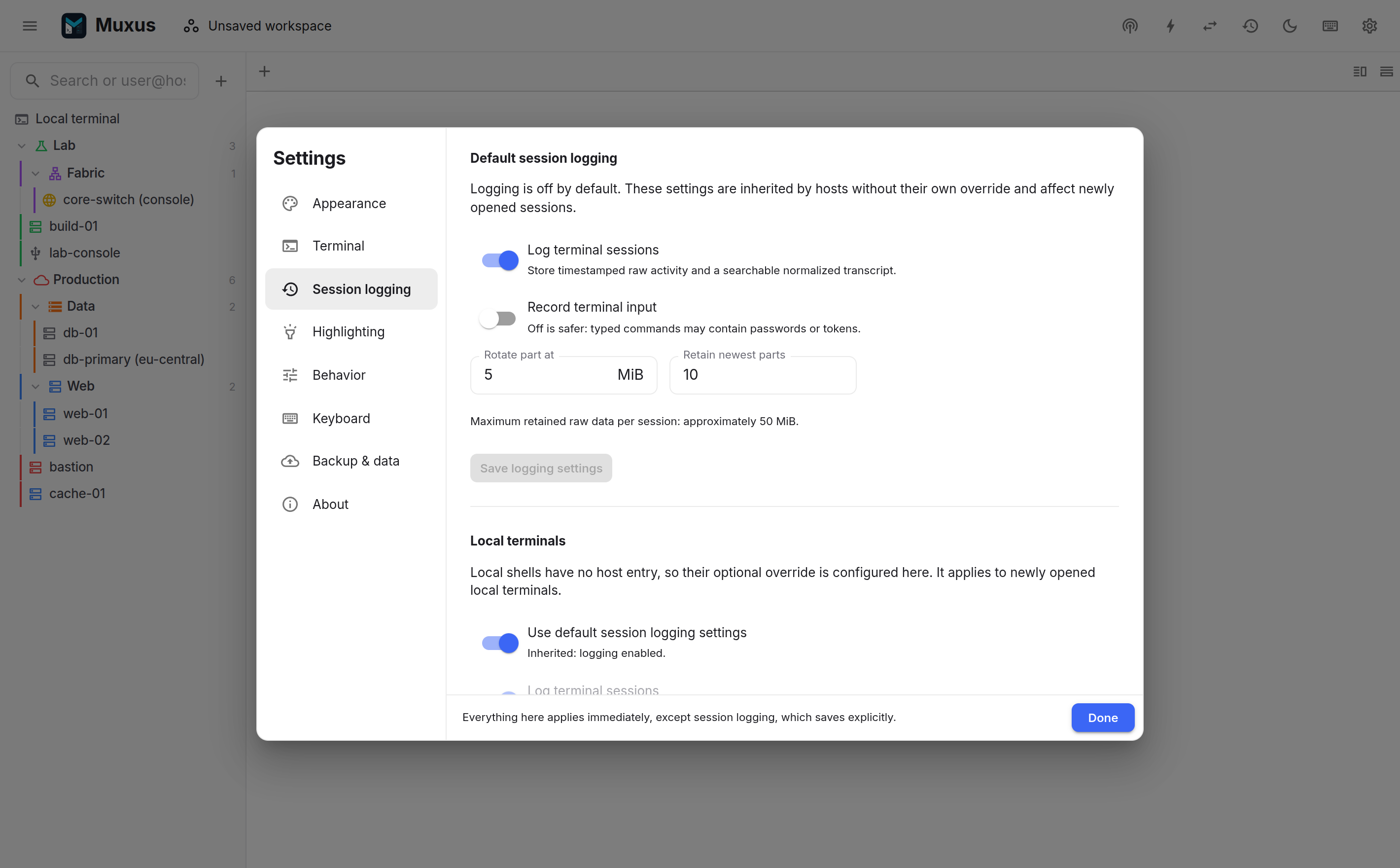
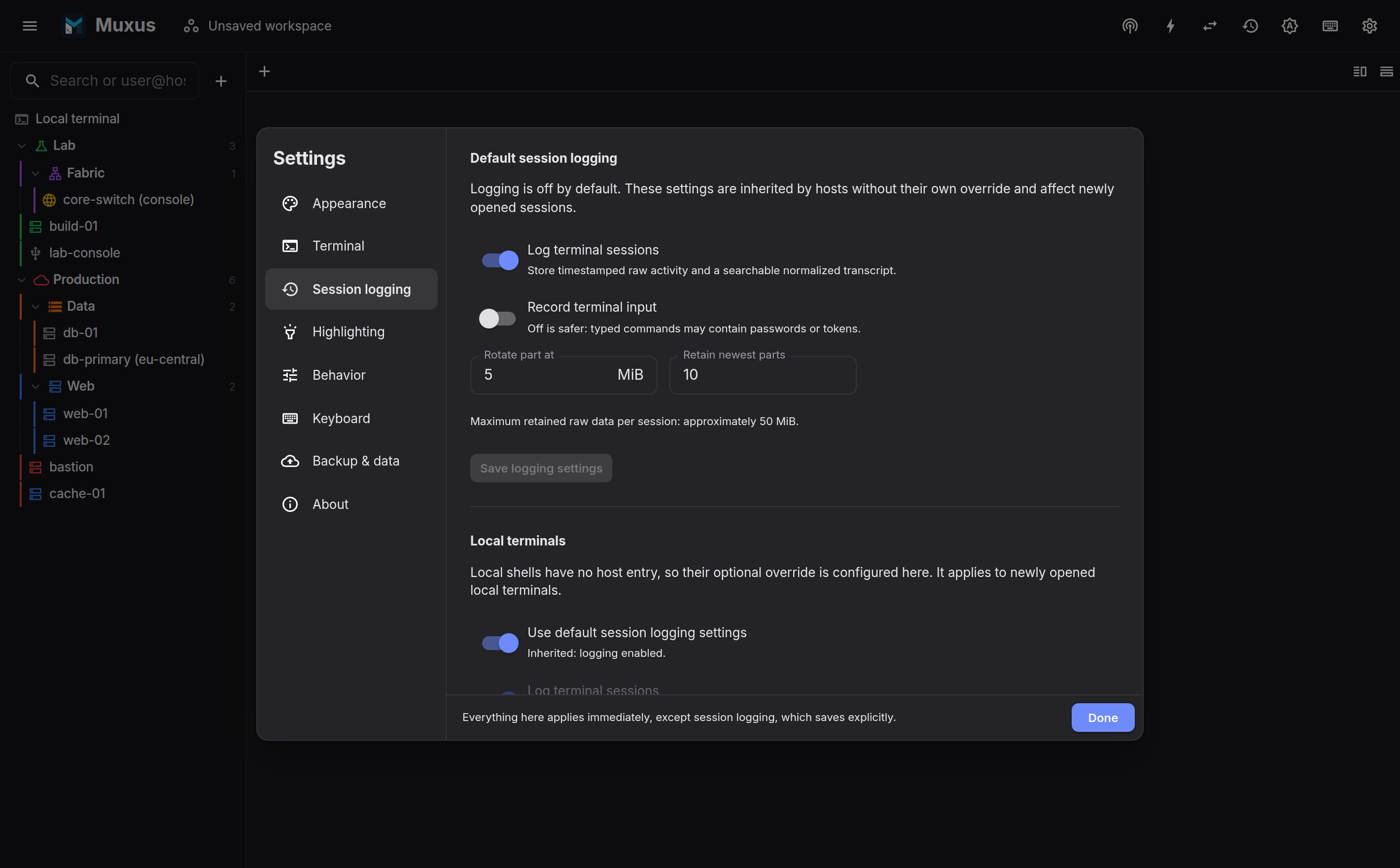
Session logging
Off by default. This section enables retention globally, controls whether input is captured, and sets the storage policy: location, maximum total size, minimum free space (absolute and percentage), maximum age, and the number of parts each session keeps. Current usage against the quota is displayed here.
Write log files in a policy starts a plain-text log file for every new session. Log files sets their folder, their file name pattern and whether each line carries a timestamp.
Unlike the rest of Settings, these changes apply once saved. The default policy, the local terminal override, the log file settings and the storage limits each end in their own Save button, which says Unsaved changes beside it while there are edits. Leaving the section or closing the dialog with unsaved edits asks first.
Highlighting
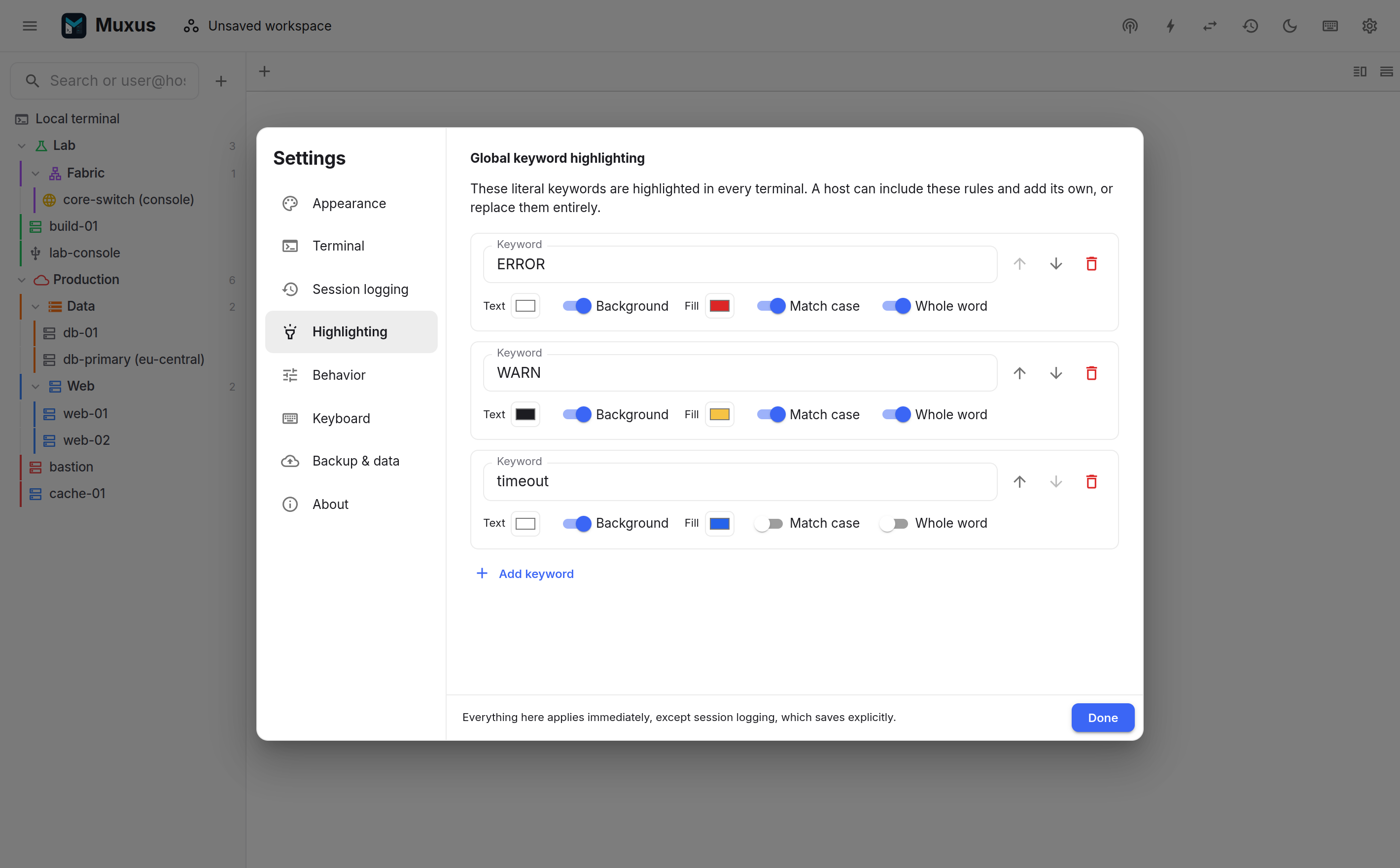
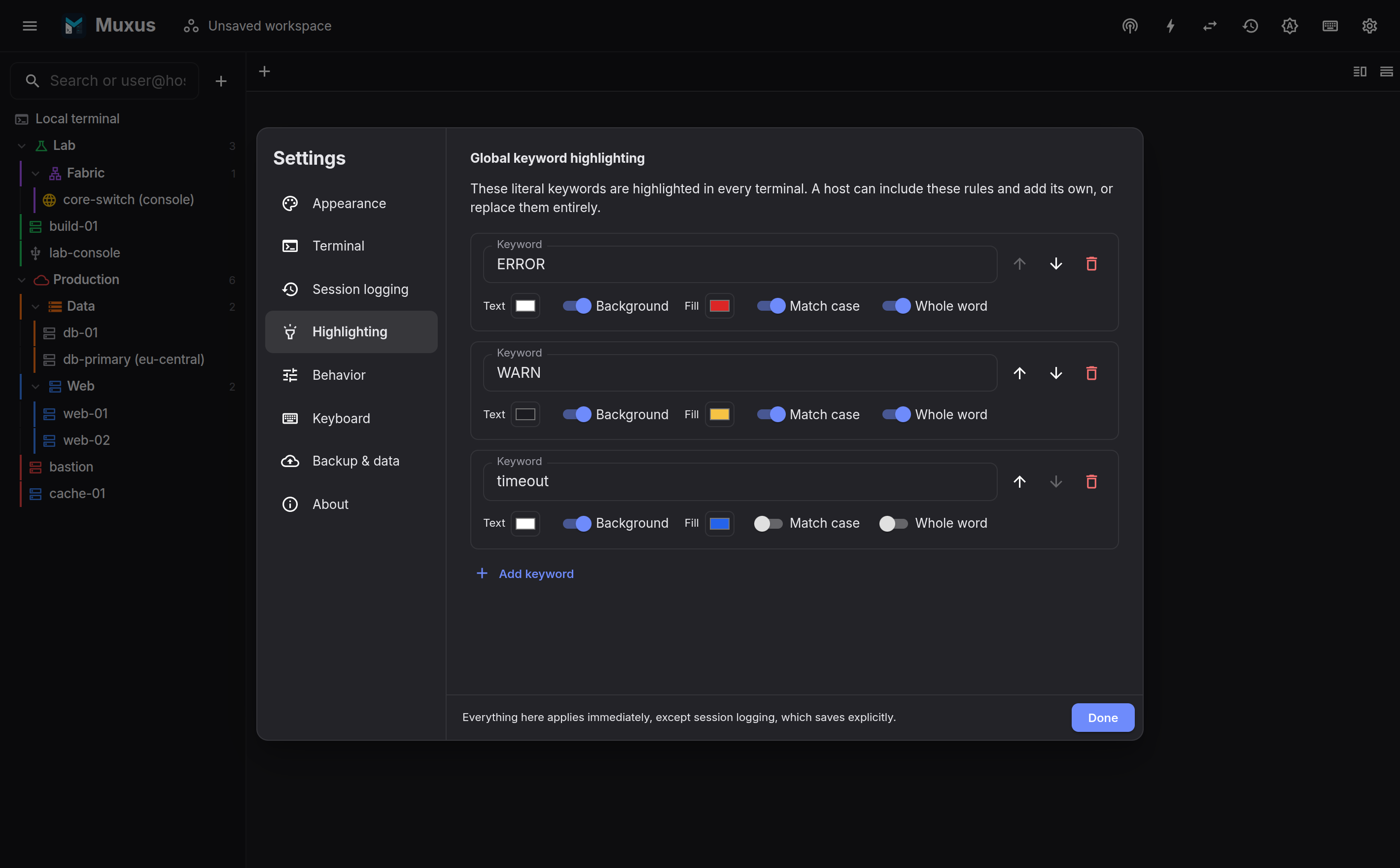
Global keyword rules apply to every terminal: an optional name, keyword or regular expression, foreground, optional background, case sensitivity and whole-word matching. Any rule list can also be edited as JSON. Reusable profiles keep named, platform-specific rule sets that can be assigned to several SSH, Telnet or serial hosts; Nokia SR OS and SR Linux profiles are included, and Built-in restores them. Profiles have stable IDs and can be imported or exported as JSON, so importing an updated copy refreshes existing assignments. Hosts can add their own rules and choose whether to include the global set. See keyword highlighting.
Behavior
Confirm before closing a live session is on by default because closing a connected tab ends its shell.
Close the tab when its shell exits is off by default. Turned on, a local, SSH or Telnet
tab closes when its shell exits by itself with status 0, for example after exit, logout
or Ctrl+D, instead of waiting with Press any key to reconnect. A shell that exits with
another status, a failed or lost connection, a serial console and a pinned tab stay open
with the usual prompt, and a tab with unsaved remote files asks first. Most shells exit with
the status of the last command, so Ctrl+D right after a failed command keeps the tab.
Open hosts with chooses how sidebar entries open: a Single click (the default) or a Double-click. With a double-click, a single click selects a host as in a file manager; the local terminal rows follow the same choice, and Enter opens either way. See Opening with a double-click.
Save new SSH hosts in chooses where the host editor starts a new SSH host: OpenSSH config (the default) or Muxus app data only. The editor's Save host in field can still pick the other one for a single host. Session imports keep their own choice. See Adding & editing hosts.
Show a summary when an SSH session connects is off by default. Turned on, each new SSH session starts with a short list above the remote shell's output: the route (direct, or through which jump hosts), the server software, the login method, the negotiated cipher and key exchange, and whether compression, the SFTP browser, X11 forwarding and agent forwarding are active. A feature that is off says why, for example when the server refused X11 or offered no compression. Port forwards from the host's configuration are listed when there are any. The switch applies to the next connection.
SSH keepalive interval defaults to 30 seconds. It sends a protocol-level probe while an
SSH connection is idle so firewalls, NATs and VPNs do not silently discard it. An explicit
ServerAliveInterval in the host's OpenSSH configuration takes precedence; choose SSH
configuration only to disable the Muxus fallback. A changed interval applies when a
connection is dialed fresh; tabs that share an existing transport keep its keepalive until
it is replaced, for example by Force reconnect all in the workspace dialog.
The two restore switches are also on by default. Automatically reconnect remote sessions dials remote tabs when restoring a workspace and retries a dropped connection a few times. Turn it off to restore remote tabs without logging in. Restore terminal history saves recent output locally every few seconds and replays it above the new session after a restore or reconnect.
In the desktop app, Links has Use Muxus for ssh:// links and Use Muxus for telnet:// links. Each makes Muxus the system's handler for that kind of link and shows which program handles it now. See Opening ssh:// and telnet:// links.
X11 forwarding
Enable X11 forwarding lets graphical programs started in SSH sessions open their
windows locally. It is on by default except on macOS, which needs XQuartz first; while it
is off, Muxus never requests X11 and shows no X11 hints. Forward X11 by default covers
hosts without a ForwardX11 of their own, and on Windows Share the clipboard with X11
apps connects the built-in X server to the Windows clipboard. See
Graphical apps (X11).
Keyboard
Controls whether new splits continue the current session (on by default; SSH reuses the live connection, and serial always asks), whether window-wide tab numbers appear while Alt is held or always, a summary of the layout keys, and access to the full shortcut editor.
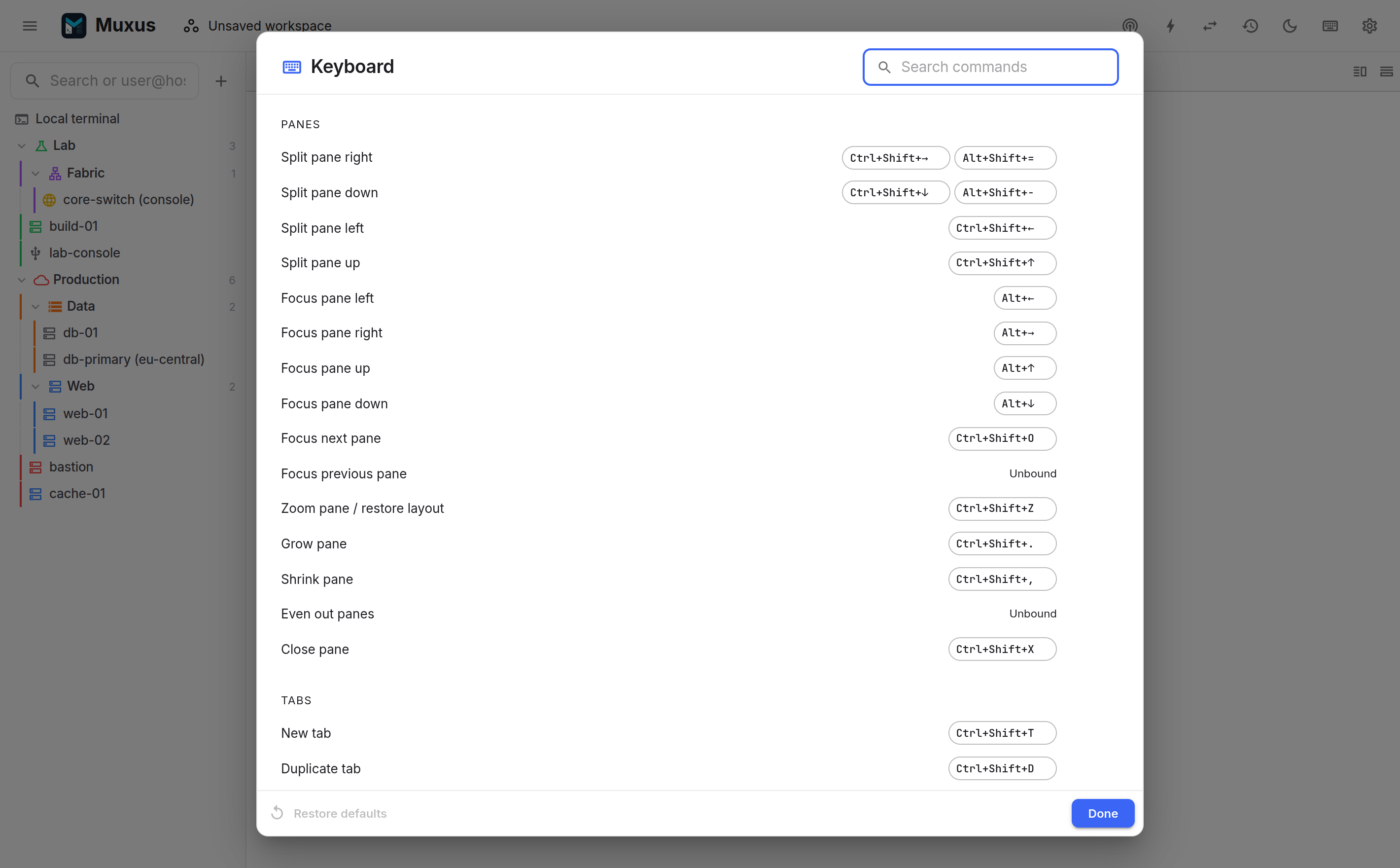
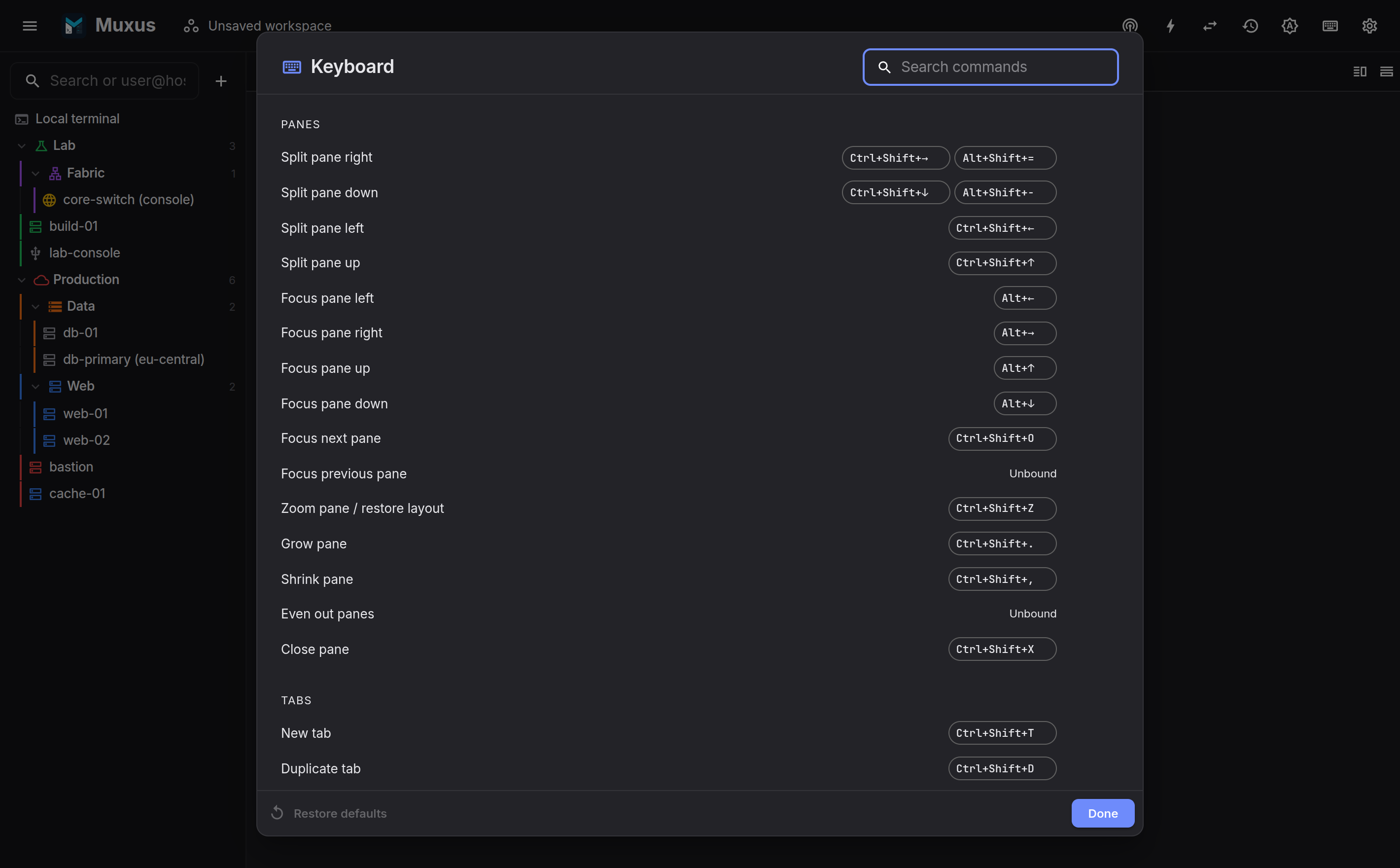
All commands share one keymap. A chord is recorded by pressing it, a command can carry a second chord, and defaults are restored in one click. The sheet is also reachable with Ctrl+Shift+/.
Passwords
The password vault is optional. New vaults default to the never-prompt policy, which uses the operating-system credential store.
- Remember passwords by default opens every password prompt with Remember this password already selected, so a password is saved without ticking it each time. It is off by default. Clear the box on a prompt to keep that one login transient. Without a vault, the first saved password creates it.
- Create password vault sets a master password of at least 8 characters.
- Change prompt policy chooses when routine SSH use needs the master password: Never for saved credentials stores the vault key in the OS credential store, When Muxus starts unlocks it into memory once, and Whenever a saved credential is needed prompts for each use.
- Secrets are passwords and PINs that are not a login, such as an
enableorsudopassword; a user name is optional. Add secret saves one, and command buttons, Send secret… and login sequences type them into a session. Adding, viewing and editing a secret take the master password; typing one follows the prompt policy. Deleting a secret that command buttons or login sequences still use warns first and names them. - View or edit password asks for the master password before revealing the saved value.
- Change master password changes that management password without rewriting every credential.
- Restore OS access appears if the never-prompt policy is selected but the credential store entry is missing.
- Saved-password rows can be forgotten individually. Delete vault forgets all of them without removing hosts, keys or other settings. Reset intentionally needs no master password, so a forgotten password cannot make the vault impossible to remove.
The master password cannot be recovered. Saved-password and secret ciphertext is local to the application database and is not included in Muxus backups; a backed-up command button keeps only which secret it types. The raw vault key is never stored in the application-data directory.
Backup & data
Create backup writes the Muxus-side data to a file: folders, colours, saved Telnet/serial hosts, workspaces, tunnels, login sequences and preferences. Restore a backup merges a file back in; items absent from the file are not deleted. A login sequence's secret steps keep only which vault secret they type.
Export OpenSSH writes the SSH hosts out as a standard ssh_config for use with another
client. Non-secret shared folder defaults are copied into each affected host block so the
export remains usable outside Muxus. Folder and host passwords are omitted; other
Muxus-only settings remain in the backup.
Import from other clients reviews and imports sessions from MobaXterm (a local Windows installation or a session file) and SecureCRT (an XML settings export).
What a backup excludes
Private key files, passwords and recorded session history are never part of a backup.
A backup can contain a saved SSH ProxyCommand. Restoring it does not run the command,
but opening that connection later does. Restore backups only from sources you trust.
Debug
Debug mode raises the app's logging to connection-level detail: every dial, each authentication method as it is tried, waits on the SSH agent, host key verification, and the raw error behind a failed connection. Warnings and errors are always captured, even while debug mode is off. A failure can therefore be inspected after the fact. Turn on debug mode only when the next attempt needs verbose detail.
View logs opens a live viewer with level and text filters; Export logs saves everything as a text file. Logs live in a small, bounded in-memory buffer on this machine. They reset when the app quits and are never written to disk or sent anywhere unless exported.
When the app will not start
The desktop shell also writes startup milestones and crashes to logs/main.log in
its application-data directory (for example ~/.config/Muxus on Linux,
~/Library/Application Support/Muxus on macOS, %APPDATA%\Muxus on Windows).
A failed launch shows a dialog pointing at this file.
About
Shows the version you are running, with buttons to the documentation, the release notes of this version, the GitHub repository and a new issue. Below that:
- Updates turns notifications about new versions on or off and checks on request.
The desktop app downloads and installs updates itself: Download update fetches the
new version in the background, and Restart to update installs it. In the Microsoft
Store version, Update now asks the Store to install it. The web app and Linux
.debinstalls instead show Download, which opens the GitHub release. See Updating Muxus. - This installation lists the facts a bug report needs: version, whether you run the desktop app or the web app, the operating system, the Electron and Chromium versions (or your browser), and in the web app the server address and its platform. Copy diagnostics copies them as text. It never includes your API token, home directory or hosts.
- Made by has links to the author and ways to support the project.