Telnet & serial
Telnet and serial hosts appear in the same list as SSH hosts, with the same folders, colours, search and workspaces. Typical targets are console servers, lab switches and directly attached boards.
OpenSSH has no representation for these, so they are stored as Muxus's own saved hosts in
the local database rather than in ssh_config.
Telnet
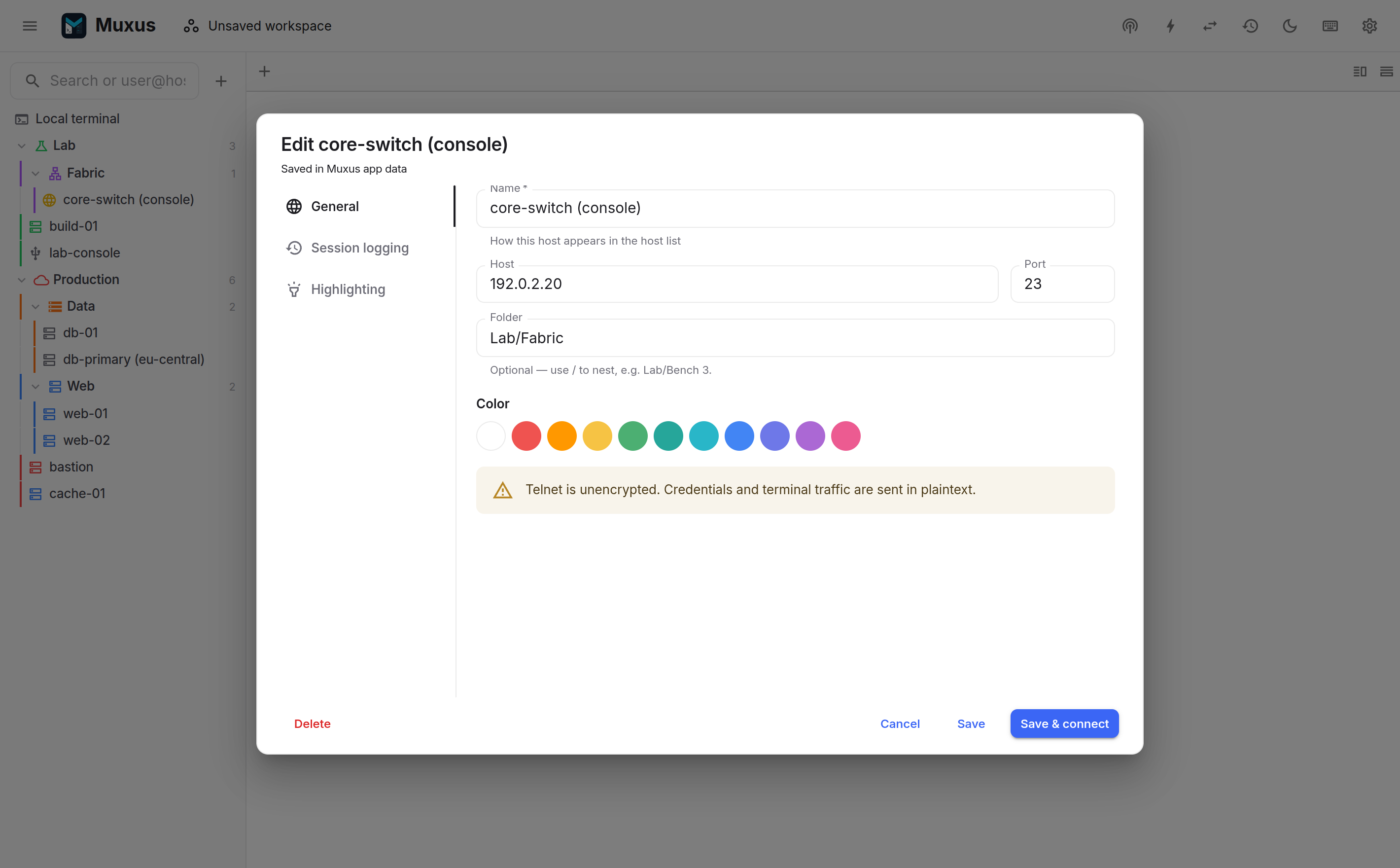
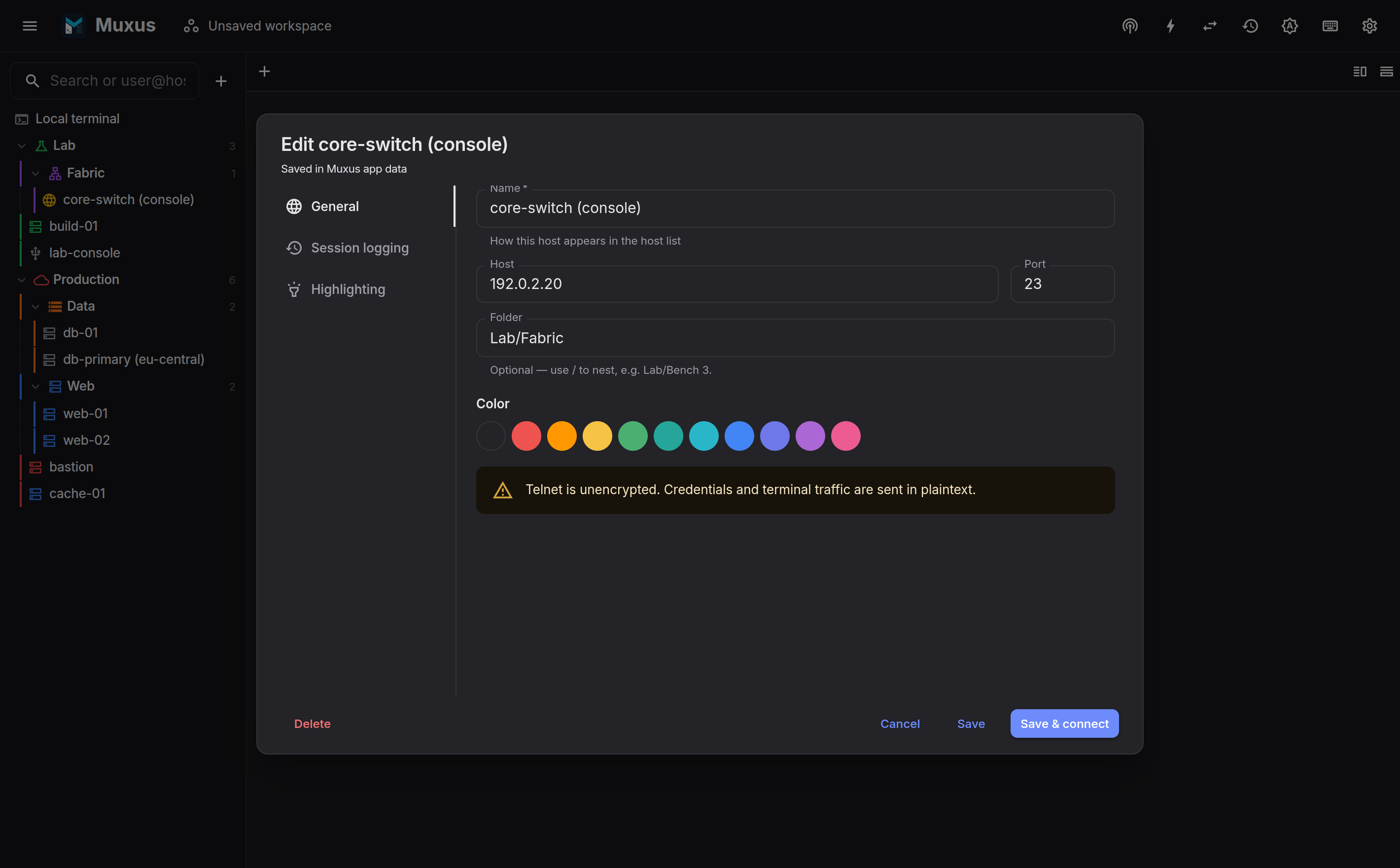
Sessions negotiate terminal type and window size, so full-screen tools on the far end receive the pane dimensions and resize with it.
Telnet has no encryption and no server authentication
All traffic, including what is typed at a login prompt, crosses the network in the clear, and nothing proves the identity of the far end. Use it only on a trusted network: a console VLAN, a lab, or a direct cable.
Serial
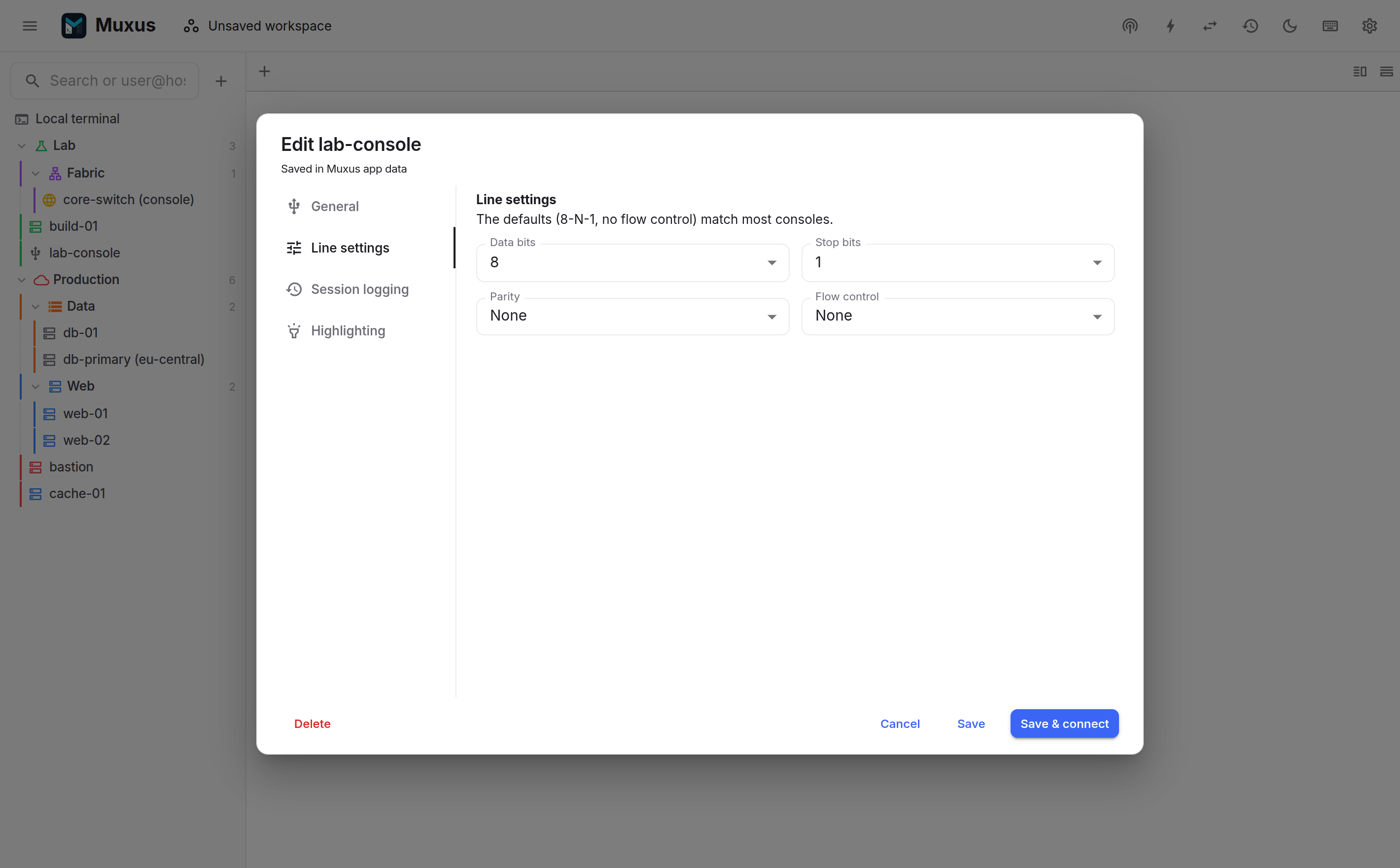
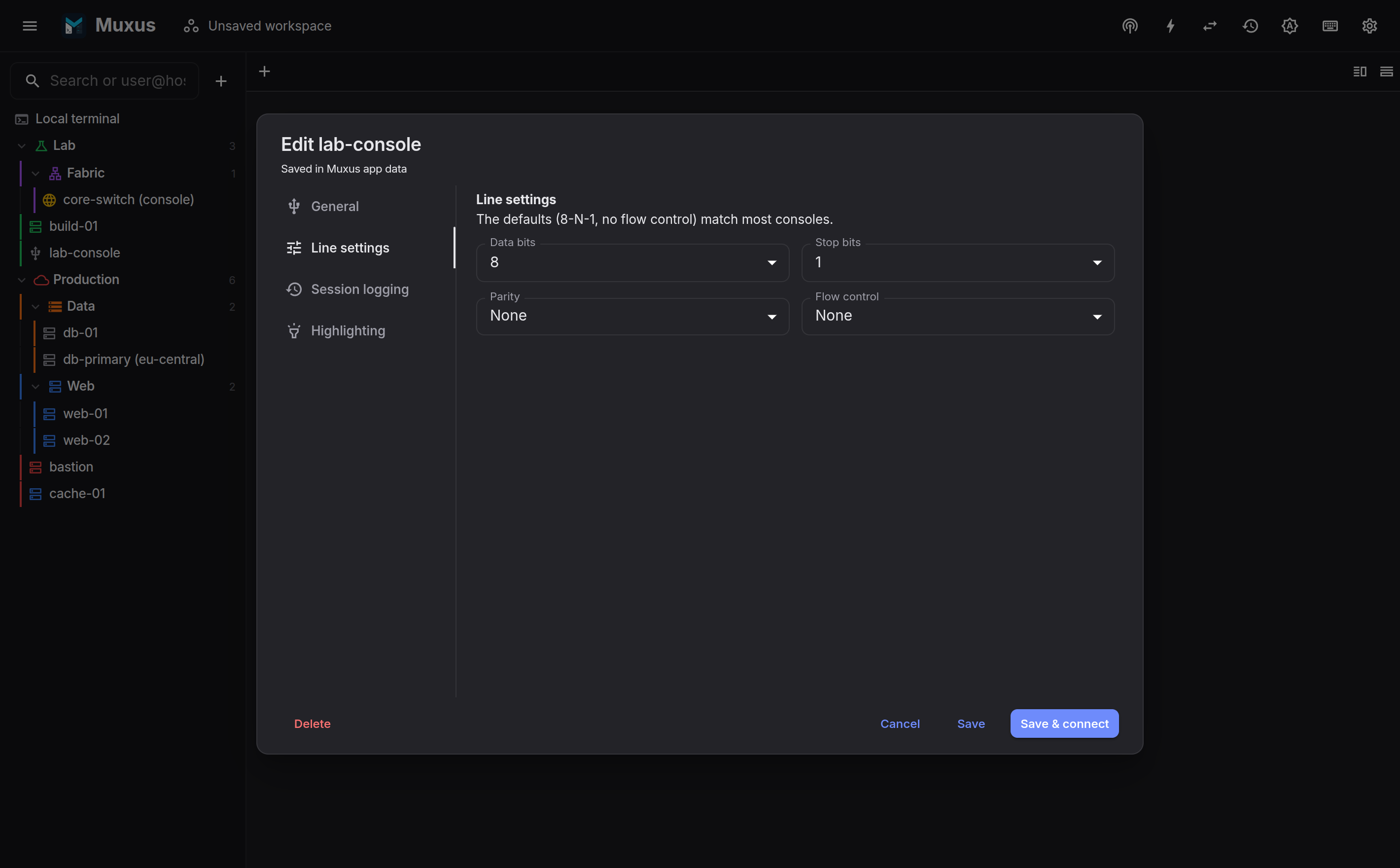
Muxus discovers serial ports through the local backend on Linux, Windows and macOS, and accepts a typed path when the device is not listed. Line settings are per profile:
| Setting | Values |
|---|---|
| Baud rate | 300 … 921 600, or a custom value |
| Data bits | 5, 6, 7, 8 |
| Stop bits | 1, 2 |
| Parity | none, even, odd, mark, space |
| Flow control | RTS/CTS, XON/XOFF, or none |
| Break duration | How long Send BREAK holds the line, 1 … 10 000 ms (default 250) |
Platform naming:
/dev/ttyUSB0, /dev/ttyACM0. Access usually requires membership in the
distribution's serial group, dialout or uucp. Log out and back in after adding the
membership.
/dev/tty.usbserial-*, /dev/tty.usbmodem*.
COM3, COM7, …
One reader per port
A serial port cannot be shared, so splitting a pane from a serial session always asks what to start rather than opening a second reader on the same device.
Pasting a configuration
A console without flow control drops input sent faster than it reads. Set a delay after each line under the host's Terminal appearance, and Muxus types pastes in a line at a time. Or have each line wait for the prompt, so the paste goes as fast as the device answers and stops at the first line it rejects. A configuration saved in a file goes the same way with Send text file…, from the terminal-actions menu or the tab's right-click menu.
Idle timeouts
A console port or console server that closes idle lines ends the session after a quiet spell. Turn on anti-idle under the host's Terminal appearance with an interval shorter than that timeout, and Muxus types into the session before it runs out.
Backspace, Enter and echo
A board that erases on ^H, ends lines on LF or does not echo input works with the host's keys and echo, in the same section.
Send BREAK
Some consoles act on a BREAK signal rather than on any key: Cisco ROMMON and password
recovery, the OpenBoot ok prompt on Sun and Oracle machines, magic SysRq on a Linux serial
console, and console servers that pass BREAK through to the attached port.
Send BREAK is in the terminal-actions menu, in the tab's right-click menu, and in the quick launcher. It has no shortcut until one is recorded for it under Terminal → Send BREAK in the keyboard sheet.
| Session | What is sent |
|---|---|
| Serial | The line is held in the break state for the host's Break duration, then released |
| Telnet | IAC BRK |
| SSH | An RFC 4335 break request of 250 ms, for console servers reached over SSH |
An SSH server that refuses the request, or does not answer it, leaves a short notice in the
terminal, as does a serial driver that cannot signal a break. OpenSSH accepts the request only
for sessions with a terminal, so a host set to RequestTTY no refuses it.
The action is not offered for local shells or remote desktops, and multi-execution never mirrors it: BREAK goes to the session it was sent from.
Shared behaviour
Telnet and serial tabs behave as ordinary tabs. They live in panes, take colour flags, join multi-exec groups, are saved in workspaces, and are recorded by session history when it is enabled. Features that require SSH do not apply: no file browser, no remote editor, no port forwarding.
A login sequence answers the device's own prompts, which
is how a Telnet or serial login is automated: wait for login: or Username:, send the
user name, wait for Password:, send a secret from the password vault. Many serial consoles
stay silent until they receive a key, so such a sequence usually starts with a Send
text step that only presses Enter.