Quick launcher
Ctrl+K (Cmd+K on macOS) opens a single search box covering everything Muxus knows about, and acts on the selected result.
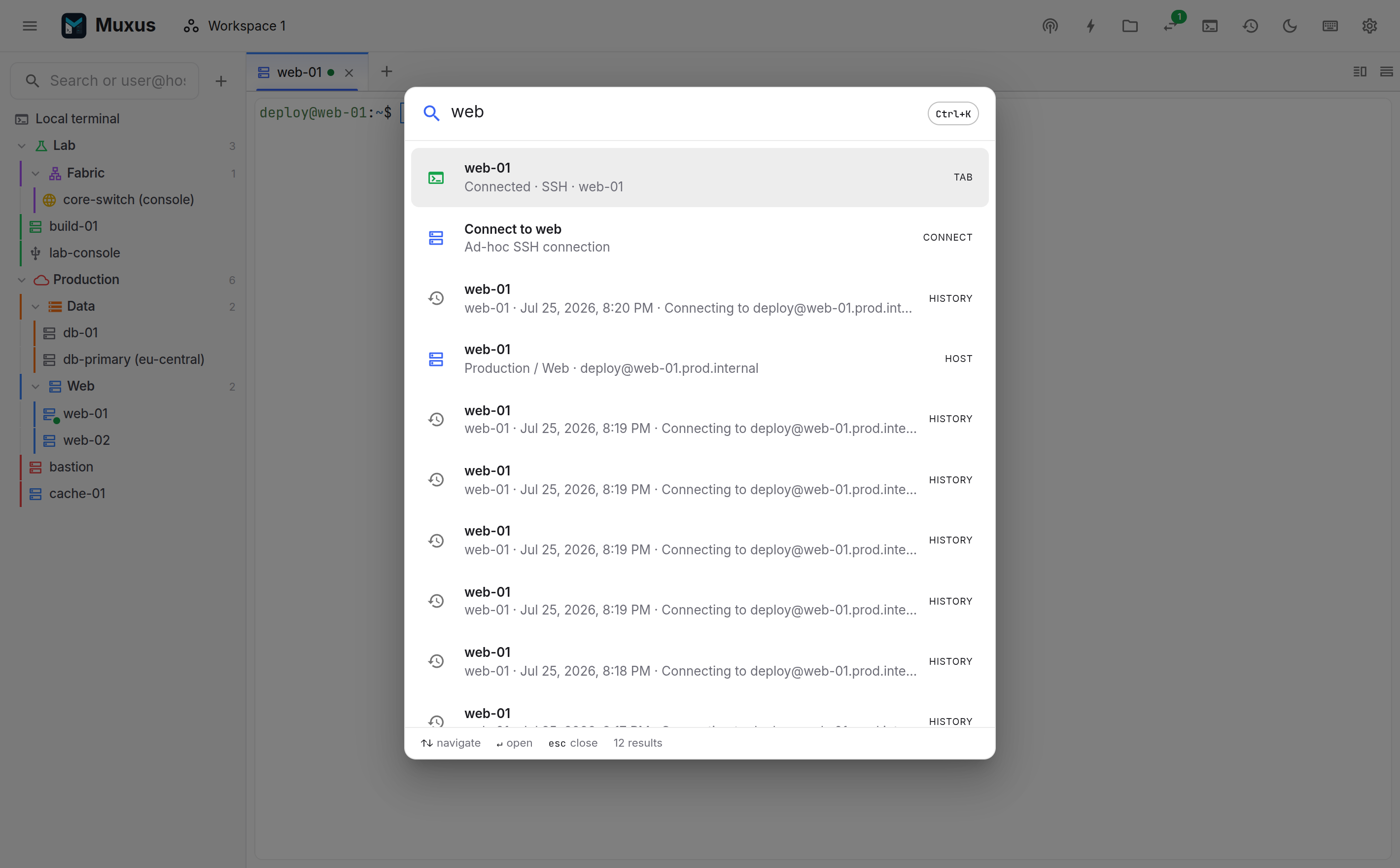
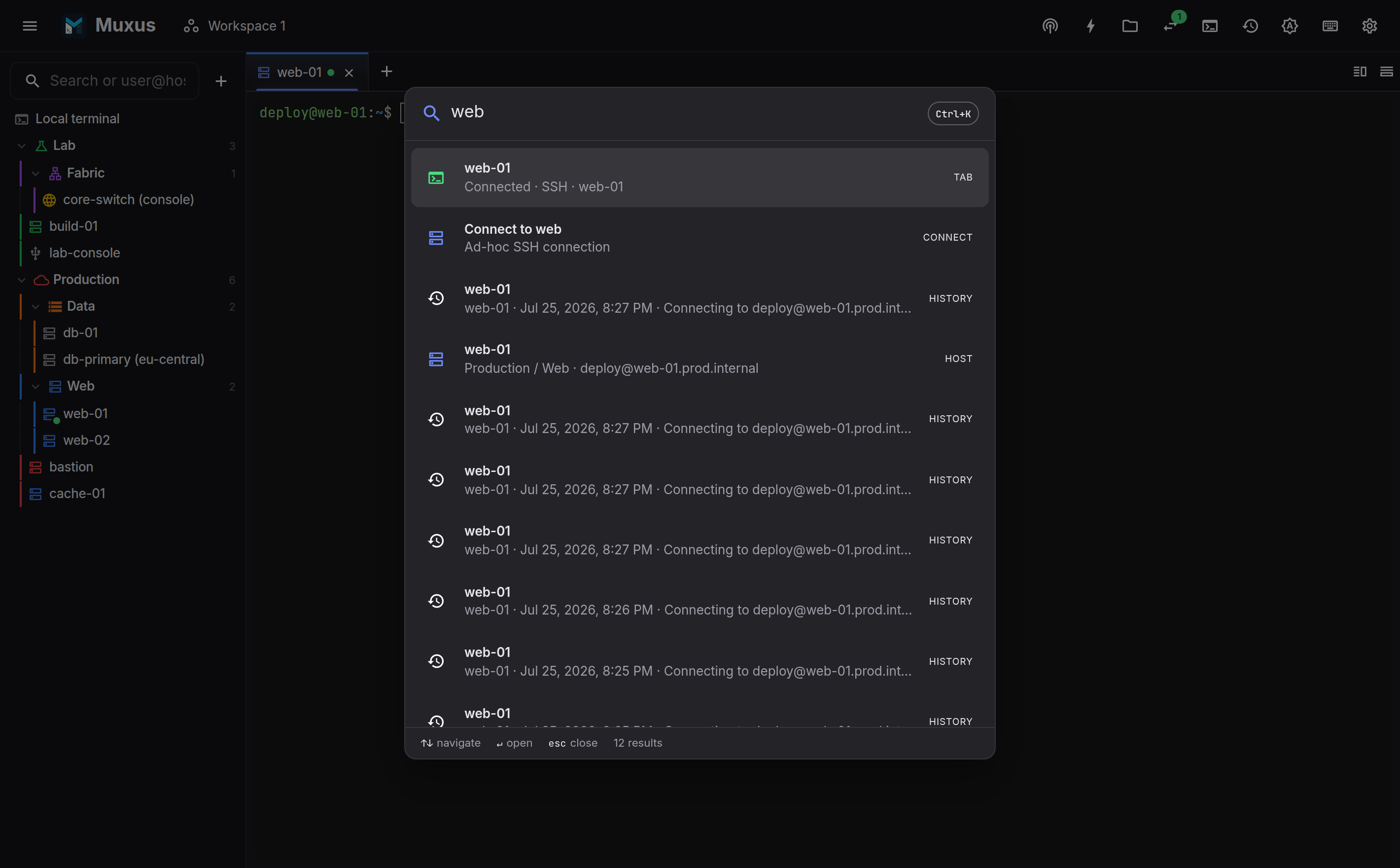
What it searches
| Category | Action |
|---|---|
| Saved hosts (SSH, Telnet, serial, RDP, VNC) | Connect |
| Open tabs | Switch to it, or reconnect if it dropped |
| Editor files open in a session | Jump to the file |
| Workspaces | Open it |
| Saved command buttons, also by group name | Send the command, or type its secret, in the focused terminal |
| Keyboard commands (the whole keymap) | Run it, with its chord shown |
| Tunnels | Start or stop it in place |
| Session history | Open the retained session |
| App actions (settings, history, workspaces, shortcuts) | Open it |
| Anything that looks like a target | Connect ad-hoc to user@host:port |
Matching is token-based: every entered word must appear somewhere in the entry, so prod
db matches db-01 in the Production/Data folder. Results are ranked, and Enter runs
the highest-ranked one.
Keys
| Key | Action |
|---|---|
| Ctrl+K | Open (and close) |
| Up / Down | Move through results |
| Enter | Run the highlighted result |
| Esc | Close |
Each row states the action Enter will perform: connect, switch, tunnel or action.
The sidebar search box is the other half
In the sidebar, the search box filters the tree and connects on Enter, including
ad-hoc user@host targets. The quick launcher extends the same behaviour to every
other category, and works with the sidebar hidden.